OpenCut – A Free Open-Source Video Editor Inspired by CapCut
Introduction
These days, nine out of ten people who edit videos have used CapCut. Its interface is simple, easy to pick up, and it has a wealth of effects and templates – it's genuinely good. But over the past couple of years, a trend has become increasingly clear: basic features are starting to cost money. Exports come with watermarks, quality is limited, and if you want anything slightly advanced, you need a subscription. As someone who regularly edits videos, honestly, it's a bit annoying. Then I came across a project on GitHub called OpenCut, described as an "open‑source CapCut". It has already amassed over 60,000 stars. I clicked in and found that what it's trying to do is quite interesting.
Why Recommend It
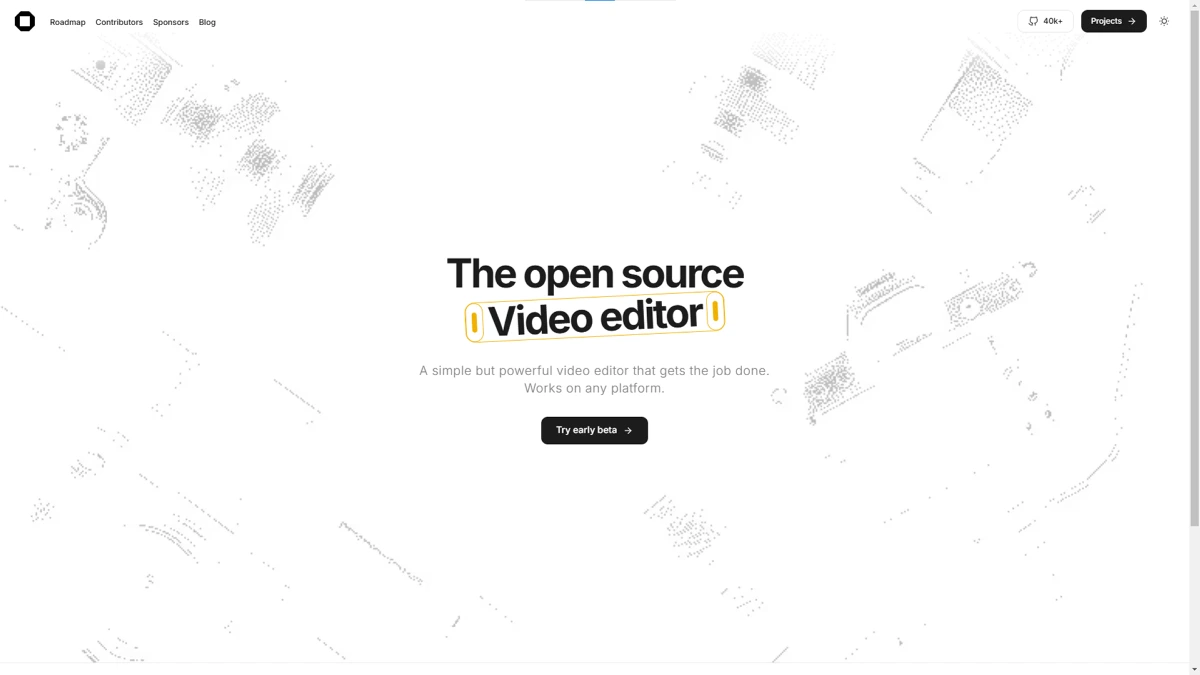
What I find most compelling about OpenCut isn't how powerful it is, but how straightforward its approach is – to build a truly free CapCut alternative. It boils down to three things: privacy first – all videos are processed locally and nothing is uploaded to the cloud; cross‑platform – web, desktop, and mobile are all supported; and completely free – MIT‑licensed, no watermarks, no subscriptions.
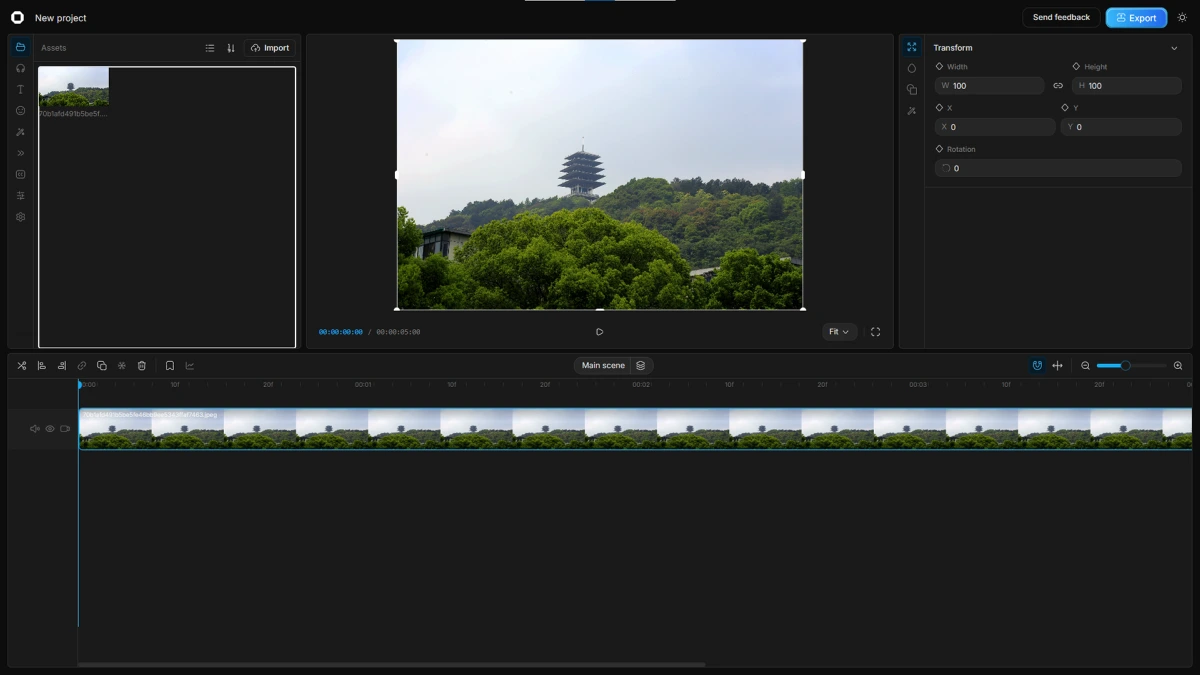
For users already accustomed to CapCut's workflow, the learning curve with OpenCut is very low – its interface layout and feature details are highly similar. You don't need to learn a new editing logic; you can just start using it. Plus, exports are watermark‑free, no payment is required, and all processing stays local, so there's no privacy concern. If you're just editing Vlogs, short videos, course recordings, or everyday clips, OpenCut already covers most of your needs.
A Few Things I Like
Runs in a browser, no installation needed. OpenCut's web version opens directly at opencut.app without downloading any software. For those who edit occasionally and don't want a bunch of applications cluttering their machine, this is extremely convenient.
Familiar interface, zero learning curve. Basic operations like timeline dragging, cutting, and zooming are smooth. It also includes filters, transitions, and subtitles – all free. If you've used CapCut, you'll feel right at home.
No watermarks, no quality compromise on exports. The free version allows 1080P exports without watermarks or resolution caps. That's far more honest than many so‑called "free" tools that slap on a watermark or limit quality on export.
Open‑source and privacy‑focused. All videos are processed locally, no data is sent to the cloud. Project files are also saved locally and don't require any platform account. This is a big plus for users who care about data privacy.
Things That Could Be Better
OpenCut is still in rapid development, and a few practical issues need to be considered.
Desktop and mobile clients are still under development. The most mature version right now is the web app; desktop and mobile are still in the works. If you're used to native software, the web version might take some getting used to.
The effect library is not yet as rich. Compared to CapCut's years of accumulated templates and effects, OpenCut's assets are still fairly basic. However, since it's open‑source, developers worldwide are constantly contributing, so iteration is fast.
Export speed is browser‑limited. Web exports are somewhat slower than native software due to browser constraints. If you often work with large files or long videos, you might notice the wait.
AI features are not yet implemented. Automatic subtitles, AI generation, and similar capabilities are currently missing – there's a gap compared to CapCut's AI offerings. However, the project roadmap does mention AI‑related plans.
Additionally, OpenCut is currently being rewritten from the ground up to build a plugin‑first architecture that will eventually unify desktop, mobile, and browser. If you want to try the current version, you can use the classic version at opencut.app.
Free Usage License
OpenCut is completely free and released under the MIT open‑source license. No ads, no subscriptions, no feature restrictions. All features are fully open, and exports are watermark‑free with no quality caps. The source code is fully public on GitHub, and anyone can view, modify, or even deploy it themselves.
Supported Platforms / Languages
OpenCut currently supports the web version – just visit opencut.app in your browser. Desktop and mobile versions are under development, with future plans for a unified Rust‑based core across all three platforms. The interface supports multiple languages, including Simplified Chinese and English.
Who Is It For
- Short‑form content creators – daily Vlogs, shorts, and life recordings, without being locked behind paywalls
- Students and teachers – course assignments and instructional videos, needing a free and usable tool
- Open‑source enthusiasts – who appreciate open tools and community‑driven projects
- Privacy‑conscious users – who don't want their video content uploaded to the cloud and prefer local processing
- Those tired of subscriptions – fed up with membership tiers and seeking a one‑time‑free solution
Alternatives
If you're interested in open‑source video editors, these are also worth checking out: Shotcut – a long‑standing open‑source editor with cross‑platform support and comprehensive features; Kdenlive – closer to a professional level, with multi‑track editing and advanced colour grading; Olive – a newer open‑source editor with a modern interface, still under active development; and LosslessCut – a lossless trimming tool for fast clip cutting. However, these differ in positioning – OpenCut is more like a modern, easy‑to‑use tool like CapCut, rather than a traditional professional editing suite.
Final Thoughts
I think OpenCut's greatest appeal isn't how powerful it is right now, but how clearly its direction is defined: free, open‑source, local processing, and no watermarks. For users frustrated by CapCut's monetisation strategy, it's a worthy alternative to keep an eye on. Of course, it's still growing rapidly – features aren't as rich as CapCut, and the desktop version isn't fully ready yet. But if you're simply looking for a tool to edit videos without fees or watermarks, OpenCut is already worth bookmarking.