Pebble: A Privacy-First Email Client That Keeps Your Inbox Local
I've been trying Pebble for a while, but I'm not ready to ditch other email clients yet
I've been using it for about two or three weeks. It's interesting, sure, but I haven't set it as my default yet.
Pebble is an open‑source email client. Its big selling points are privacy and local‑first storage—most of your email data stays on your device, not pushed to the cloud. That idea appealed to me, because who isn't worried about their emails being scanned these days?
But is it for everyone? I'm not so sure.
Why I started looking at it
I'd been hunting for a replacement for a while. Thunderbird felt a bit clunky. Mailspring looks nice, but some features require a subscription. And the web version of Gmail… well, I had too many tabs open and wanted a separate desktop app.
That's when I stumbled upon Pebble. Not many stars on GitHub, but the description was straightforward. AGPL‑3.0 licence, fully open source. Supports Gmail, Outlook, and standard IMAP.
I thought: "Alright, let's give it a shot."
Impressions after using it
Installation went smoothly. Adding an account was painless too—the OAuth flow was standard, and passwords and tokens are stored encrypted, which is reassuring.
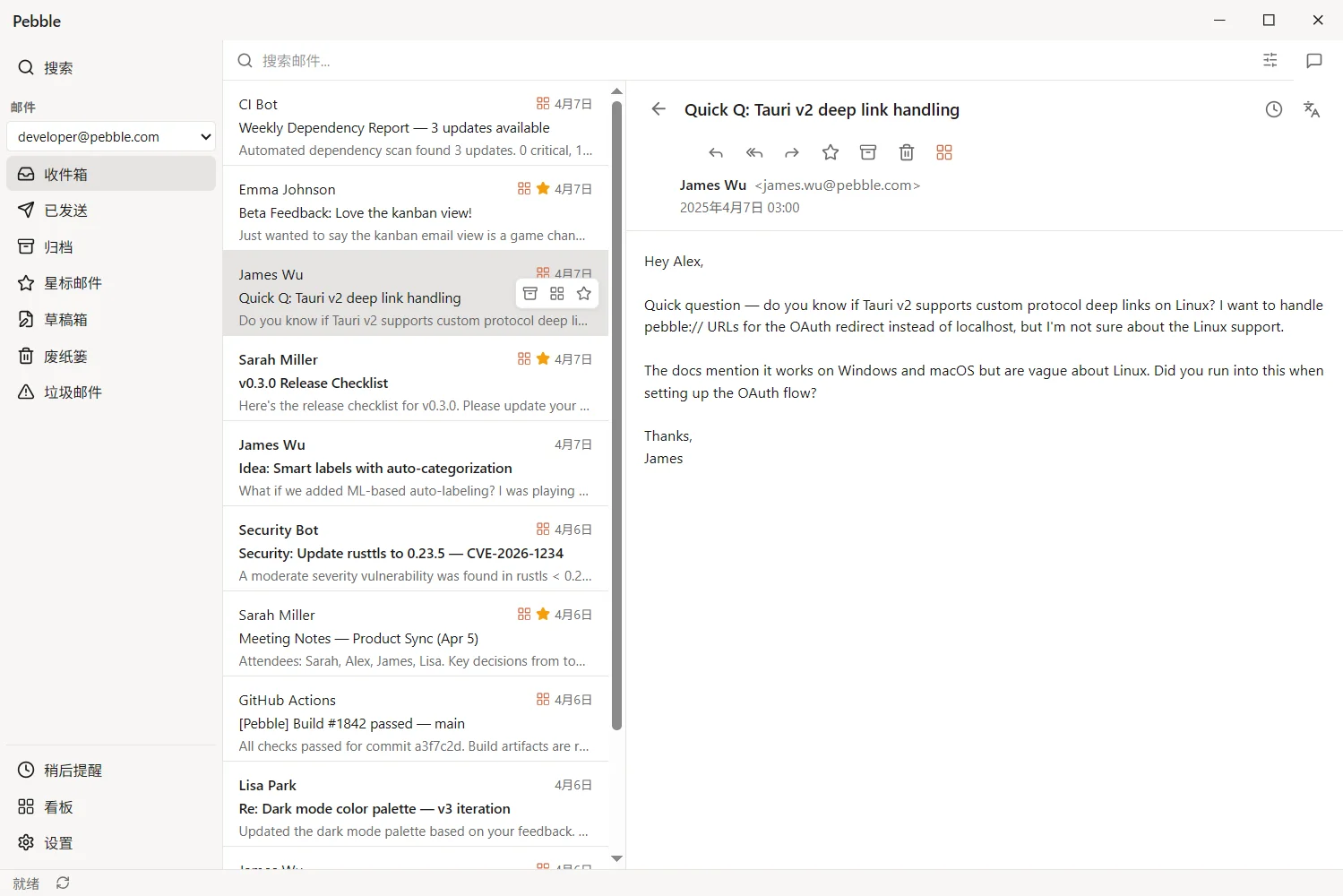
The interface is clean. Not flashy, just… not annoying. Folder tree on the left, email list on the right, preview pane at the bottom. Multi‑account support is built in, so switching accounts doesn't require logging in again.
Search includes full‑text. I tried looking up a few old emails, and the results came back reasonably fast—no noticeable lag.
But honestly, it didn't give me that "wow" feeling. It's a capable tool, not a showstopper.
A few limitations worth mentioning
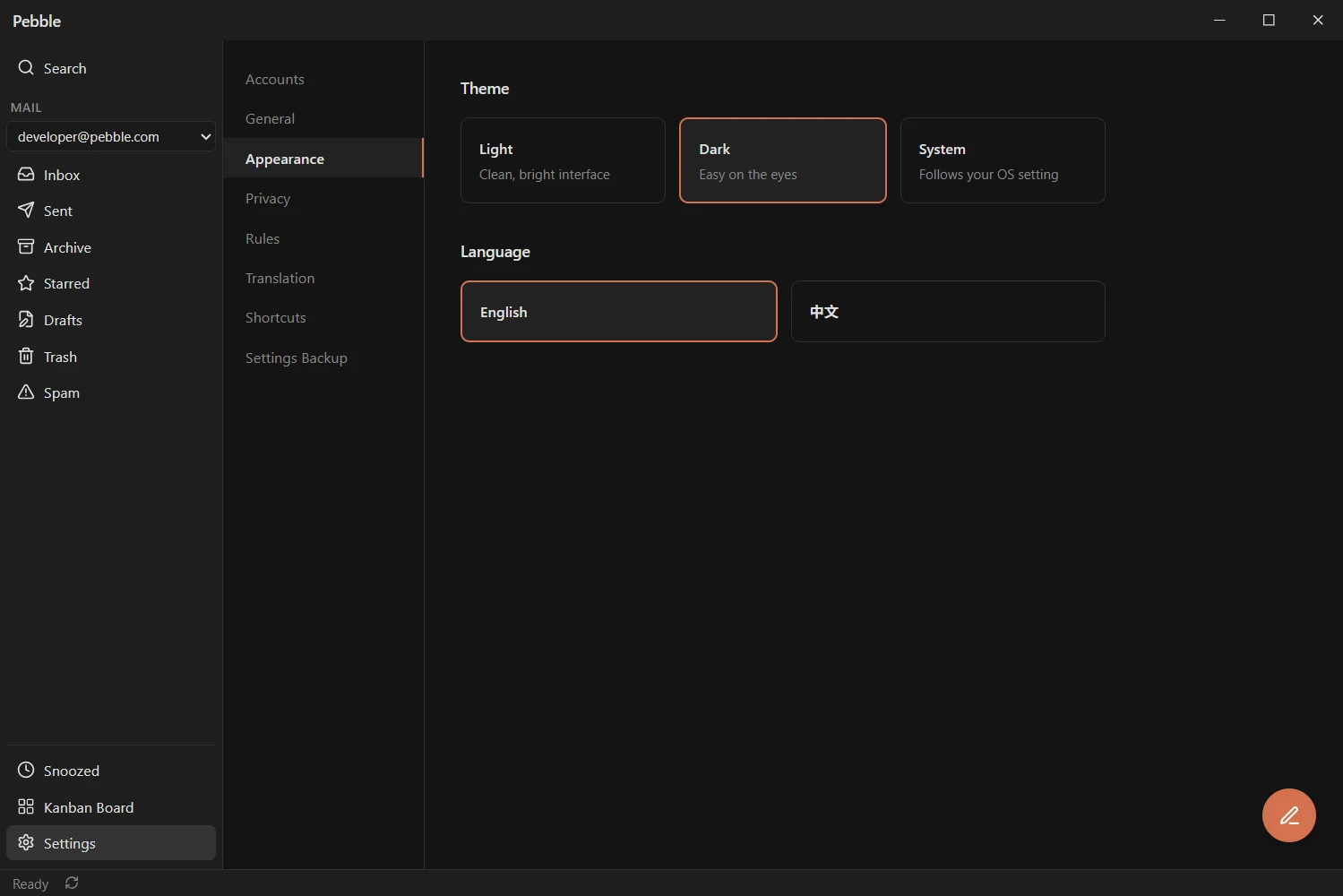
Language‑wise, it's currently mainly in English and Chinese. The interface is in English, and so is the documentation. The official line says the architecture supports internationalisation, but translations haven't been rolled out yet. If you're not comfortable with English, you might struggle a bit.
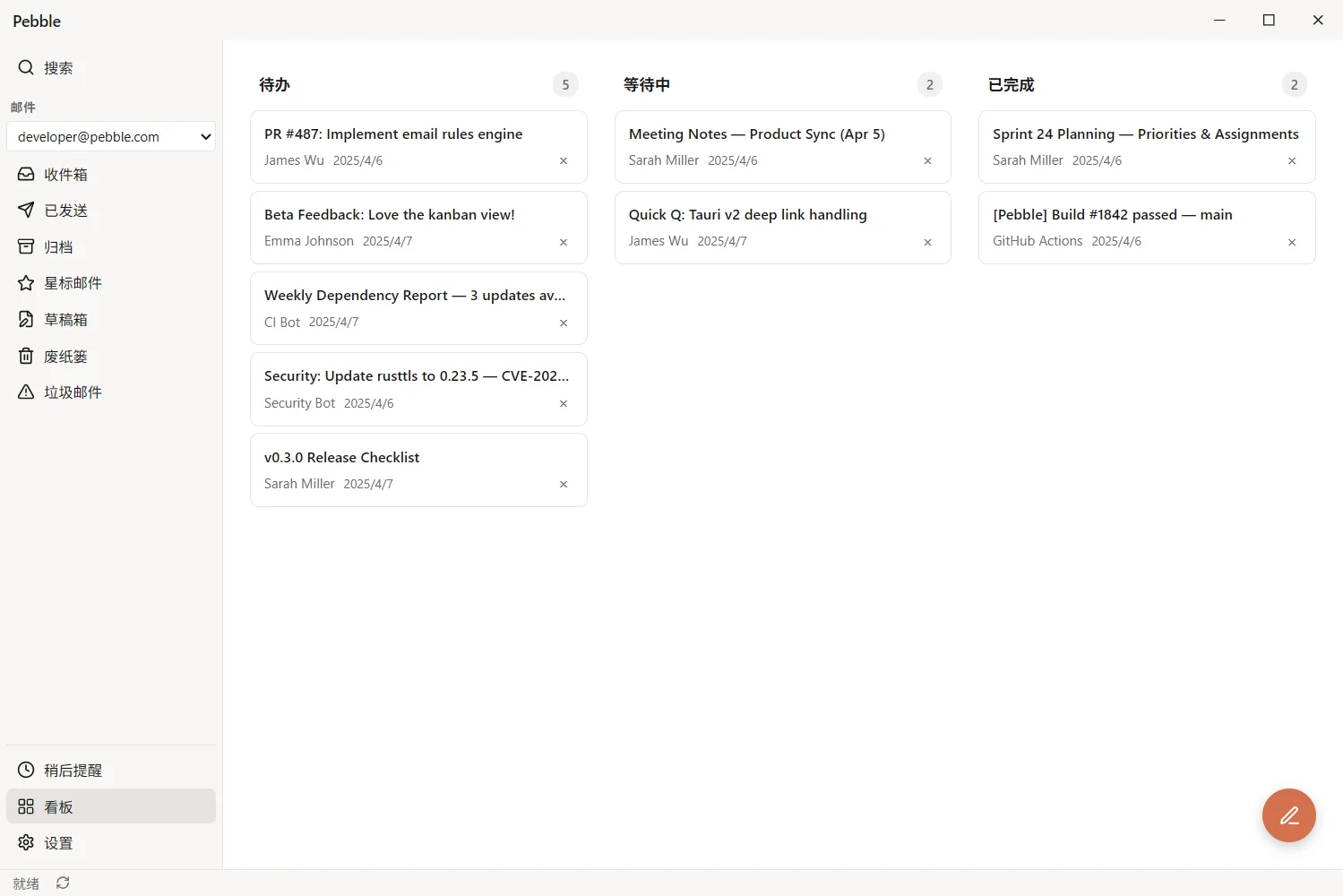
I also noticed some missing features. Things like mail rules, automatic sorting, and extensive keyboard shortcut customisation—stuff that's common in mature clients—aren't there yet in Pebble. Maybe I haven't found them, but they're not obvious in the default interface.
And it's pretty new. The project is evolving quickly, and the version number hasn't hit 1.0 yet. What does that mean? It means there could be bugs, API changes, or features you rely on might shift in the next release. Using your primary email account with it is a bit of a gamble.
So who is it for?
I'd say it leans more towards developers or technically‑minded users. Not that non‑techies can't use it, but its positioning feels very "tool‑like"—privacy first, local storage, open‑source licence—things that resonate more with the tech community.
If you don't really care where your emails are stored or whether the code is open, Pebble probably won't grab your attention. Isn't it easier to just open Gmail in a browser?
But if you like tinkering, don't mind imperfection, and are willing to file issues and give feedback—then Pebble is worth keeping an eye on.
The good and the not‑so‑good
The good:
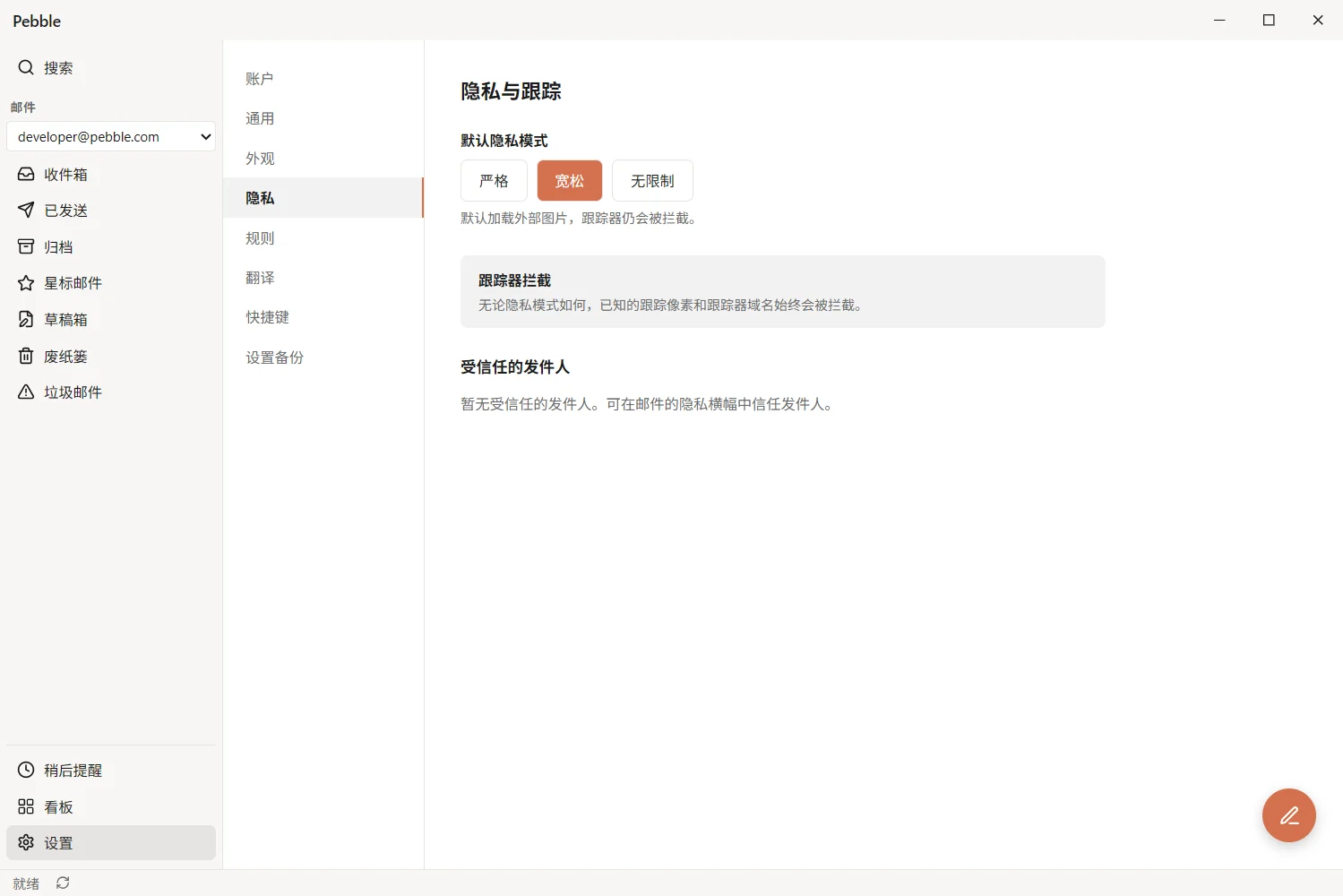
- Local‑first design, solid privacy protection
- Open source (AGPL‑3.0) – you can modify it if you want
- Supports major email services
- Clean, uncluttered interface
The not‑so‑good:
- Still too new, features are missing
- Mainly in English and Chinese – not friendly for users of other languages
- Stability is still uncertain – I haven't dared to connect all my accounts yet
A final thought
Pebble isn't trying to replace Outlook or the Gmail web client. Not yet, anyway. It's more like a lightweight alternative for people who want to take back control of their inbox.
Does everyone need this "local‑first" approach? Not necessarily. But if that concept resonates with you, and you're curious about what an open‑source email client can do—then it's worth spending half an hour to install and play with.
I'll keep using it for now. But I'm still watching how it develops.