GIMP: A Free and Open-Source Photoshop Alternative
About GIMP
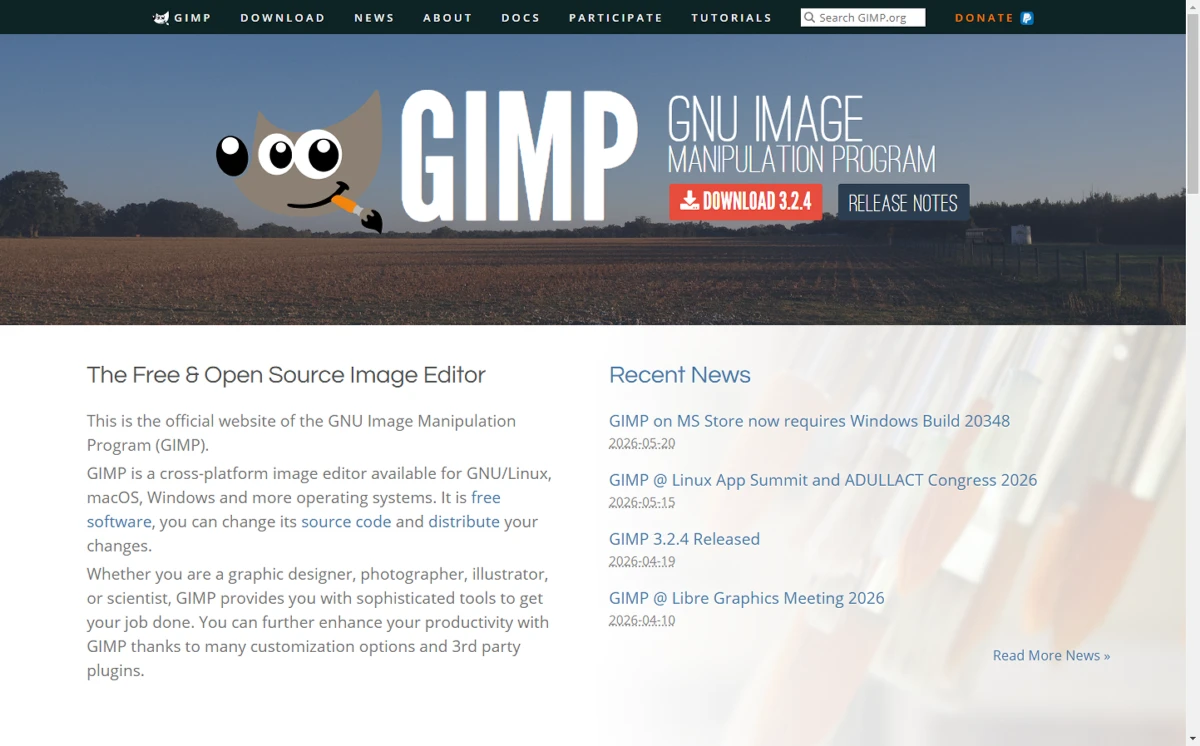
GIMP stands for GNU Image Manipulation Program, an excellent, free and open-source image processing software. It was originally developed by two students from the University of California, Berkeley – Peter Mattis and Spencer Kimball – who began working on software as powerful as Photoshop back in 1995. In 1997, it became an official part of the GNU Project and was officially renamed GIMP. Today, GIMP has evolved into an image editor that can be positioned against Photoshop.
Features of GIMP
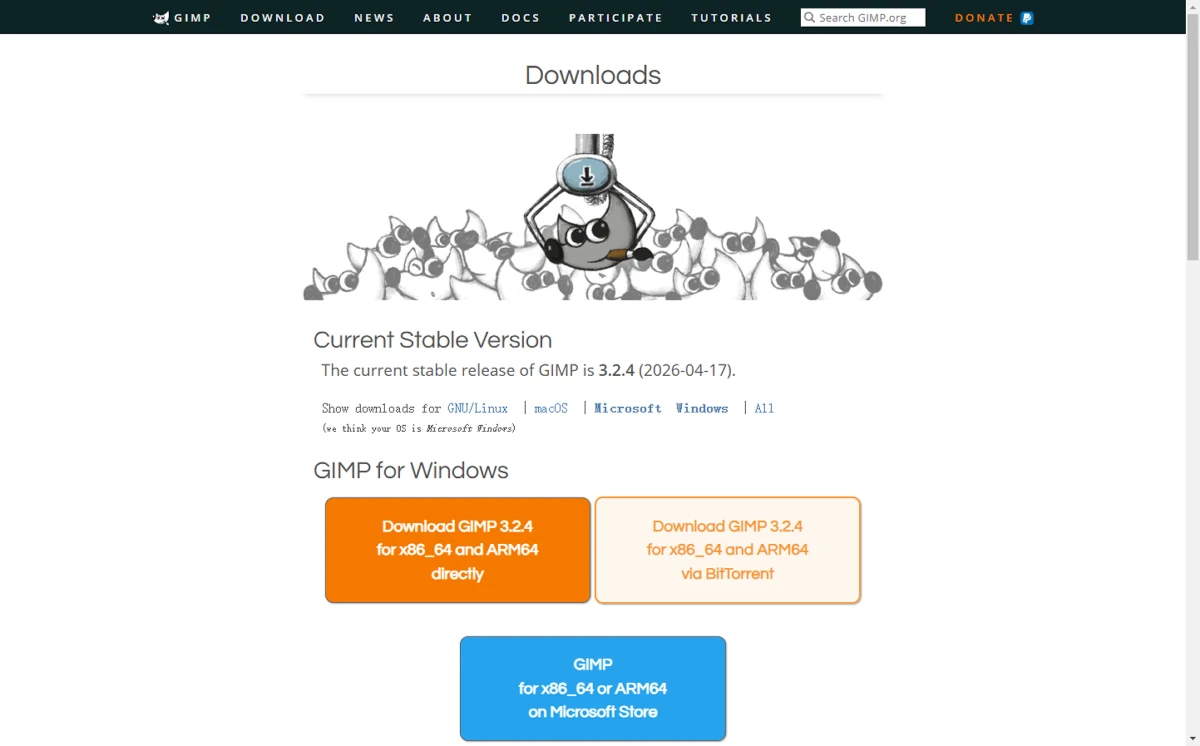
- Cross-platform – provides installation packages for Windows / macOS / Linux
- Supports Chinese interface – no language barriers
- Comprehensive image processing capabilities – offers basic tools like brushes, warping, filling, as well as advanced features like filters and colour transformations, meeting the needs of professionals
- Customisable user interface – you can configure the workspace according to your preferences
- Supports plugins and also allows you to write your own plugins, enabling many more powerful features and improving workflow efficiency
- Excellent hardware support and top‑tier colour management – delivers high‑fidelity colour for both digital and print media
First‑Hand Experience and Tips
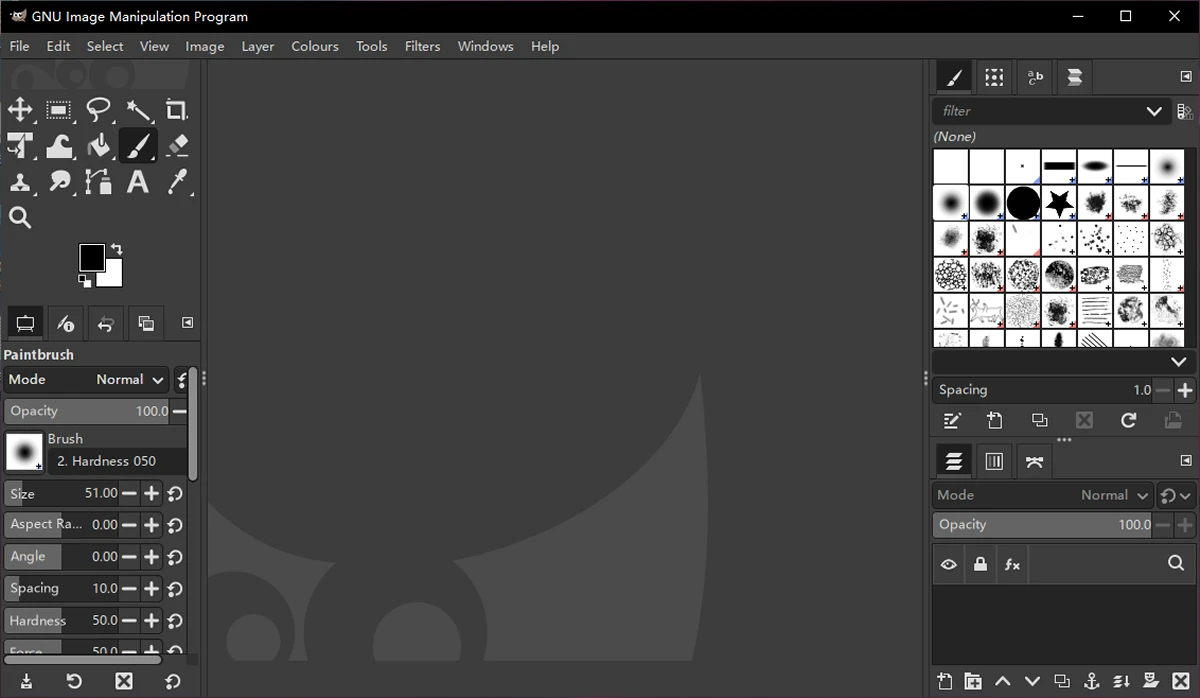
GIMP's interface is noticeably cleaner than the bloated Photoshop. With a Photoshop background, I found it very easy to pick up. In fact, to make the interface even more Photoshop‑like, someone even developed a plugin called PhotoGIMP – after installation, it looks almost identical to Photoshop, greatly reducing the learning curve.
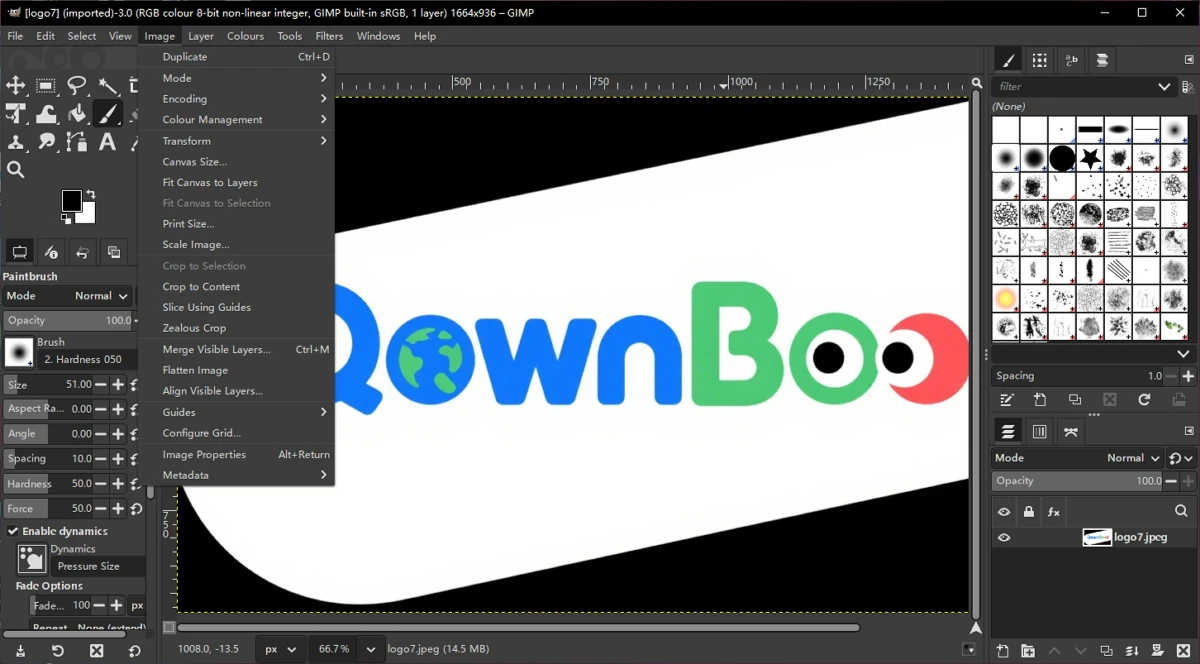
In terms of image processing, GIMP delivers excellent results – from retouching and restoration to creative compositing. I also tried using it for icons, graphic design elements, UI components, and illustrations, and it handled all those design needs well. However, compared to vector‑based software like Sketch or Figma, there is still a gap in terms of operability and ease of use. But considering that GIMP is positioned against Photoshop – and few UI designers use Photoshop for interface work nowadays – GIMP remains a highly recommended image editing tool for creative compositing, image adjustments, and graphic design.
Overall, GIMP is an outstanding image editing tool that frees us from expensive Photoshop licenses and the need to hunt down dubious cracked versions. Whether you are a graphic designer, photographer, illustrator, or scientist, GIMP can meet complex image processing needs. With many customisation options and third‑party plugins, you can further boost your productivity. For similar free image editing software, I've previously recommended PhotoDemon.
Free and Open‑Source Statement
GIMP is a free and open‑source, cross‑platform image editor available for GNU/Linux, macOS, Windows, and many other operating systems. Both individuals and companies can download and use it for free. It is free software distributed under the GPLv3+ (General Public License version 3 or later) and also serves as a high‑quality framework for scripted image processing, with multi‑language support including C, C++, Perl, Python, Scheme, and more! Interested developers can download the source code, modify it, and release their own versions.