TinyPNG: Compress PNG & JPEG Images Without Sacrificing Quality
Introduction
Most design software, such as Photoshop and Sketch, includes built-in image compression when exporting files. However, transparent PNG images often remain surprisingly large even after compression, which can be frustrating—especially for developers who care about front-end performance. Then, years ago, I discovered TinyPNG. It felt like stumbling upon a hidden gem. The visual quality was almost identical, yet the file size could be reduced by 8 to 10 times!
Features
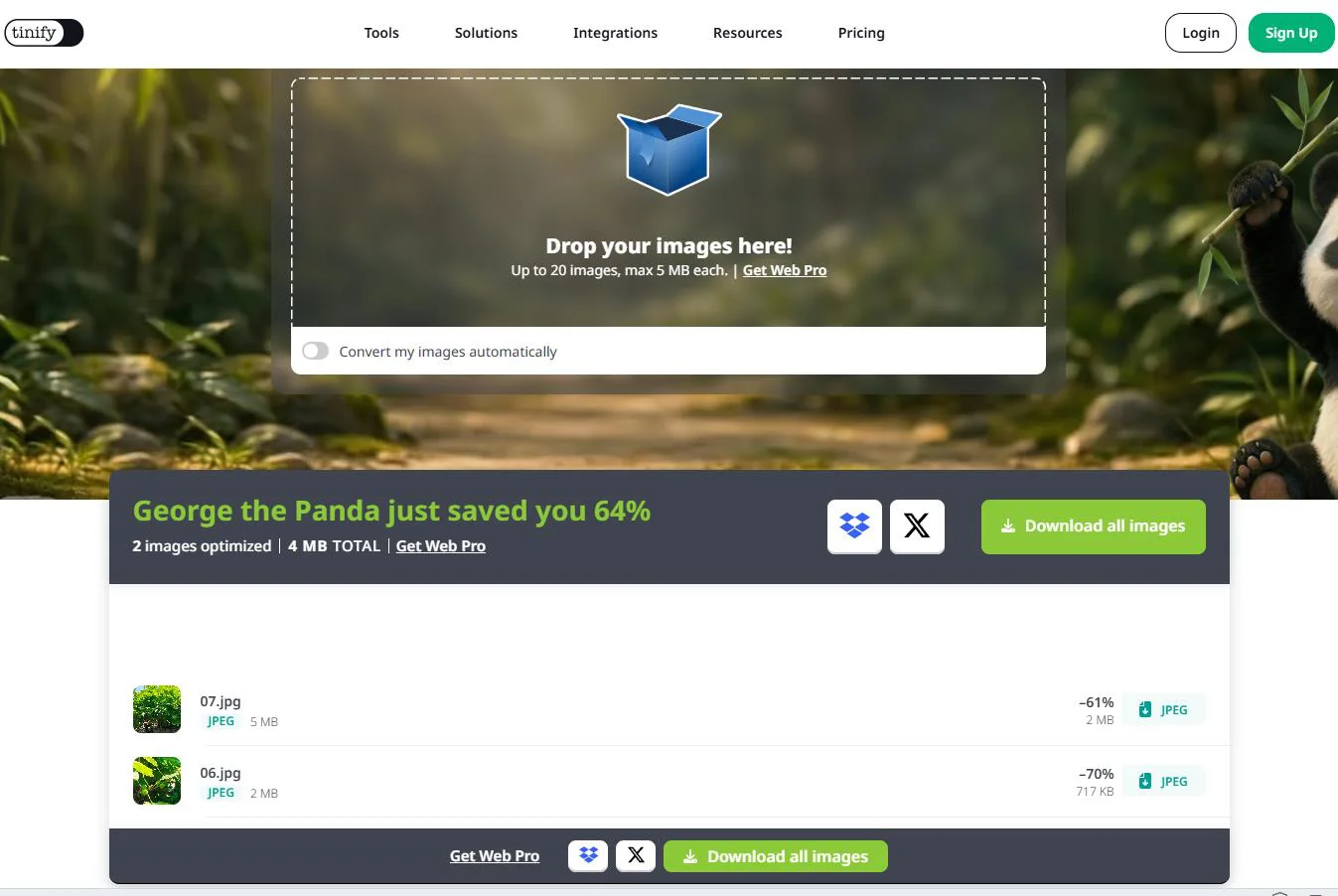
- Even after compressing images in Photoshop, TinyPNG can often reduce the file size by more than 50% again, with virtually no visible loss in image quality.
- It delivers especially impressive compression for transparent PNG images compared to JPEG.
- It provides a developer-friendly API with support for multiple backend languages. A free usage quota is available, which is more than enough for most small and medium-sized projects, and the paid plans are reasonably priced.
Hands-on Experience
TinyPNG is an online image compression tool that requires no registration. Although it's hosted overseas, the website is fast and responsive, providing a smooth upload and download experience.
The website supports multiple languages, including Chinese, and is extremely easy to use. Simply upload your images, and TinyPNG compresses them automatically before generating a download link. Drag-and-drop uploads are also supported. Its compression results are noticeably better than those produced by Photoshop and many other design tools. For projects that require processing large numbers of images, the API can automate compression. The only drawback is that the API is designed for backend development, so front-end developers will need some Node.js knowledge to integrate it.
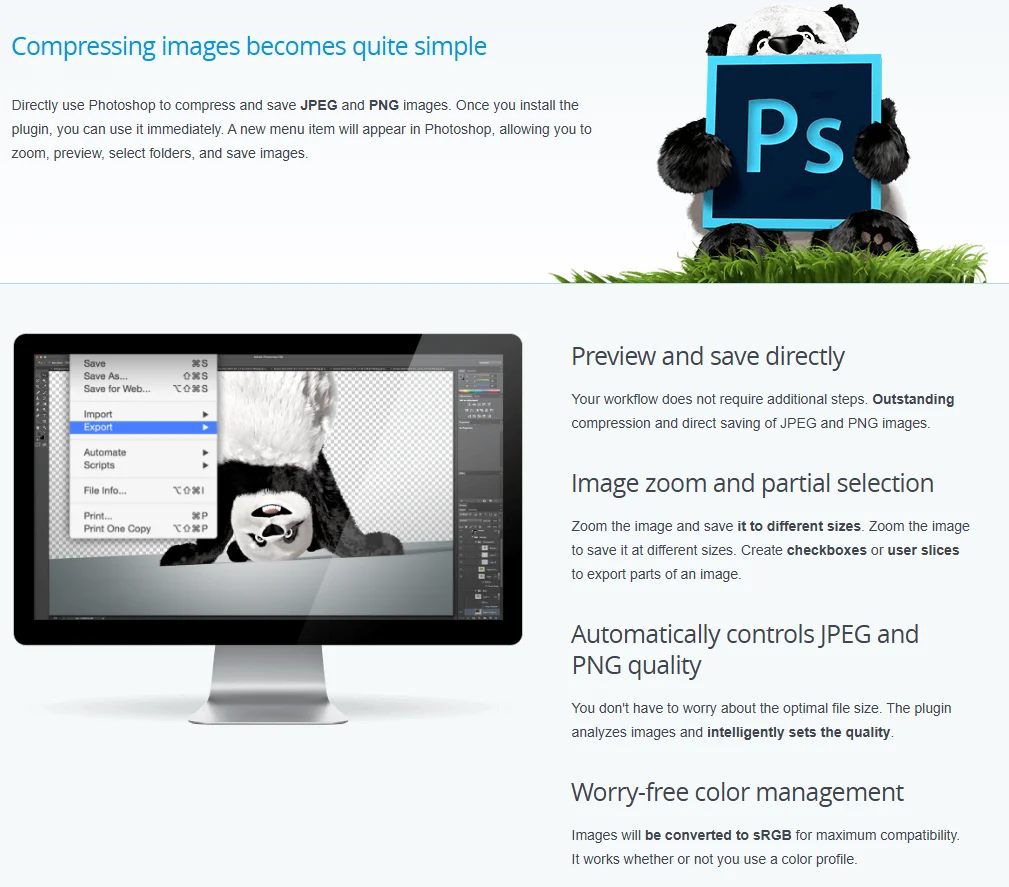
For designers, the web version is more than sufficient for everyday image optimization. TinyPNG also offers a Photoshop plugin (paid) for those who want to integrate it directly into their workflow. For more details, visit the official website.
Free Usage
TinyPNG is free to use online. You can upload up to 20 images at a time, with each image limited to 5 MB. Images larger than 5 MB require a paid plan. If you have more than 20 images, simply upload them in multiple batches. Only the Photoshop plugin and API require payment, and the API also includes a free monthly quota, making TinyPNG a very generous service for both designers and developers.