Obsidian - Build Your Second Brain with Local Markdown Notes
Introduction
I've tried quite a few note‑taking apps over the years.
Evernote, Notion, OneNote – each has its strengths, but one thing always bothered me: my data sits on someone else's servers. What if the service shuts down one day? What if I stop paying the subscription? Can I still get my notes back?
Then I found a completely different approach – notes stored locally, saved as plain Markdown files. Even if I stop using the software altogether, I can still open them with any text editor.
That software is Obsidian.
What Is Obsidian
Simply put, Obsidian is a knowledge management tool built on local Markdown files. Unlike Notion, which stores everything in a cloud database, Obsidian treats any folder on your computer as your "vault" – each note is a .md file. You can open it with Obsidian, or with VS Code, Typora, or even Notepad.
Some people compare Notion to a Swiss Army knife – it can do almost anything – and Obsidian to Lego bricks, where you build whatever you want from the ground up. I think that's a pretty good analogy. Notion gives you a complete set of tools; Obsidian gives you the pieces and lets you assemble them yourself.
The core logic isn't complicated either: connect notes through bidirectional links to form a knowledge network. When you're writing, using [[Note Title]] to reference another note creates a two‑way connection between them. Over time, these connections grow into a web – rather than a folder‑within‑folder tree structure.
Why It's Worth Paying Attention To
In my view, Obsidian's greatest value isn't the feature list – it's how thoroughly it commits to one principle: your data belongs to you.
It stores notes locally by default. No account needed, no data collection. Even if you use the official sync service, Obsidian Sync, your data is end‑to‑end encrypted with AES‑256 – not even Obsidian can read your content. That sense of "data sovereignty" is something many cloud‑based note apps simply can't offer.
It also has a very practical advantage: long‑term accessibility. Your notes are plain Markdown files – completely open format. Even if Obsidian disappears ten years from now, those files are still there, and any text editor can open them. By contrast, many note apps lock their data into proprietary formats – if the platform goes down, your content may be gone forever.
Of course, it's not lacking in features either. Bidirectional linking, knowledge graphs, and a rich plugin ecosystem have earned it a solid reputation in the "knowledge management" space.
A Few Features That Made Me Think "Worth It"
Bidirectional linking makes notes come alive. Traditional folders force you to put a note in one category, but a lot of knowledge crosses boundaries. A note on "machine learning" might relate to "statistics", "Python", and "data analysis" all at once. Bidirectional links let you freely connect notes to each other, instead of being boxed in by a folder hierarchy.
The graph view is intuitive. When you have enough links between notes, Obsidian visualises them as a graph – each note is a node, each link is a line. You can see which topics are central, which notes are isolated. This isn't just visually appealing – it's genuinely helpful for understanding your knowledge structure.
A strong plugin ecosystem. Obsidian has a full plugin system, and the community has built a huge number of plugins – calendars, task management, Kanban boards, daily notes, Excalidraw diagrams… almost anything you can think of, there's a plugin for it. It's like a whiteboard – you decide what tools to add.
Actively maintained, not a "write‑and‑run" project. The Obsidian team keeps it updated. The latest 1.9.0 release introduced the Bases core plugin, which turns scattered notes into structured databases. For users managing research or projects, this fills a gap that existed before.
Bases also narrows the gap with Notion a bit more. One of the common critiques of Obsidian was that it lacked something like Notion's databases – and now the official team has delivered it. It's not yet as feature‑rich as Notion, but the direction is clear: add structured data management without compromising local storage and openness.
What Could Be Better
Obsidian isn't perfect – there are a few things to keep in mind.
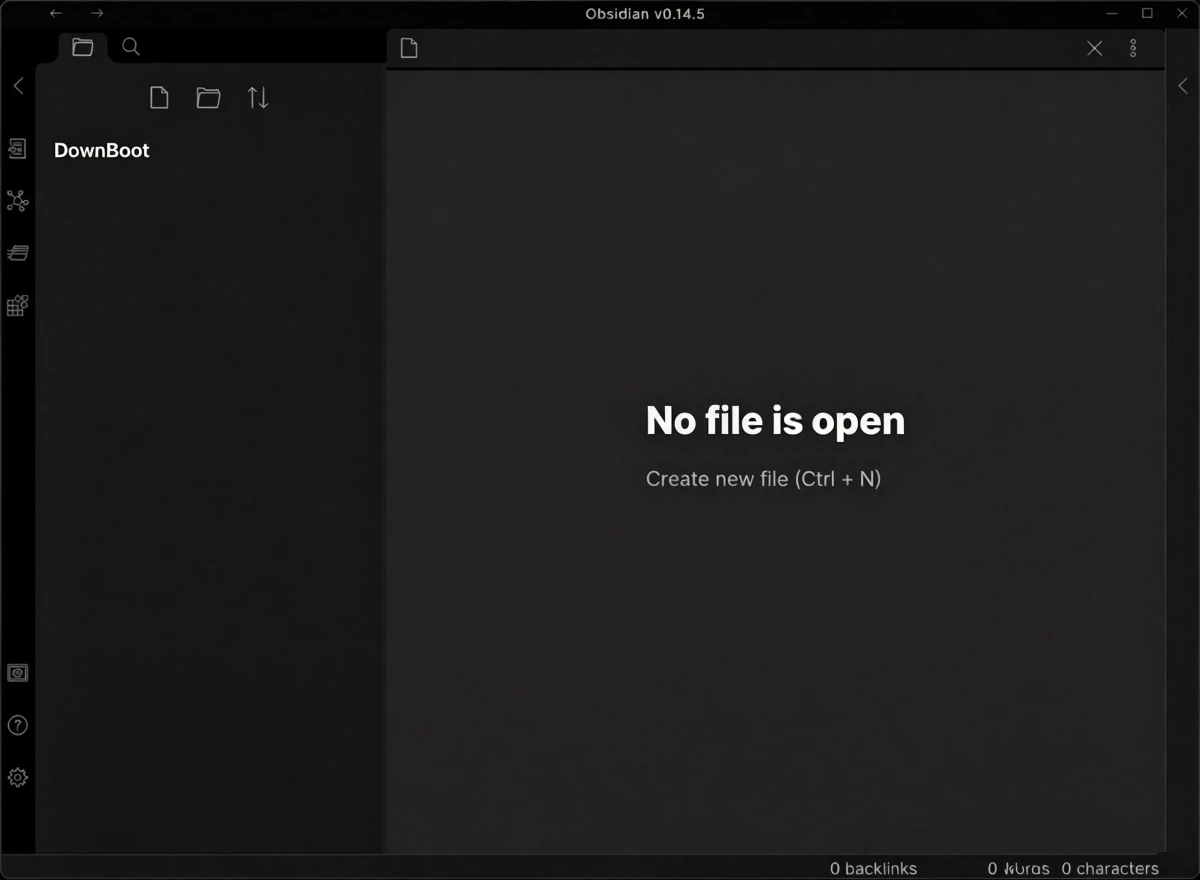
It takes some patience to get started. Unlike Notion, which gives you templates right away, the first time you open Obsidian you're looking at an empty folder with no guidance – no instructions on how to create notes, how to set up links, how to use plugins – you have to figure it out yourself. If you prefer an "out‑of‑the‑box" experience, you might feel a bit lost at first.
Too many plugins can be distracting. The community has a huge number of plugins, and each one looks useful. Many people (myself included) spend a lot of time tinkering with plugins and themes instead of actually writing notes. The lesson I learned later was: write first, add plugins as needed.
Official sync requires payment. Obsidian itself is free, but if you need to sync between devices, the official Obsidian Sync is a paid service. Alternatively, you can set up your own sync solution with iCloud, OneDrive, Dropbox, or Git – which takes some effort but saves money.
The default interface is quite plain. Compared to Notion's polished design, Obsidian's default look leans more towards "utilitarian". The good news is that there are plenty of community themes to choose from – with a bit of tweaking, you can make it look however you like.
Who Is It For
- Writers and researchers – who need to accumulate material, organise ideas, and connect knowledge over time
- People who enjoy customising their tools – willing to spend time shaping the tool to their workflow
- Those who care about data privacy and long‑term accessibility – who don't want to be locked into any platform
- People who find Notion too complex or slow – Obsidian is lightweight and more responsive
- Anyone building a personal knowledge system – who needs a flexible, growing organisation method
Alternatives
If you're interested in knowledge management tools, these are also worth checking out: Notion – the most feature‑rich knowledge management tool, great for team collaboration and structured data, but cloud‑based; Logseq – similar to Obsidian with local files, but emphasises outline‑based writing and task management; Siyuan Notes – a locally‑based note‑taking app from China, with functionality close to Obsidian, and more friendly to Chinese users.
Final Thoughts
Obsidian isn't software you can instantly pick up and use – it takes time to understand its logic and build your own knowledge system. But once you get used to organising information with bidirectional links, you'll notice your approach to thinking and structuring ideas starts to change.
It won't organise your notes for you – but it will give you a flexible enough set of tools to organise them in your own way.