Captura Screen Recorder: Free, Open Source, and Feature-Packed
Introduction
Captura is a free and open-source screen recording tool that can record any area or window of the screen into video, with options to show or hide the mouse, record mouse clicks, keyboard keystrokes, and audio.
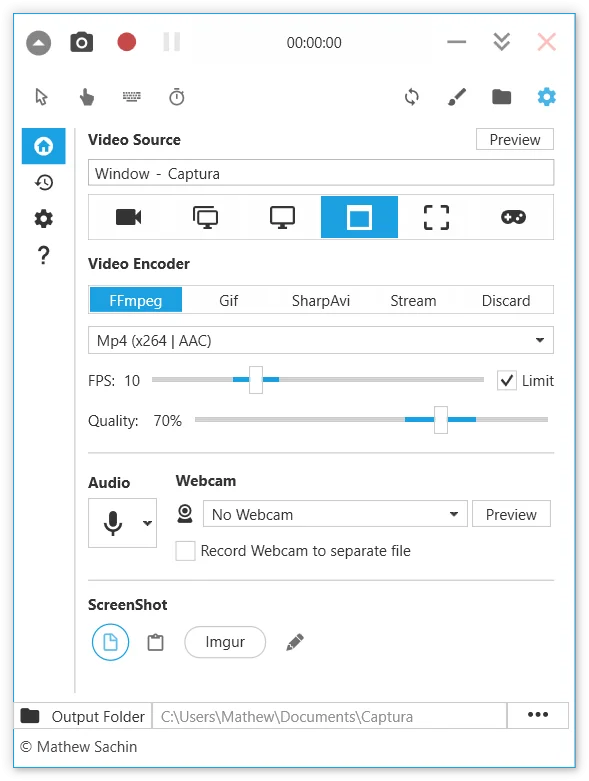
Features
- Full-screen recording
- Region and window recording
- Full-screen DirectX game recording
- Camera picture-in-picture recording
- Pure audio recording
- Record keyboard key presses
- Show timer
- Show mouse clicks
- Image/text watermark
- Region blackout/redaction
User Experience
The interface is very clean. The default language is English, but you can switch to Chinese in the settings.
Common screencasting features such as microphone audio recording and mouse operation highlighting are all available, and it can output high-quality videos – it can definitely serve as a productivity tool. No installation required, no ads. Overall, Captura basically meets most people's screen recording needs. It's open-source, free, feature-rich, and very practical.
Free Usage Statement
This software is open-sourced on GitHub, completely free, and continuously updated.