PhotoDemon: A Free Photoshop Alternative That Deserves More Attention
About PhotoDemon
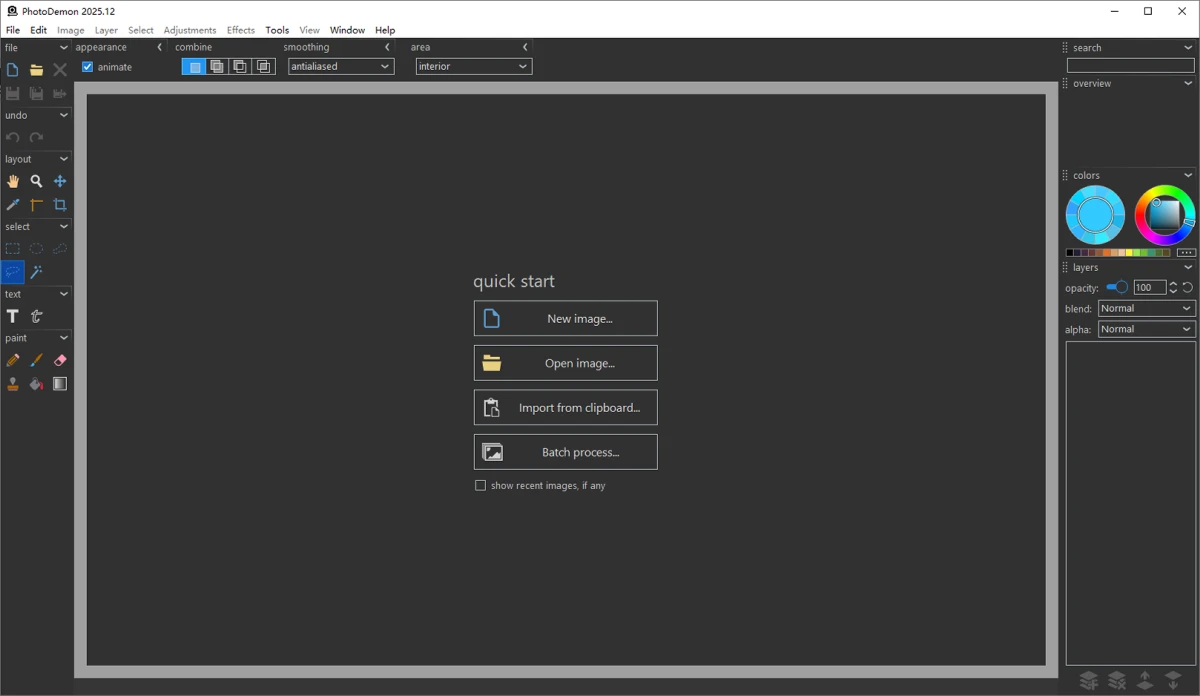
PhotoDemon is a lightweight yet powerful photo editing software for Windows, featuring over 200 professional image processing functions including layer management, special effects filters, shadow/highlight adjustment, multi-channel curves, content-aware editing, and full support for Adobe Photoshop's PSD format.
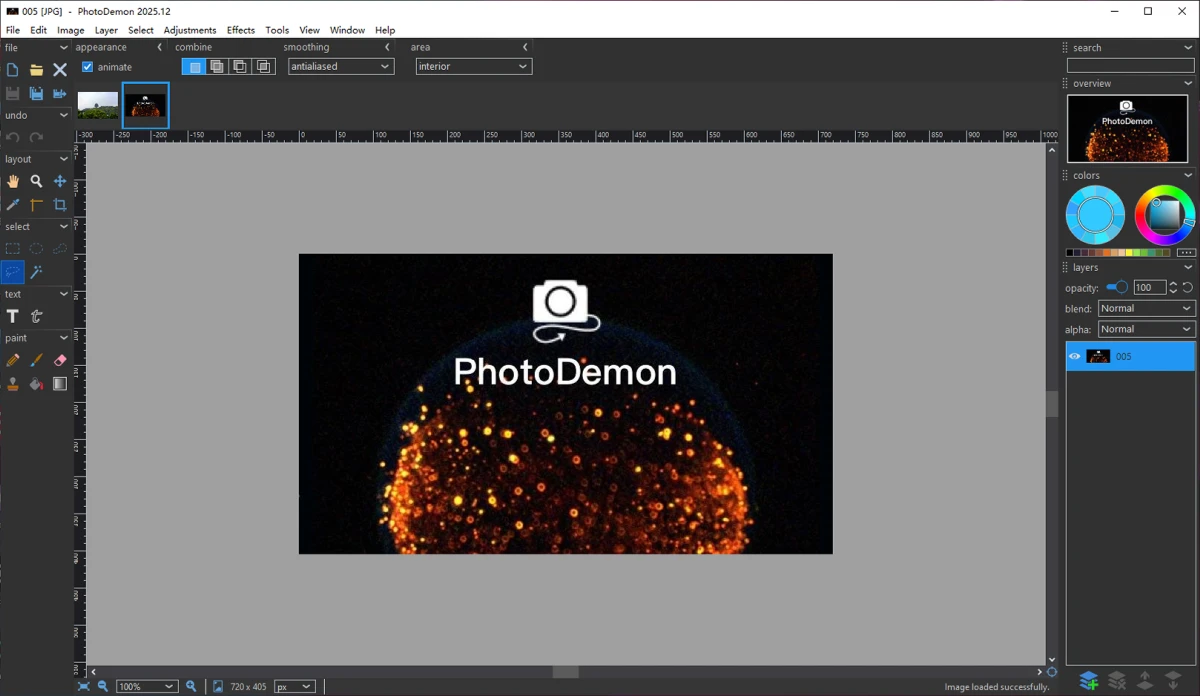
As early as 2013, PhotoDemon was already released to the public. The author is an expert in computer graphics with a relentless pursuit of software performance. After years of iterative optimisation, the author has been tackling various issues. As of the publication of this article, the iteration has reached PhotoDemon 2025.12, with significant improvements in both performance and stability. Currently, a group of open-source enthusiasts continues to update this software alongside the author, making it an excellent open-source project worth following and trying.
Advantages of PhotoDemon
- Lightweight and compact – only 21.57 MB in size,主打 portability – no installation required, just unzip and run
- Supports most image processing functions, with strong usability and good performance
- Provides over 200 languages, usable in almost any country, including Chinese
- Relatively simple and user-friendly interface with a low learning curve
Professional-Grade Image Processing Support
- Extensive file format support – in addition to the commonly used Adobe Photoshop PSD files, it also includes Corel PaintShop Pro PSP files, and all major camera RAW formats
- Colour-managed workflow with full support for embedded ICC profiles
- Advanced multi-layer support, including editable text layers and non-destructive layer modifications
- Professional canvas tools, including digital brushes, clone brushes, pattern brushes, interactive gradients, and more
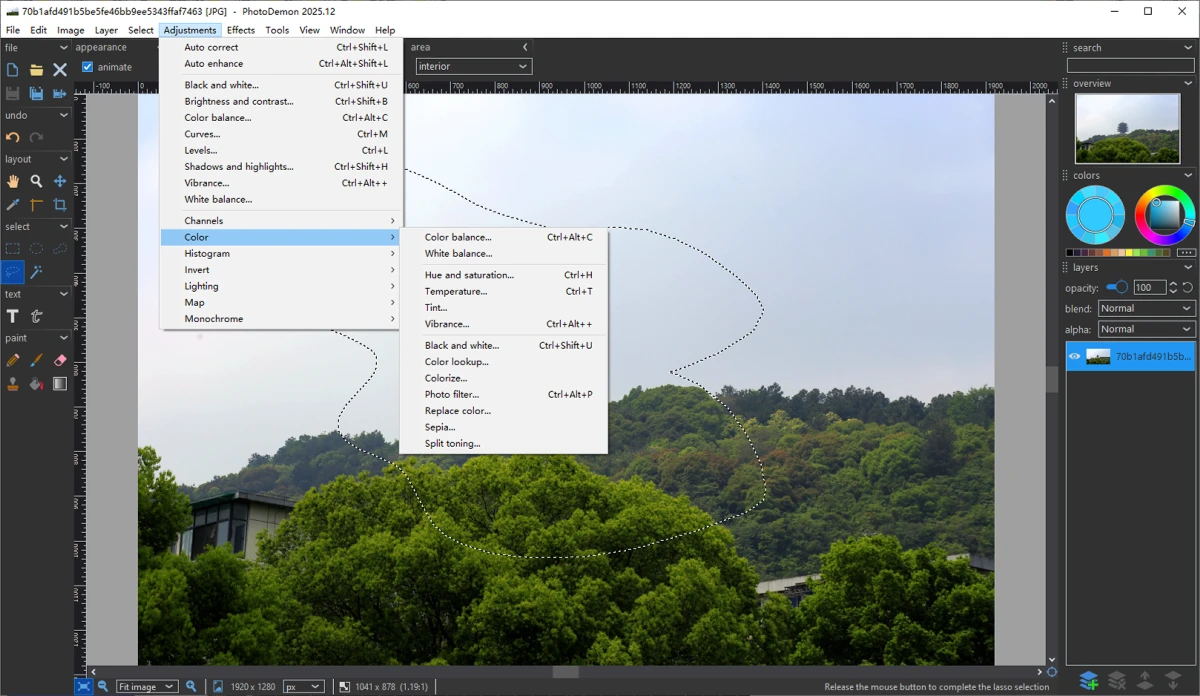
- Image adjustment tools, including levels, curves, HDR, shadow/highlight recovery, white balance, etc.
- Support for filters and effects such as perspective correction, edge detection, noise removal, content-aware blur, unsharp mask, green screen, lens diffraction, vignette, etc.
- Supports batch processing and macro recording (similar to macros in Microsoft Office)
First-Hand User Experience
PhotoDemon, this open-source image editing software, initially intrigued me – it's hard to imagine packing the entire software into just 21.57 MB, and it requires no installation either. You can put it on a USB drive and run it on any Windows computer without an internet connection during use, nor does it write a bunch of registry entries – it's truly a "green software".
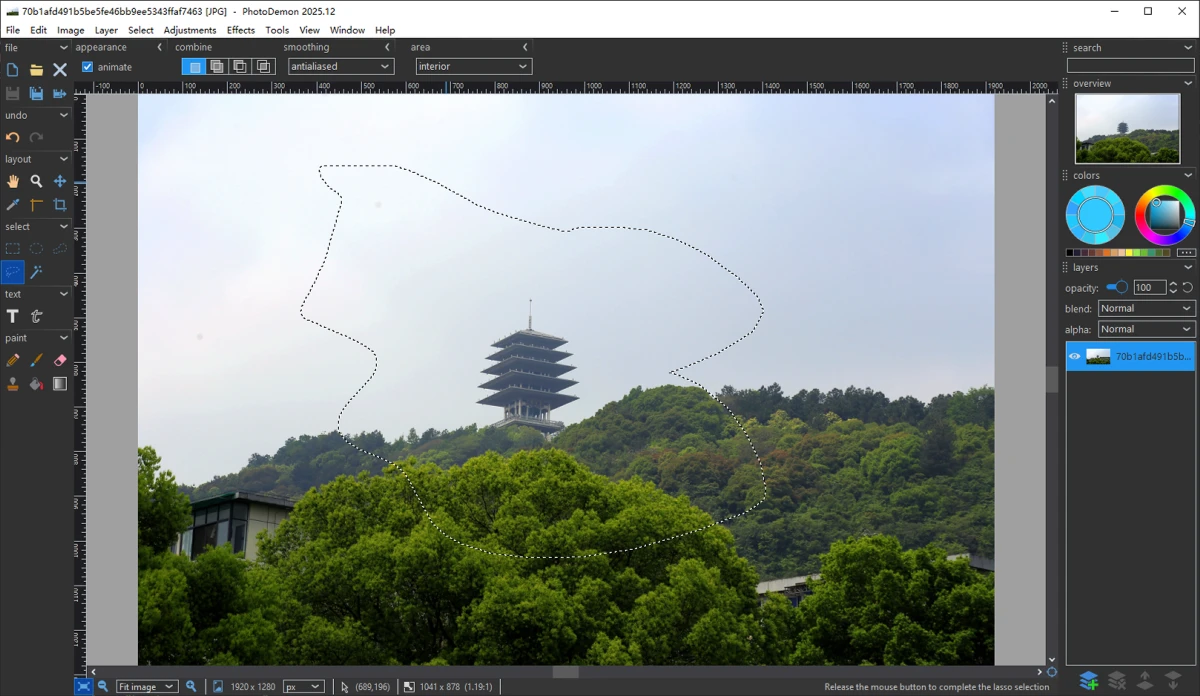
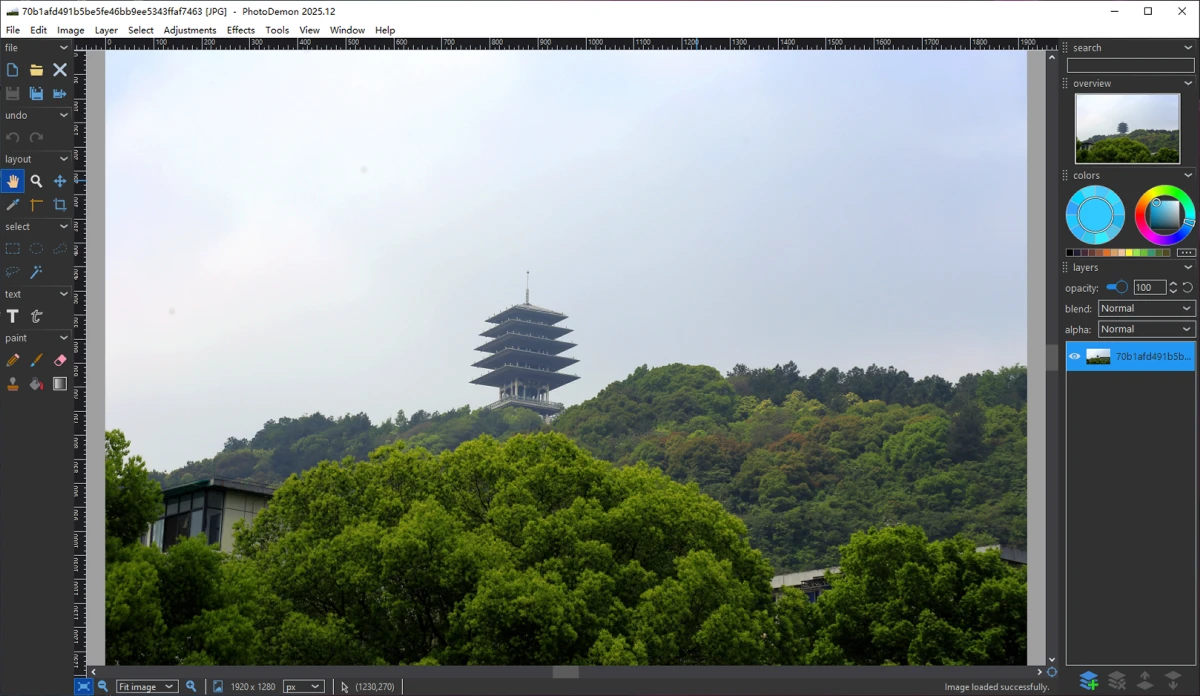
PhotoDemon's user interface supports theme colour customisation, so you can adjust it to your preference. I tried common PS techniques like brush operations, filters, masks, and image adjustments – everything felt smooth and the results were great. Most surprisingly, when I opened my old PSD files with PhotoDemon, the compatibility was excellent.
Limitations
- Currently supports Windows (from XP to the latest Windows 11 builds) and there are no plans to support other platforms at this time
- PhotoDemon supports both 32‑bit and 64‑bit. There is a rumour online that "due to platform limitations, it cannot open files larger than 2 GB" – I haven't been able to test this myself as I couldn't find such a large file.
- Like most open‑source software, the user interface aesthetics still have room for improvement
Previously, I've recommended some free alternatives to Photoshop, such as Photopea and the open‑source Krita. Compared to Photoshop's multi‑gigabyte installation package, relatively slow startup, high hardware resource usage, and expensive licensing fees (not to mention the risks of downloading from dubious sources), free and open‑source software is a worthwhile direction to consider. For everyday image editing needs, PhotoDemon is genuinely more than sufficient.
Free and Open‑Source Statement
PhotoDemon is 100% free and open‑source image editing software. Both individuals and companies can download and use it for free.
The source code is hosted on GitHub under the BSD license, allowing it to be used in any project as long as the appropriate copyright notices are provided. It's worth noting that PhotoDemon uses some third‑party open‑source libraries, which have their own licenses that are separate from PhotoDemon's – please refer to the official software licensing information for details.