
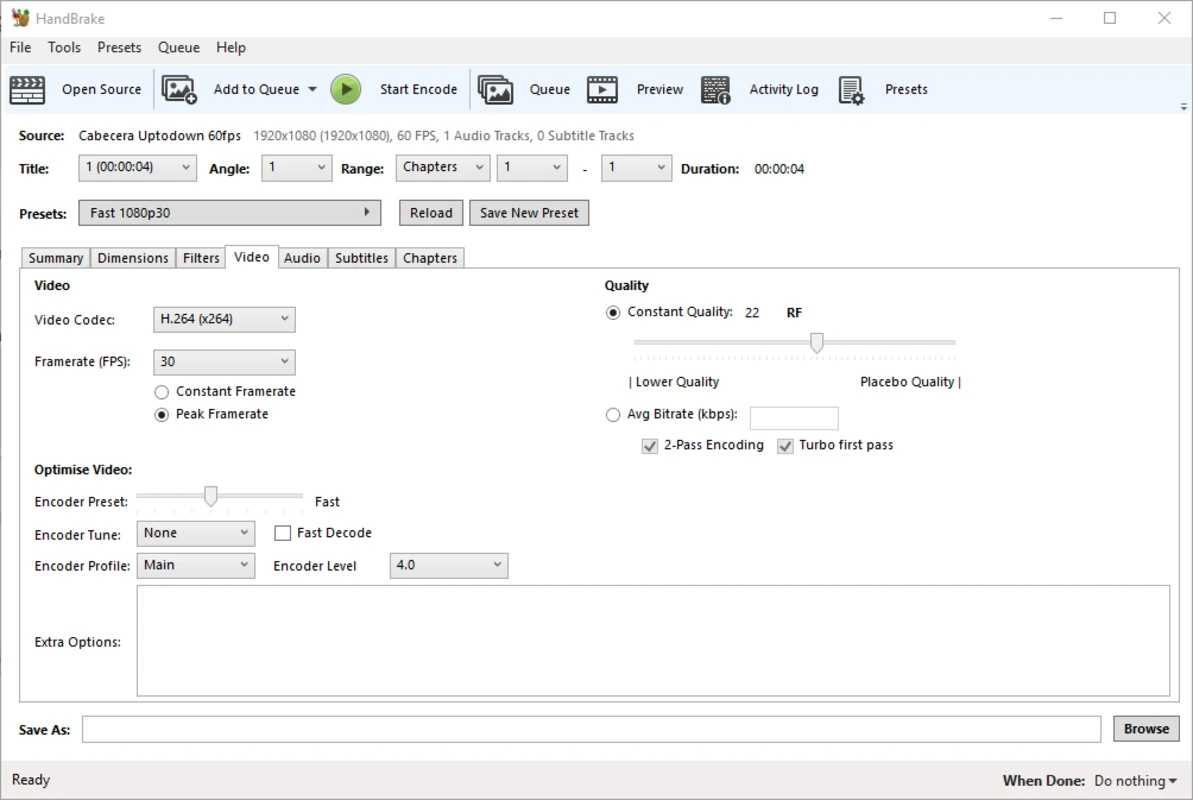
Whether you're downloading HD movies or shooting videos on your phone, the files can be huge. That makes storing or sharing them a pain, so it's smart to keep a free, no-nonsense video compressor / converter on hand.
The web is packed with video tools—some paid, some free—and most folks have no clue which one to pick. After trying a bunch, I think HandBrake is probably the best open-source, free, cross-platform video shrinker and format-swapper out there. It's a universal video transcoder that costs zero bucks and runs on Windows, Mac, and Linux…
“HandBrake” is a pro-level, open-source, totally free swiss-army knife for video work. It swallows almost every mainstream format and is already friendly to new web formats. No matter if you're on Windows, macOS, or Linux, there's an official portable Chinese version too—basically a must-have video gadget.
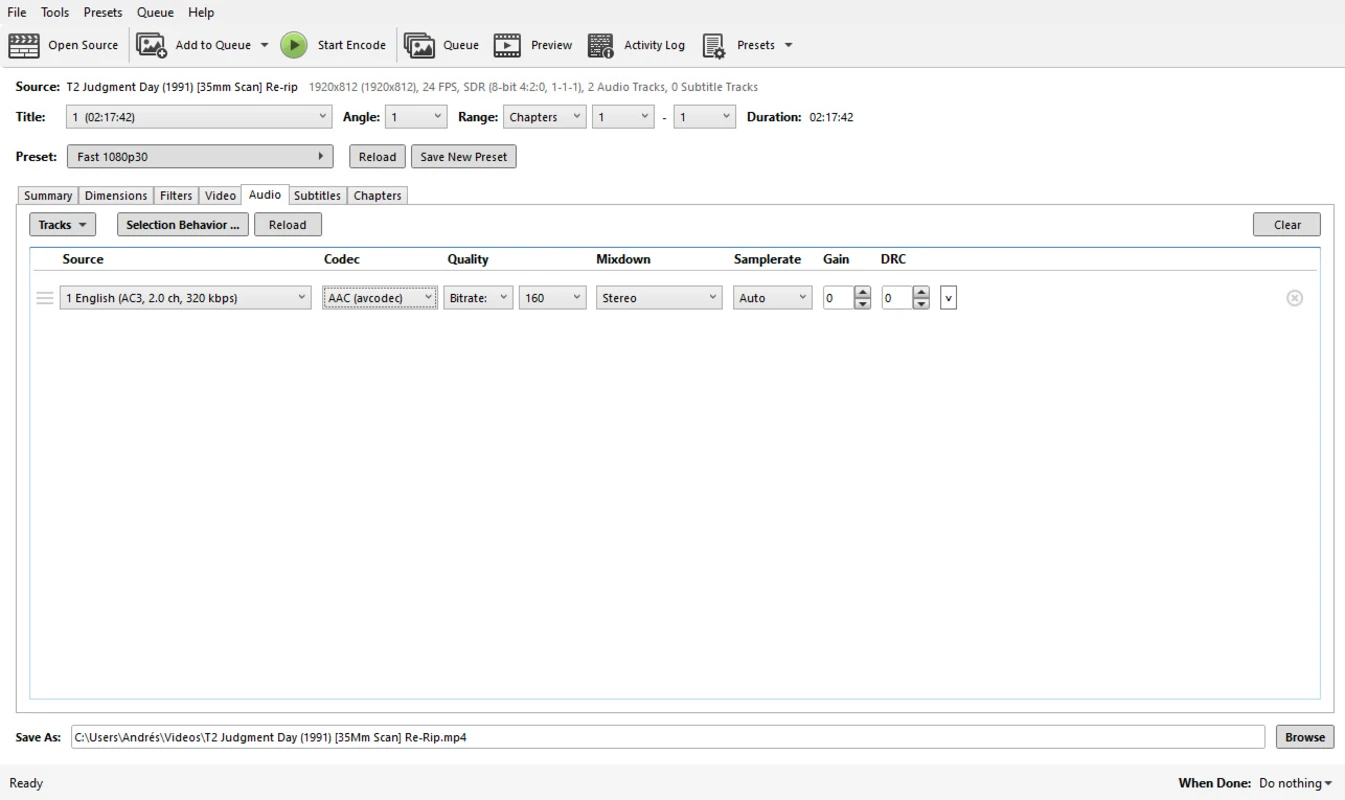
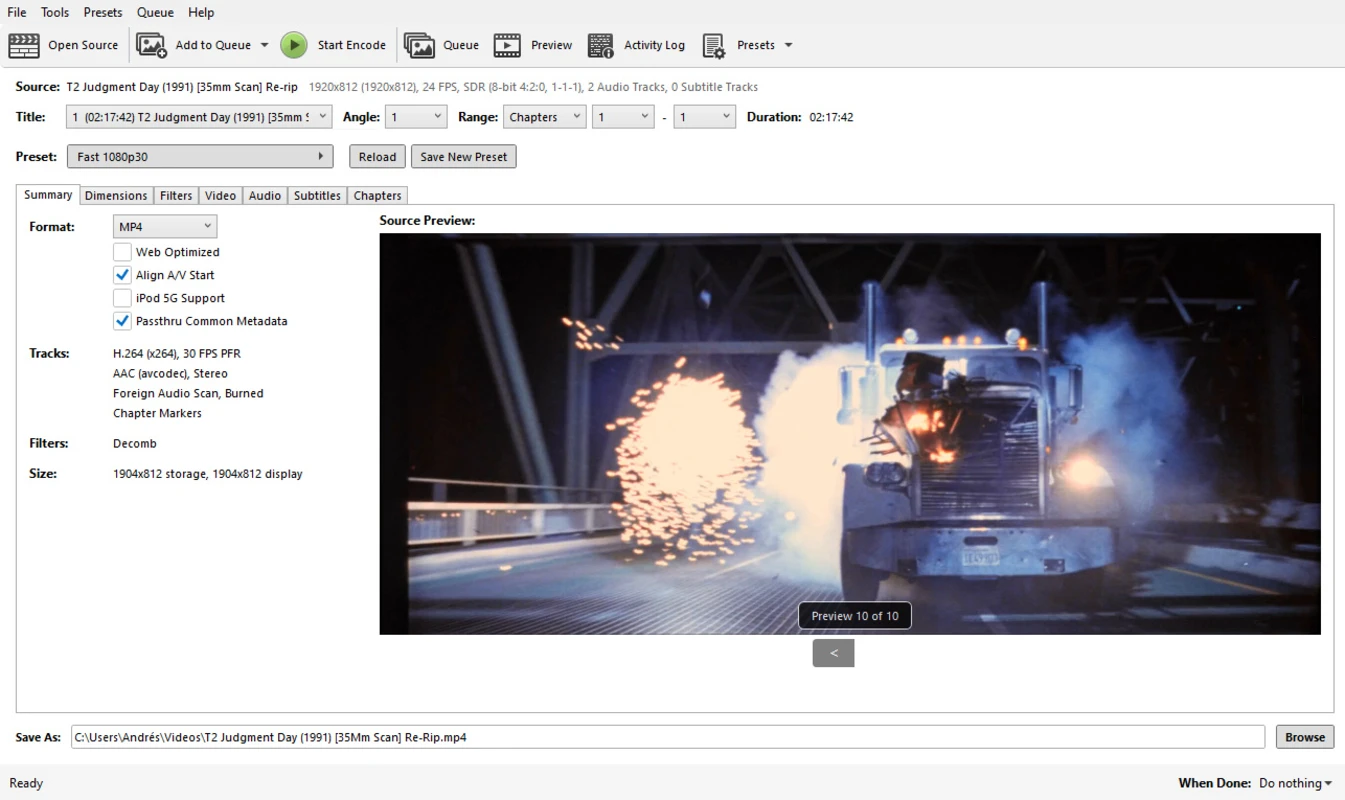
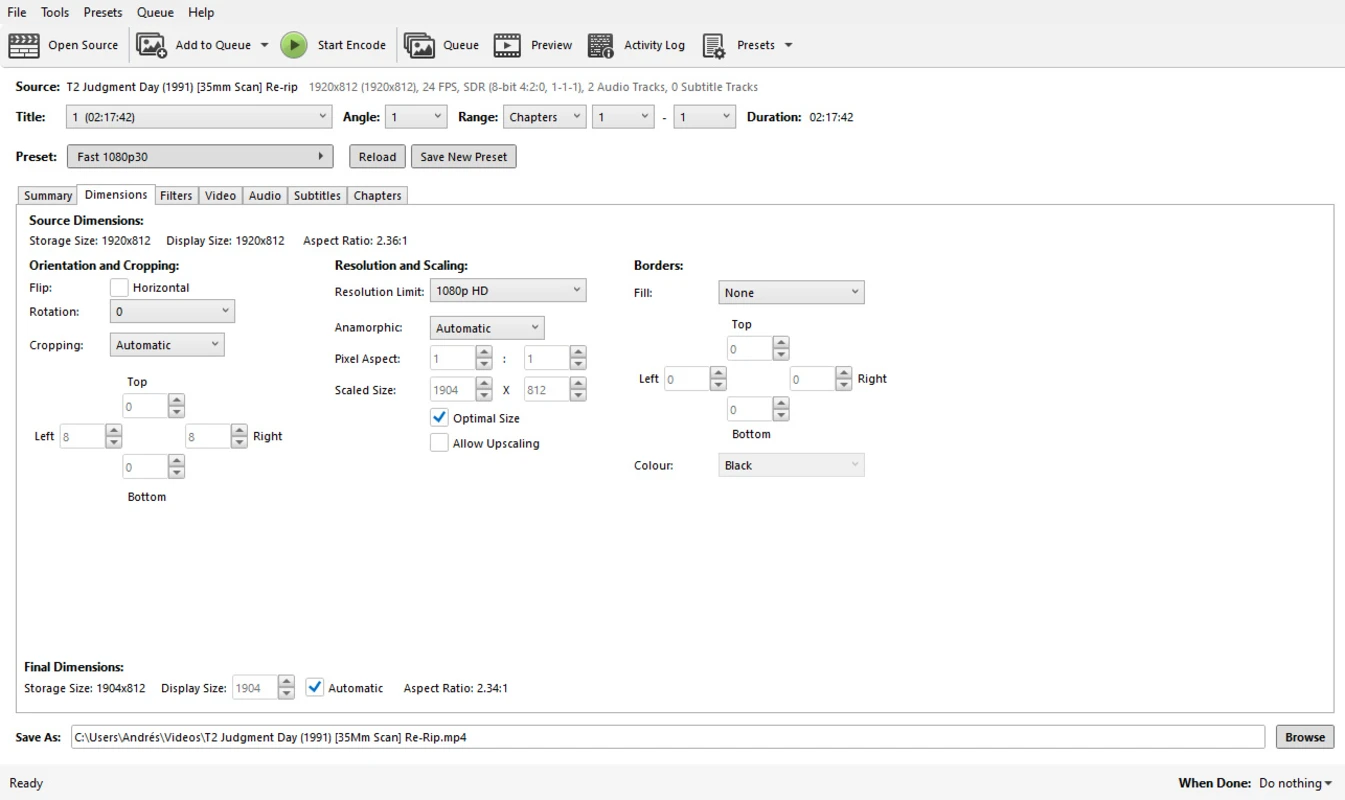
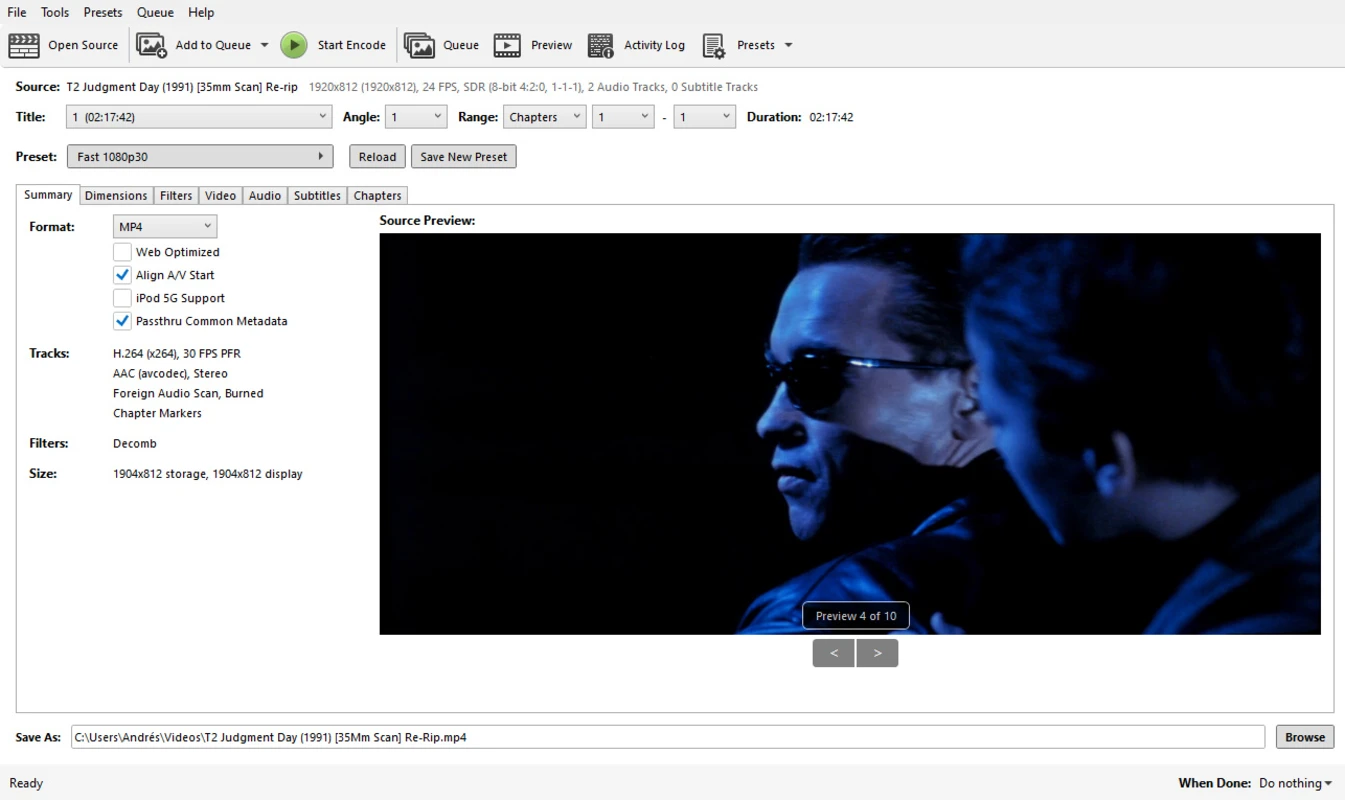
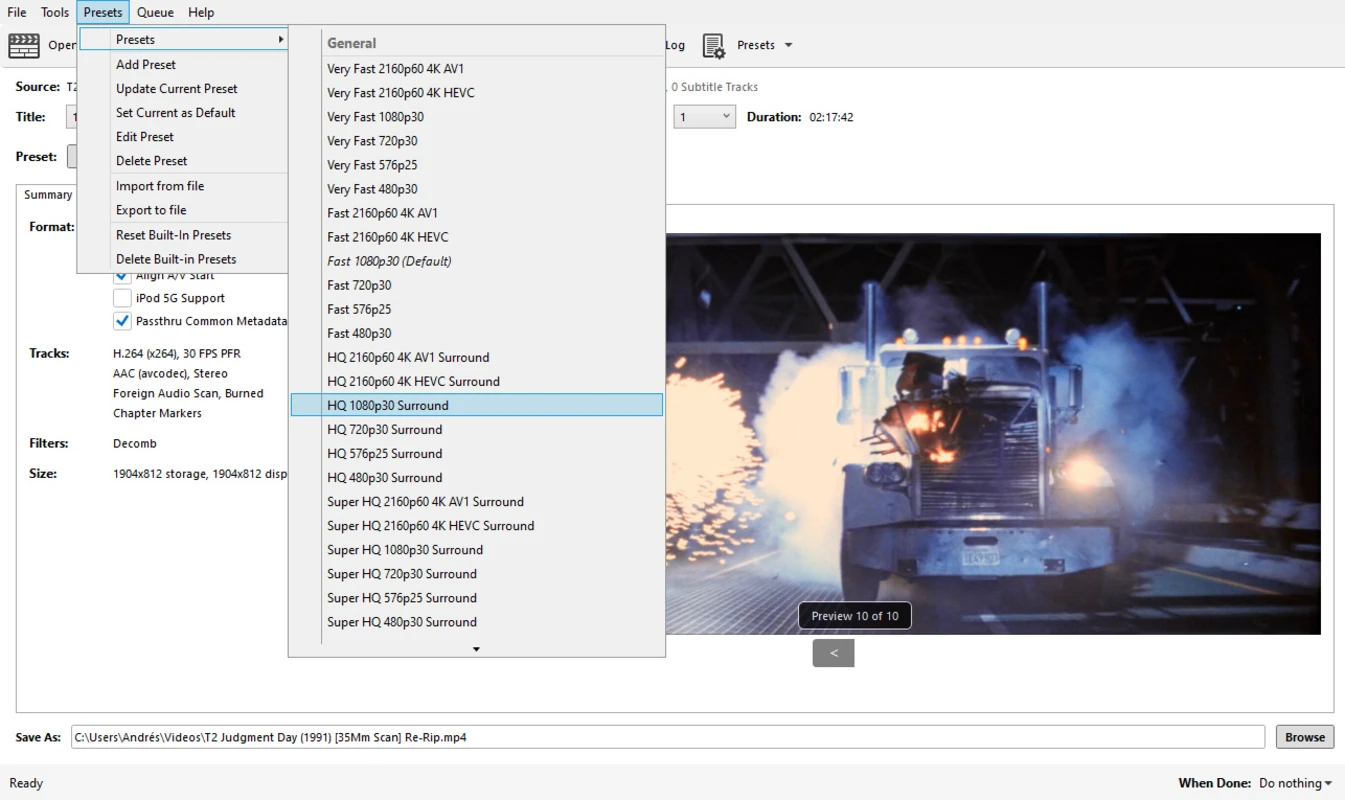
Drag a file or folder onto the window and you're rolling. If you don't want to mess with geeky settings, just pick one of the built-in presets and hit “Start Encode”—done.
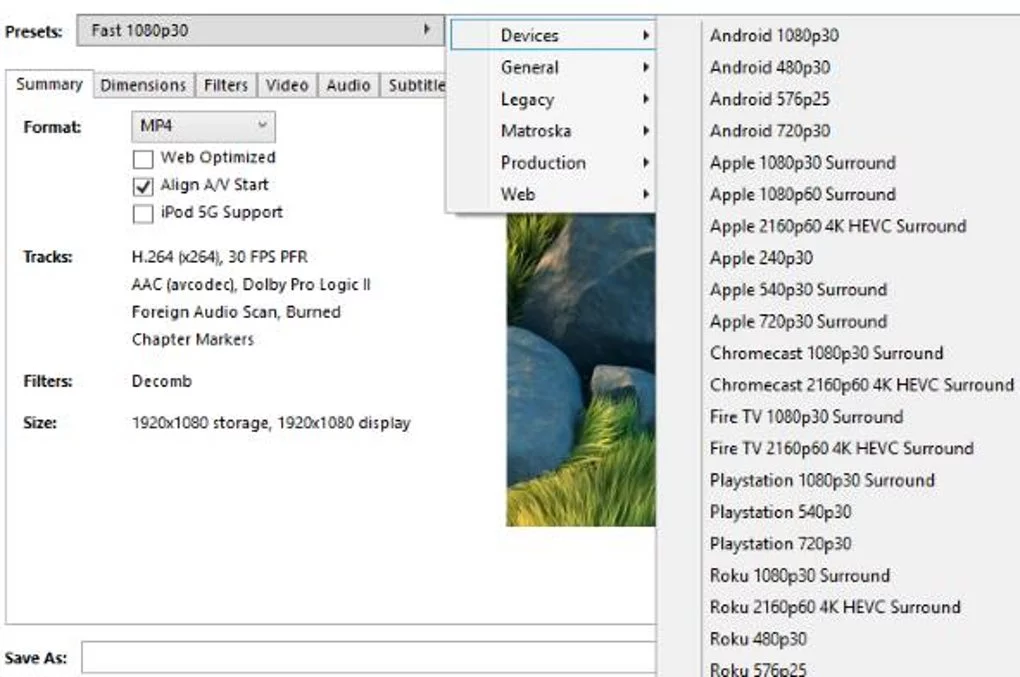
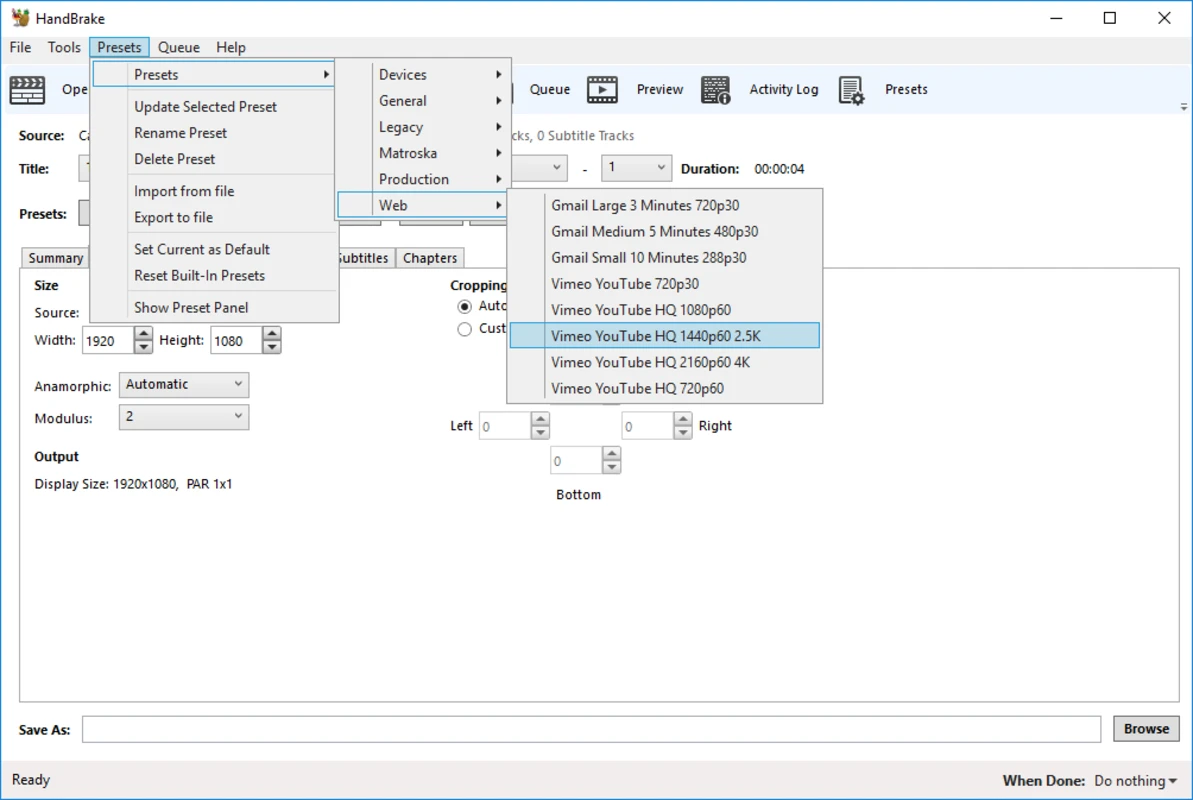
The preset “Fast 1080p30” means “convert to 1080p at 30 fps.” There are also one-click choices for uploading to YouTube, optimizing for phones, etc. Press the button and walk away.
Shrink the file, keep the video
I mostly use it to make big videos smaller. Cloud drives and chat apps love to cap file size or length; squish the clip first and it sails through. It's also great for hoarding low-priority videos—saves a ton of disk space.
HandBrake is fast, batch-friendly, and pairs nicely with file-transfer apps like Feem, CowTransfer, Firefox Send, Wenshushu, or your own NextCloud server so you can fling videos around without stress.
How it stacks up
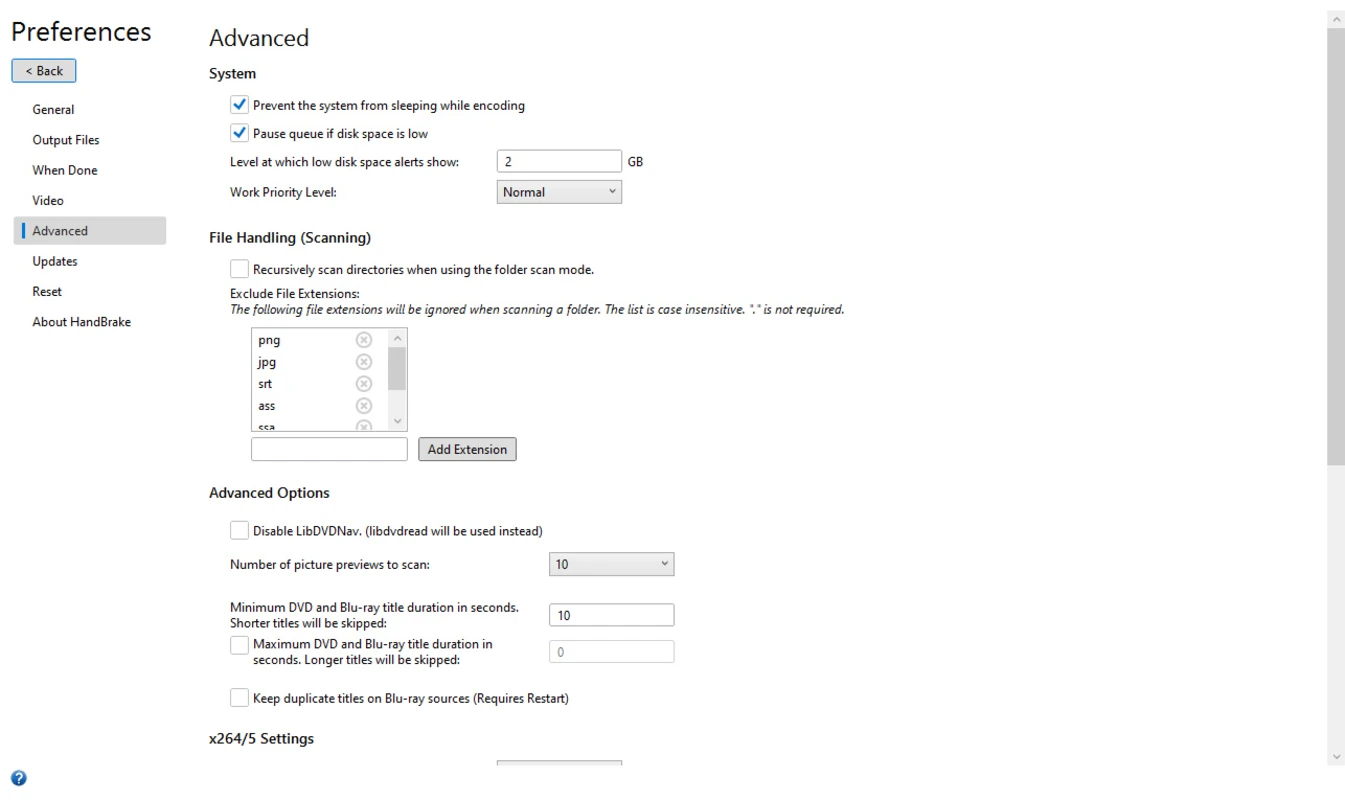
Real talk: the interface isn't “grandma proof.” It looks busy at first, but poke around for two minutes and you'll get it. If you need something dead-simple for parents or non-tech friends, try Apowersoft Video Editor, GiliSoft Video Editor, BeeCut, or Wondershare UniConverter—their buttons are bigger and fewer.
Old guides still push WisMenCoder, Format Factory, or MediaCoder, but those UIs are messier, updates are rare, and they're Windows-only. HandBrake is cleaner, newer, and runs everywhere. On Mac and Linux it's basically the only free, polished GUI in town, and the latest build flies on Apple Silicon.
HandBrake cheat-sheet:
Eats almost any video you throw at it, plus DVDs and Blu-rays, and spits out:
Containers: .MP4 (.M4V) and .MKV
Video codecs: AV1, H.265 (x265 & QuickSync), H.264 (x264 & QuickSync), H.265 MPEG-4/2, VP8, VP9, Theora
Audio codecs: AAC / HE-AAC, MP3, FLAC, AC3, Vorbis
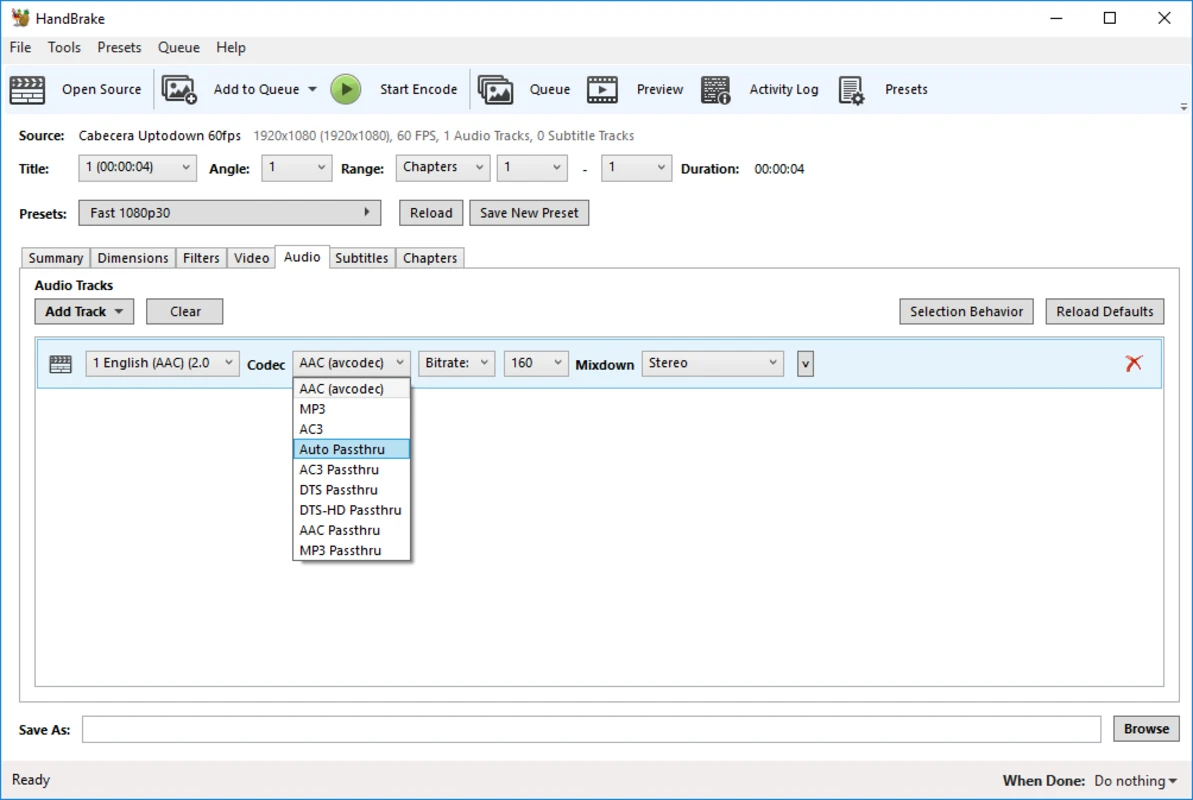
Audio pass-through: AC-3, E-AC3, DTS, DTS-HD, TrueHD, AAC, MP3
64-bit and ARM builds for Windows 11 / 10 / 8.1 / 7 (XP is toast). Command-line version included if you want to script bulk jobs.
Bottom line:
HandBrake is free, open, cross-platform, and powerful enough for 90 % of everyday video chores—compress, convert, crop, subtitle, whatever. The only “price” is a slightly techy look. Grab it once and you'll never hunt for another video tool again.
Microsoft .NET Desktop Runtime 10.0
HandBrake has a dependency on Microsoft .NET Desktop Runtime 10.0 If you do not already have this, you will need to install this.
Direct download’s are available from Microsoft: