This software is designed for non-technical users who simply want to listen to music.
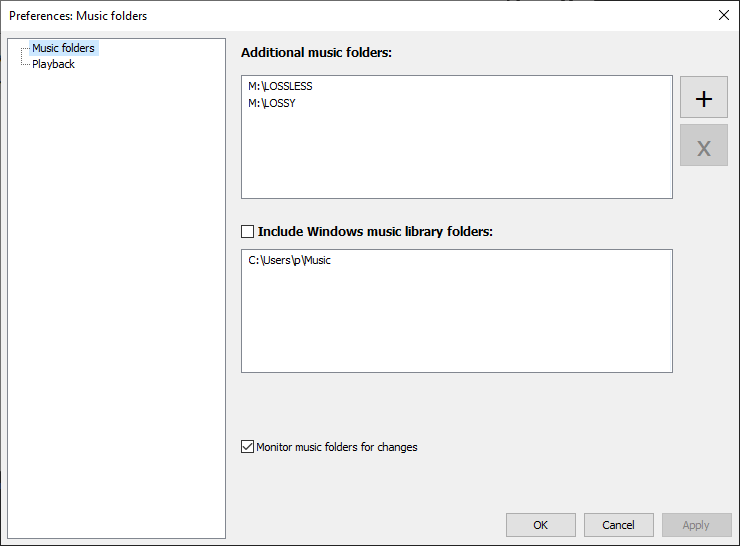
All basic functions are ready to use out of the box; at most, you just need to tell Boom where your music folder is.
Many applications on the market claim to be "simple," but they are often bloated, buggy, or worse. Boom completely avoids these problems; it's a standalone 3MB Windows executable.
It forked from the foobar2000 codebase around 2010, meaning it's lightweight and stable, running smoothly even on your grandma's computer that can only play card games.
What Boom does
No installation or administrator rights required! Just download and run.
Gapless playback of properly encoded files. Enjoy smooth transitions between tracks.
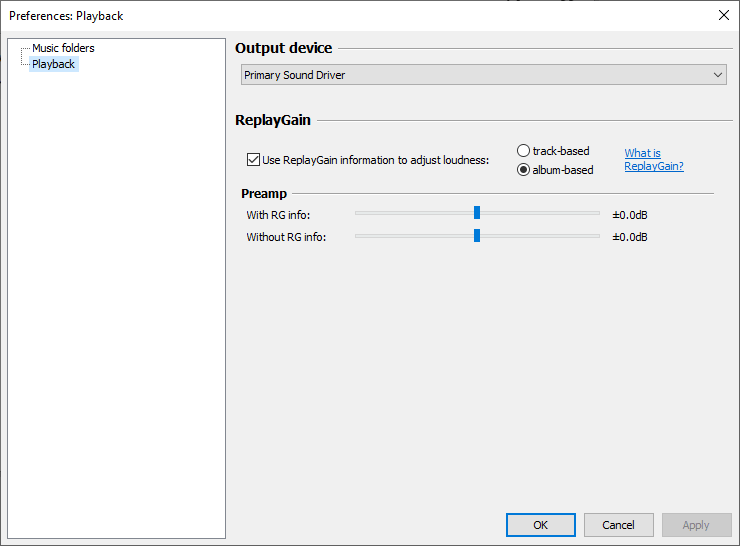
ReplayGain support.
External software is currently required to write ReplayGain information to file tags to utilize this functionality.
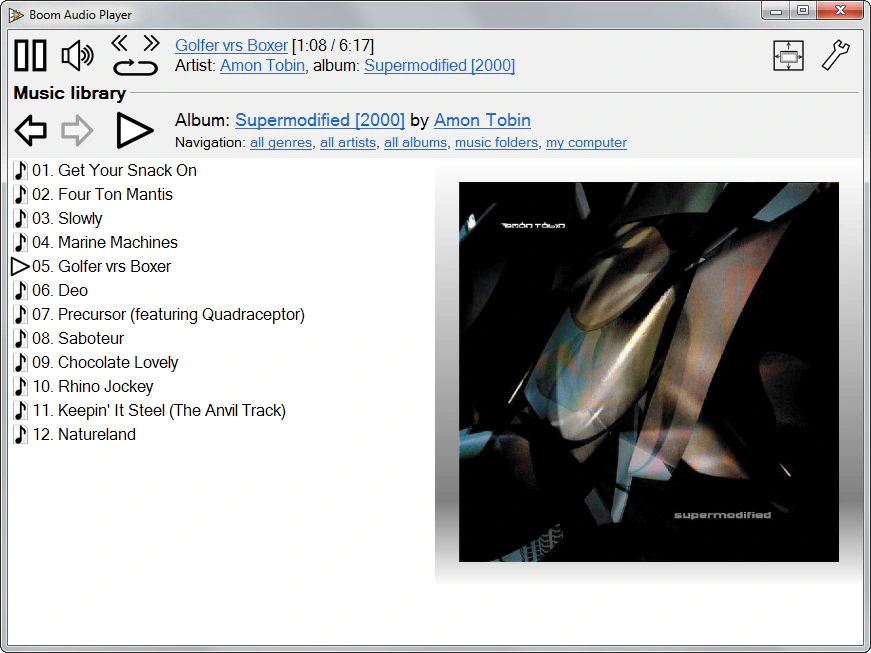
Contents of your music folders are shown, in a convenient structured genre/artist/album/song view.
By default, contents of "my music" folder or Windows Music library folders are shown. You can configure Boom to index music from any other folders though.
You can install Boom to removable media and have it index contents of the folder it is installed in.
Are your files badly tagged or missing tags altogether? No problem, Boom can browse your music library by its folder structure.
Supports variety of popular audio formats, including: MP3, Ogg Vorbis, Opus, FLAC, Musepack (MPC), WavPack, WAV, AIFF, MP4/M4A, WMA.
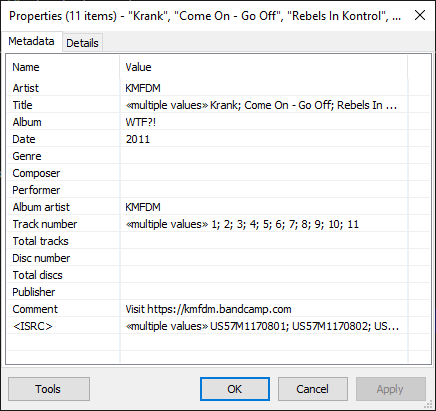
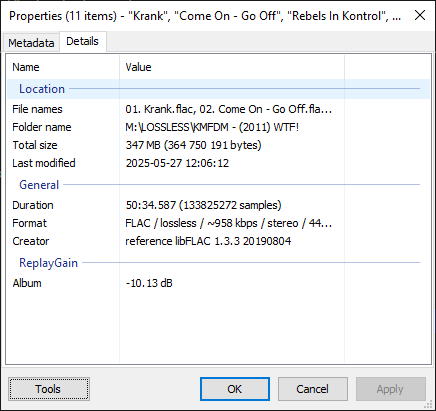
For emergency tagging needs, Boom includes a simplified version of the foobar2000 Properties dialog.
Easily configured to run from removable media.
Multilanguage support.
Boom will pick one of the built-in localizations depending on your system language.