
Download Listary for Windows - Fast, Safe & Free
System Requirements
- Win10/11
- Processor: Intel Pentium 4 or higher
- Memory: At least 512 MB RAM
- Hard disk space: At least 49 MB of available space
Install and Launch
Listary's core features are ready to use after installation. You can enjoy the convenience and speed of Listary without any additional setup.
Download and Installation
After installation, you will be prompted to take a quick tour (only four steps, estimates 1 minute). It's highly recommended for new Listary users. You can access it later via the tray icon.
Launch Listary
You can use Listary in any of the following five ways:
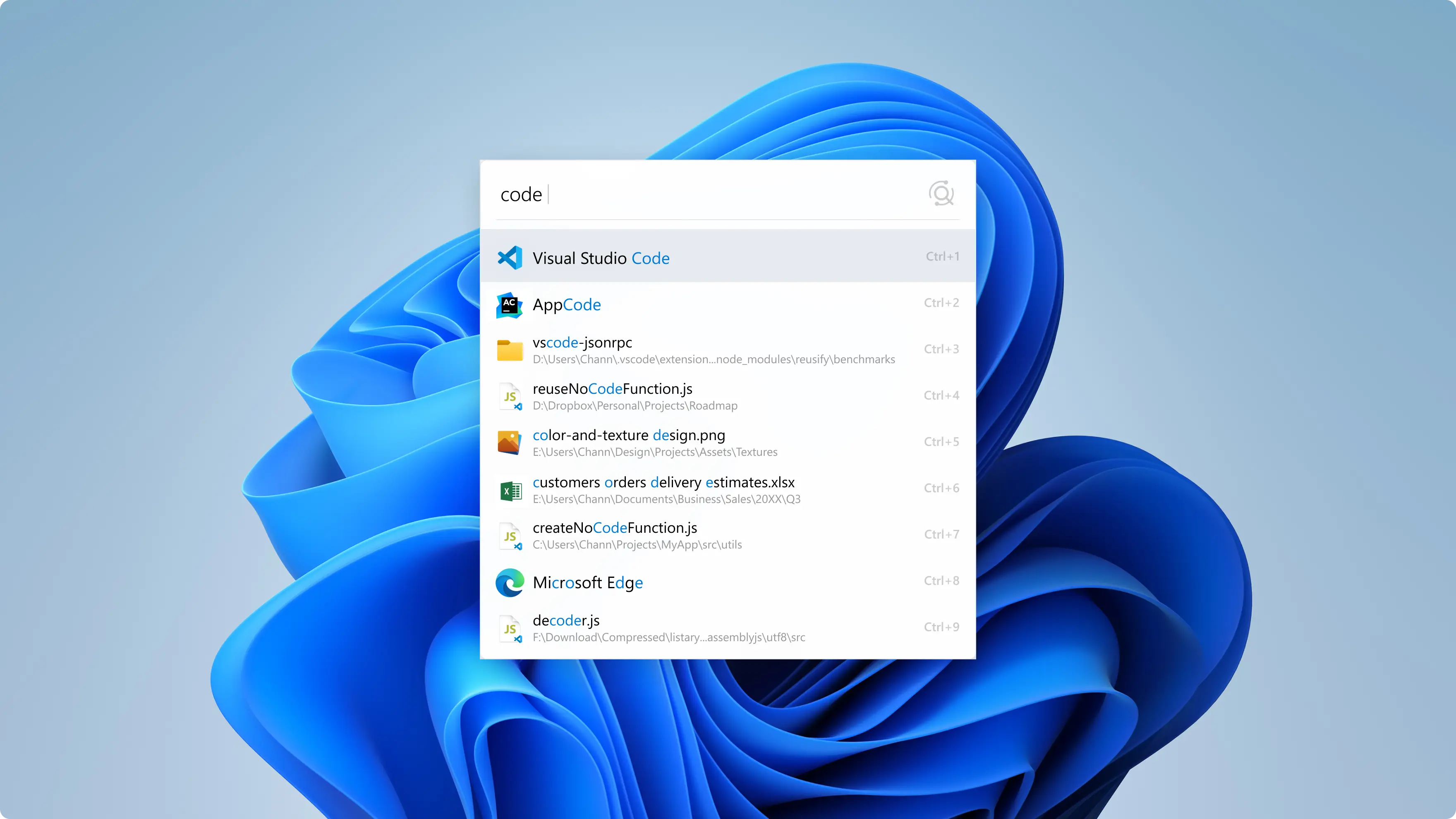
Global Search – Launcher (Quickly launch files or applications)
- Press
Ctrltwice
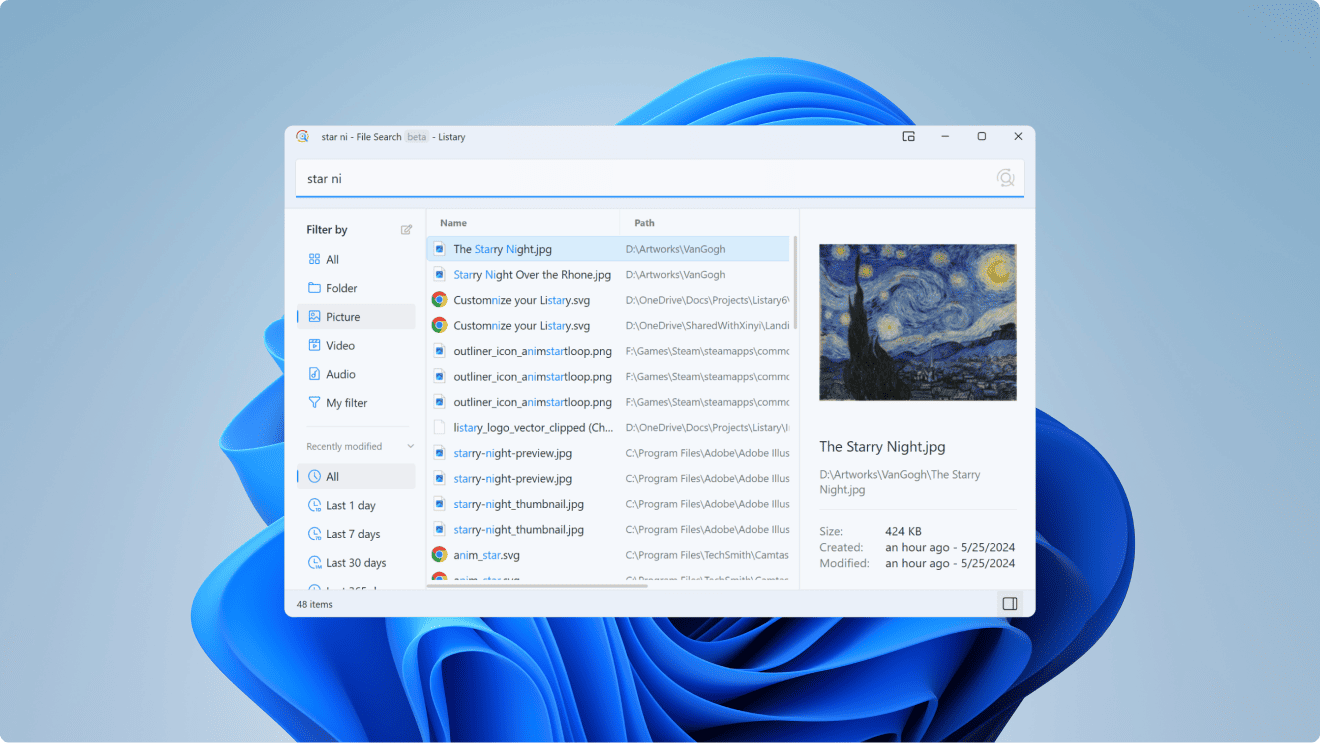
Global Search – File Search Window (Deep File Search)
- Single-click the Listary tray icon at the bottom right of the desktop.
- Quickly open the File Search Window using a shortcut key (can be set via right-clicking the tray icon -> Options -> Hotkeys).
- Switch from the launcher to the File Search Window (by Press
Ctrltwice in the launcher).
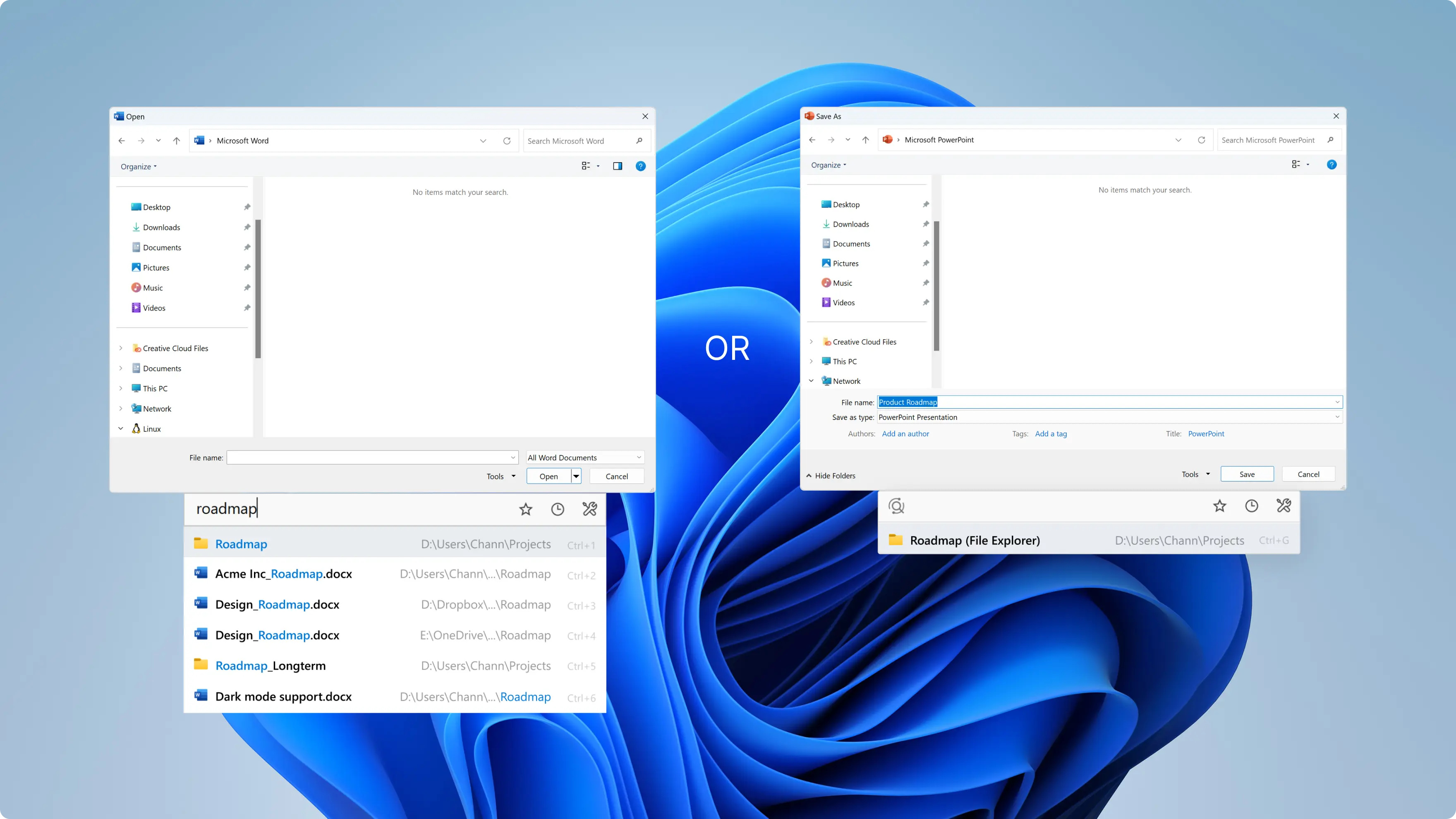
Quick Switch (Search within Windows File Dialog)
- Listary's quick switch window will automatically pop up when you open a Windows File Dialog.
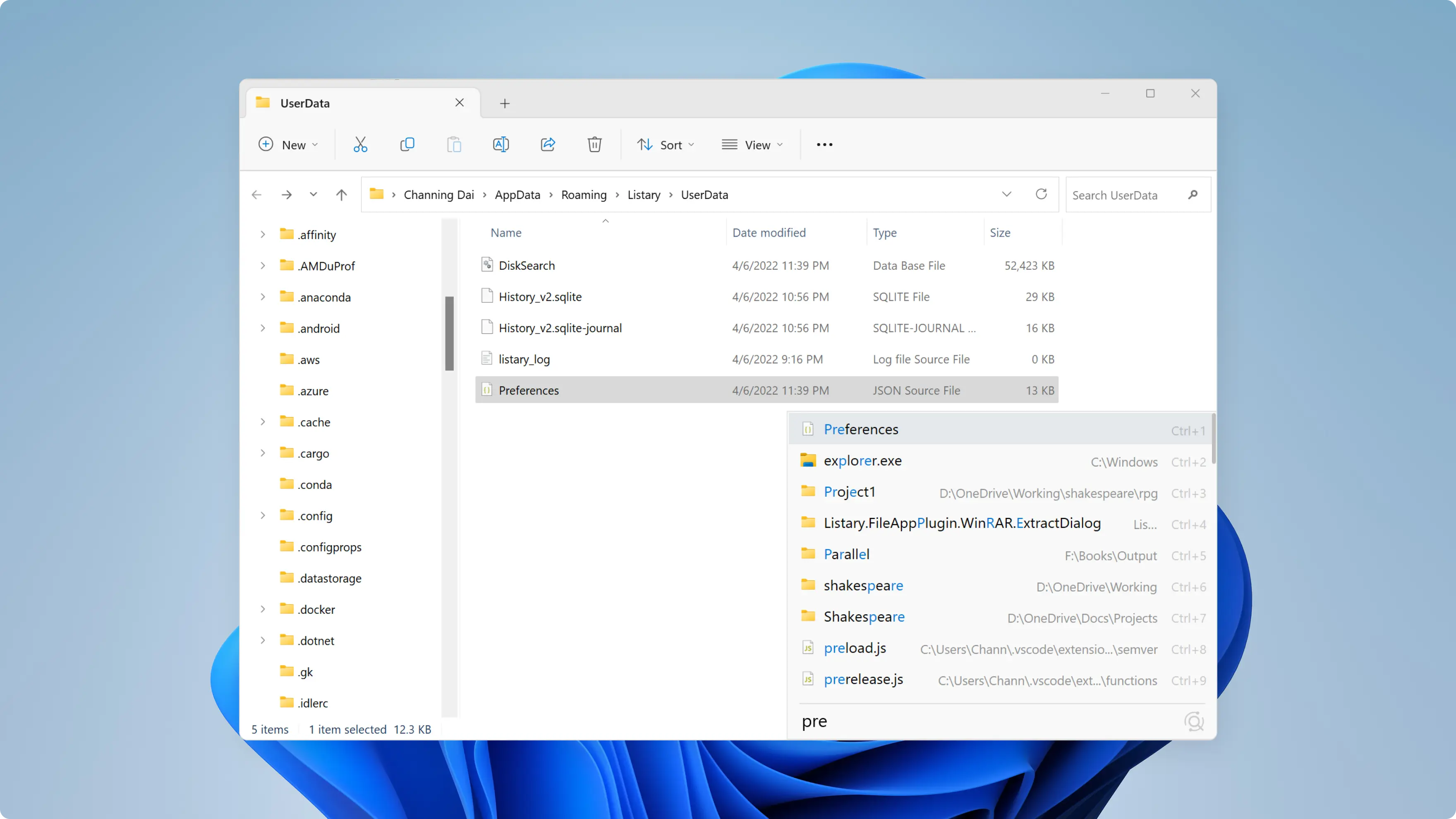
Search within Windows File Explorer
- Type directly in Windows File Explorer to search using Listary.
Use Popup Menu within Windows File Explorer
- Mouse Double-click in empty area
- Mouse middle-click
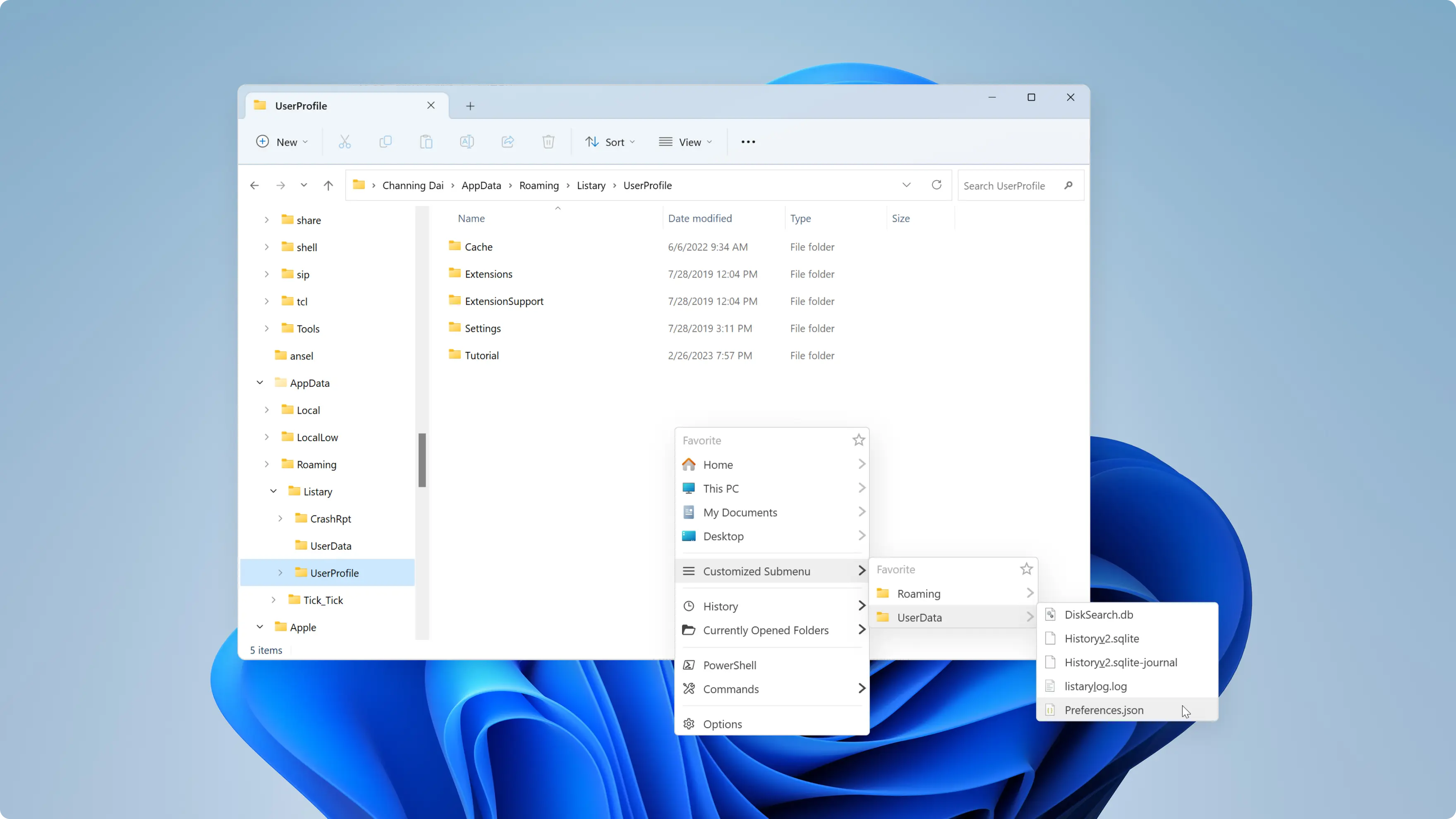
Besides Windows File Explorer, Listary also supports 3rd-party file managers.
Why Download from This Page?
This installer is official, free from ads, malware, or bundled software. Fast download, reliable source, and fully secure.
Helpful Resources
Important Notes
- If you like this software or website, please click here to share it with your friends. Thank you!
- Having issues? Click Feedback. The DOwnBoot team takes every piece of feedback seriously and works hard to resolve user problems whenever possible!
- If the compressed file requires a password, the extraction key is: downboot
- All files are original, downboot does not repackage or modify downloaded content in any way.
Laws concerning the use of this software vary from country to country. We do not encourage or condone the use of this program if it is in violation of these laws.