
Clean Space is a tool used to clean up history files and junk data generated by IE, Windows, Netscape, and third-party applications. This powerful software boasts a clean interface and simple operation, making it a very useful application. It automatically scans your system for various junk files, including those generated by commonly used software, and displays the total volume of junk files on the interface after the scan. You can typically see files from the Windows system, built-in Windows software, WMP, Flash Player, IE, Cortana, Edge, and other installed browsers, antivirus software, and other applications. Furthermore, the software provides a detailed list organized by software; clicking on each item in the left sidebar shows the amount of junk generated by different programs. Clean Space has a very wide cleaning scope, and its cleaning effect is believed to be similar to CCleaner. Moreover, this software cleans junk files with a single click, making it extremely simple and easy to use, and it comprehensively protects your personal privacy. This software effectively maintains your computer's security and removes a large amount of registry entries and junk fragments, keeping your computer running smoothly. Welcome to download!
Clean Space (Junk Cleaner) Instructions
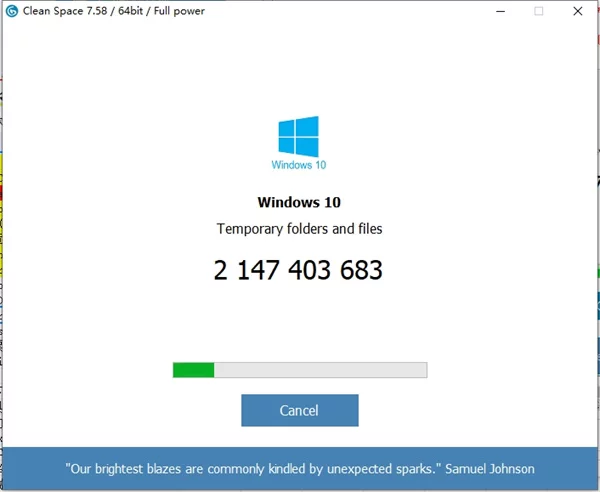
1. After running, this software will automatically scan your system for various junk files, including those generated by commonly used software. The scan will display the total volume of junk files on the interface after completion; you may need to wait a while before this happens.
2. Click the "Delete!" button to clean up these junk files with one click. It's very simple and easy to use.
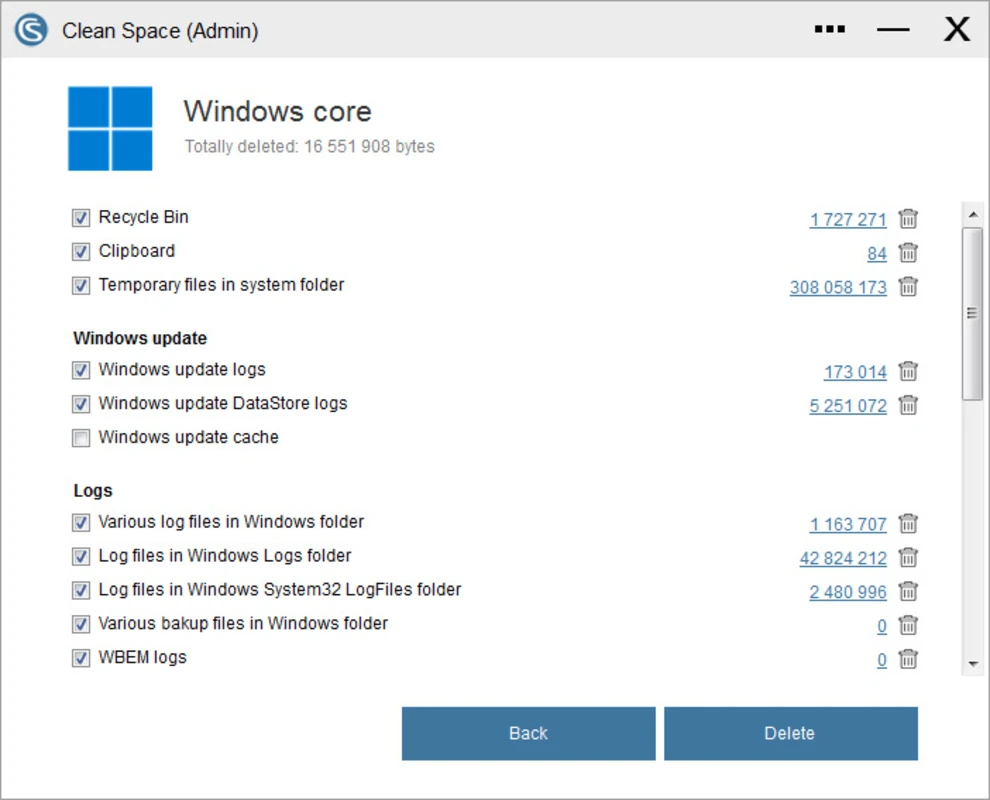
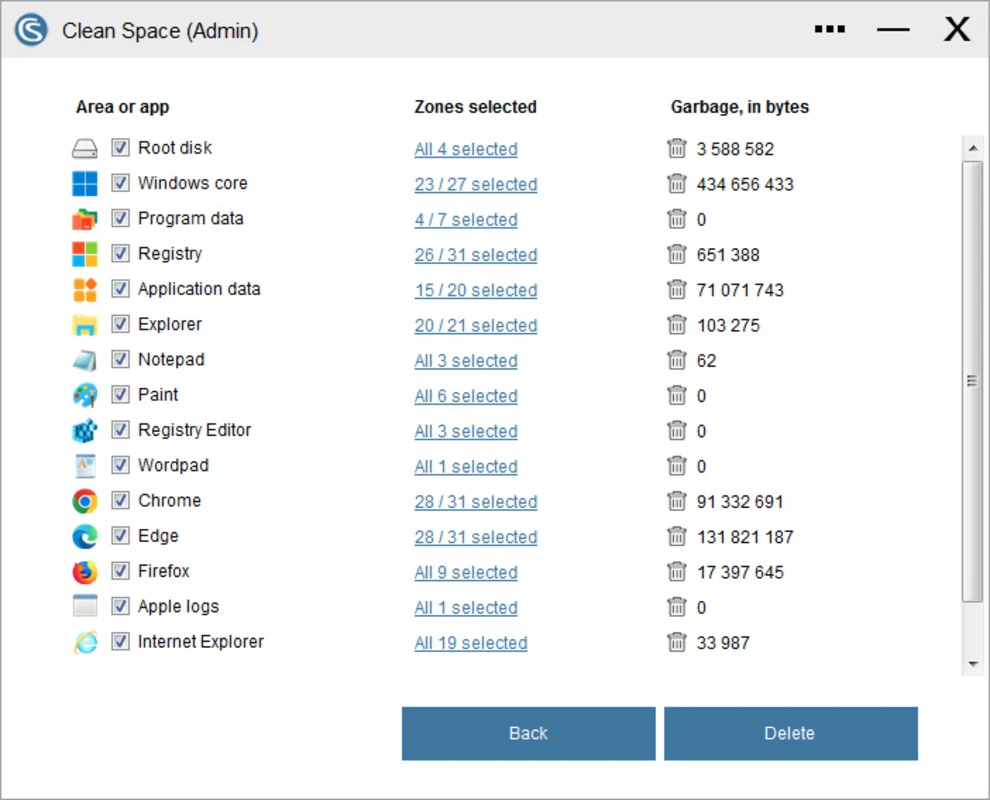
3. If you click the "Details" button, you can see a detailed list of system junk files.
4. The detailed list is divided according to different software. Clicking on each item in the left sidebar of the detailed list will show you how much junk each software has generated.
5. You can usually see Windows system files, built-in Windows software, WMP, Flash Player, IE, Cortana, Edge, and other installed browsers, installed antivirus software, and other software.
6. Therefore, Clean Space has a very wide cleaning scope, and its cleaning effect is believed to be similar to CCleaner.
7. If you don't want to clean up junk files from some software, uncheck the boxes in the details list and then click the "Delete" button.