
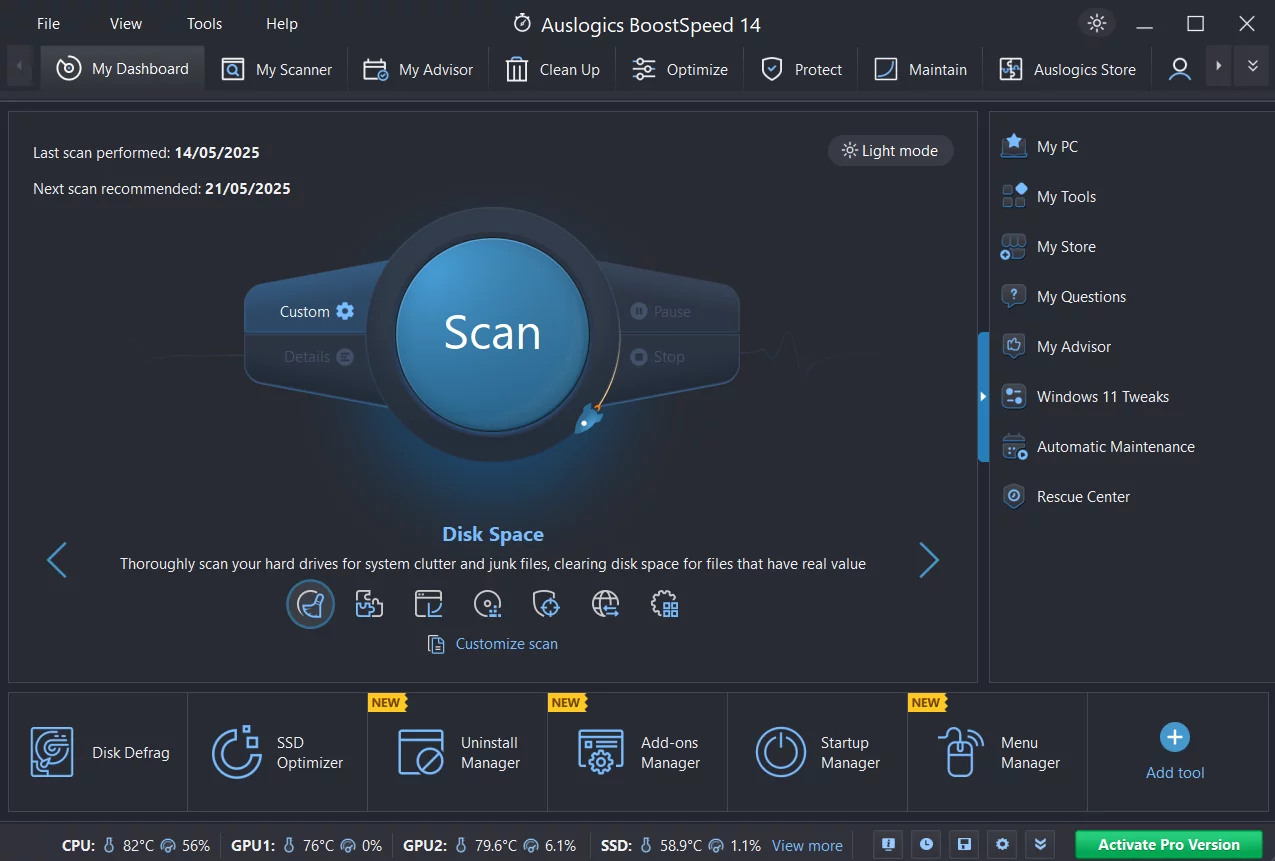
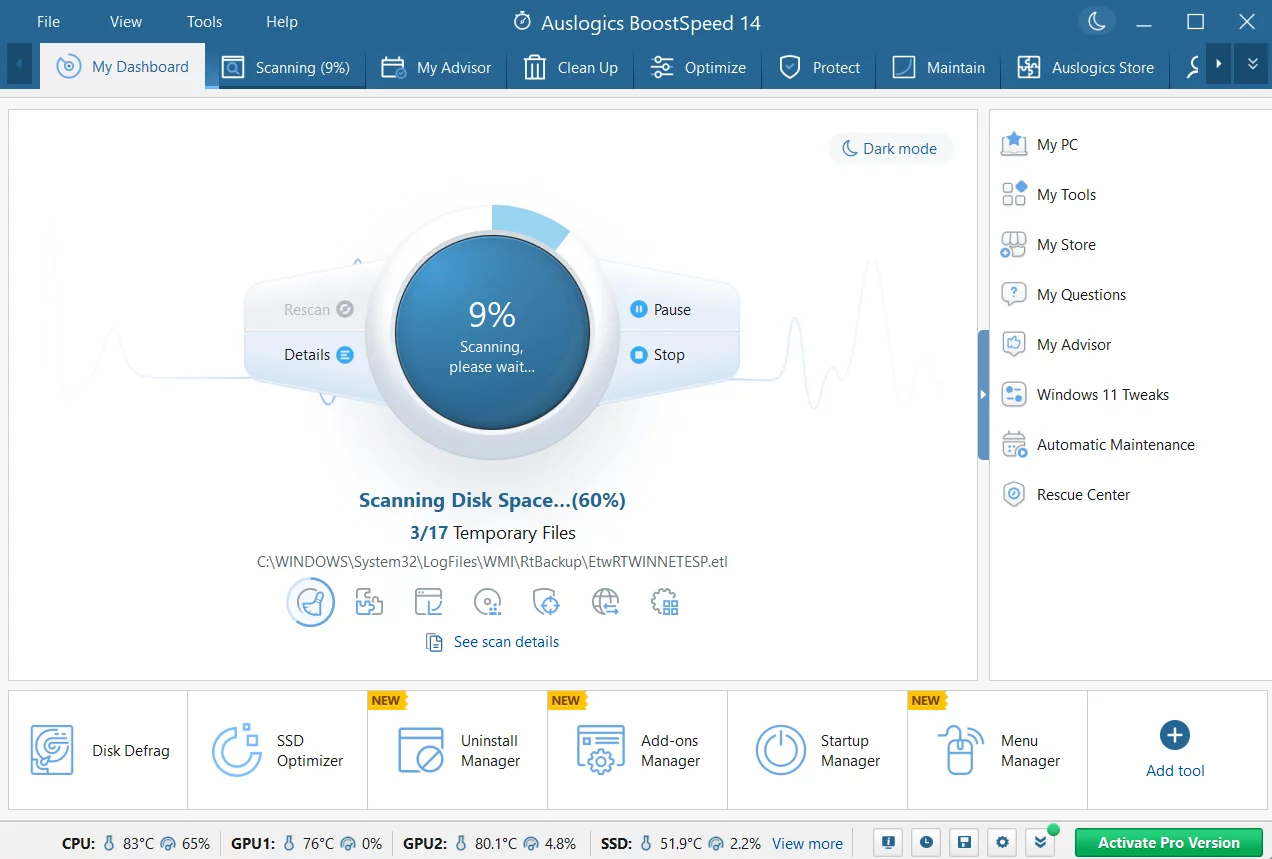
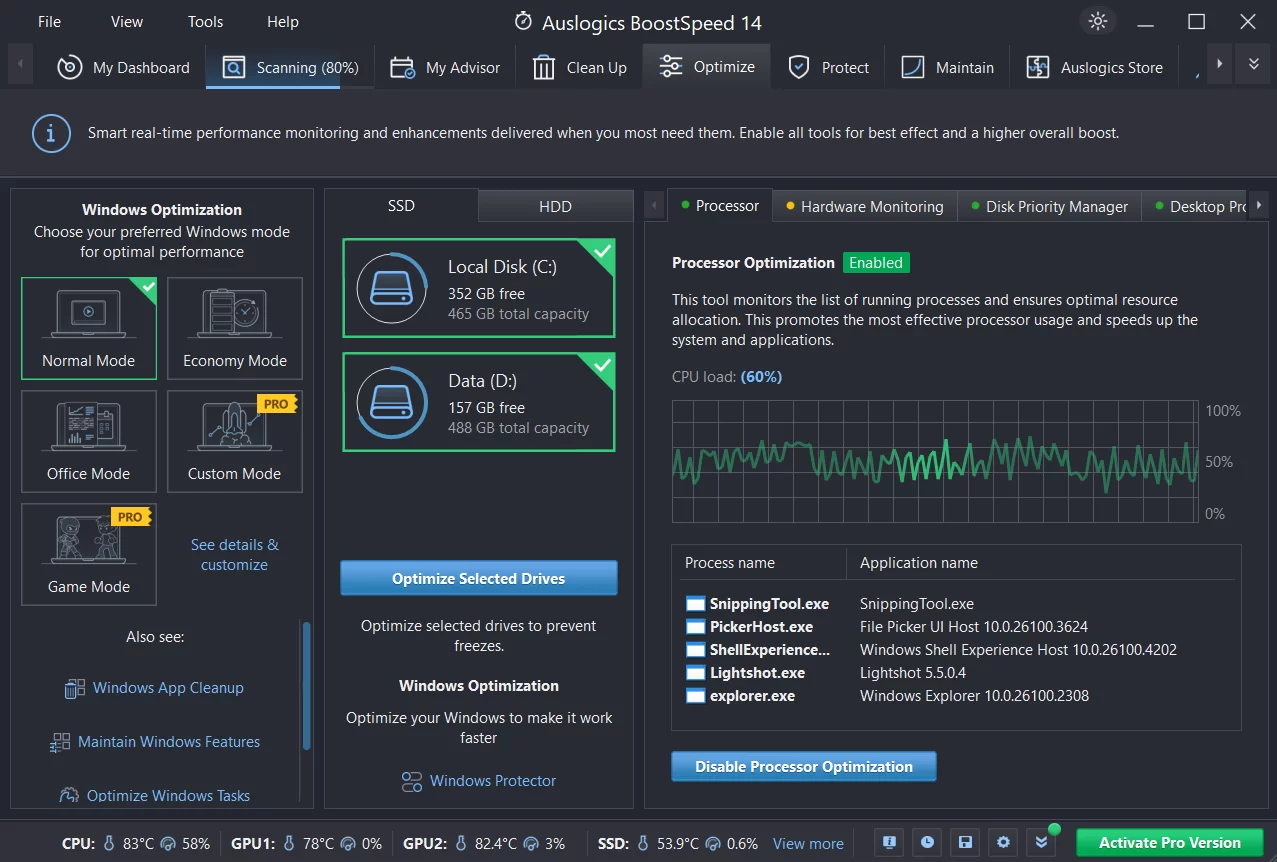
Auslogics BoostSpeed 13 is a professional yet very user-friendly tool designed to make your PC run better. It features a clean and simple interface that combines cleaning, speeding up, repairing, and optimizing your system into one package. You don't need to buy new hardware—this tool helps optimize how Windows runs and boosts your internet connection speed. It can fine-tune apps like Microsoft Office, MSN, and Outlook, and even block annoying ads. It is safe, fast, and ad-free, providing the smartest way to breathe new life into your computer's performance. Compared to older versions, it’s faster and allows you to set up "auto-maintenance" to automatically clear trash, fix registry errors, and organize your hard drive (defrag) to keep everything running smoothly. If you want a faster PC, give it a try!
Key Features
1. Disk DefragOrganizes files on your hard drive so it can work at maximum efficiency.
2. Startup Manager
Turns off unnecessary programs that start automatically to make your PC turn on faster.
3. System Info
Gather detailed information about your computer's hardware and components.
4. Task Manager
Stops unnecessary background tasks to save system resources.
5. Service Manager
Closes unneeded Windows services to free up memory (RAM).
6. Tweak Manager
Adjusts hidden system settings to improve your overall experience.
7. Duplicate File Finder
Finds and deletes extra copies of the same file to save space.
8. Disk Doctor
Scans for hard drive errors and tries to fix them.
9. Disk Explorer
Shows you which files and folders are taking up the most space.
10. File Recovery
Helps bring back files that were accidentally deleted or lost to viruses.
11. Uninstall Manager
Easily removes software you no longer use or need.
12. Registry Cleaner
Cleans up broken internal system records to improve stability.
13. Disk Cleaner
Clears out "junk files" to free up storage space.
14. Internet Optimizer
Adjusts your settings to make your web browsing and downloads faster.
15. File Shredder
Permanently deletes sensitive files so they can never be recovered by others.
16. Free Space Wiper
Cleans the empty space on your drive to protect your privacy and deleted data.
Main Functions
1. PC Check-up
Diagnosis is the first step to a fix. BoostSpeed scans your entire system to find junk files, things slowing you down, and causes of system crashes. It uses safe technology to find issues that can be fixed without risking damage to your Windows system.
2. Junk Removal
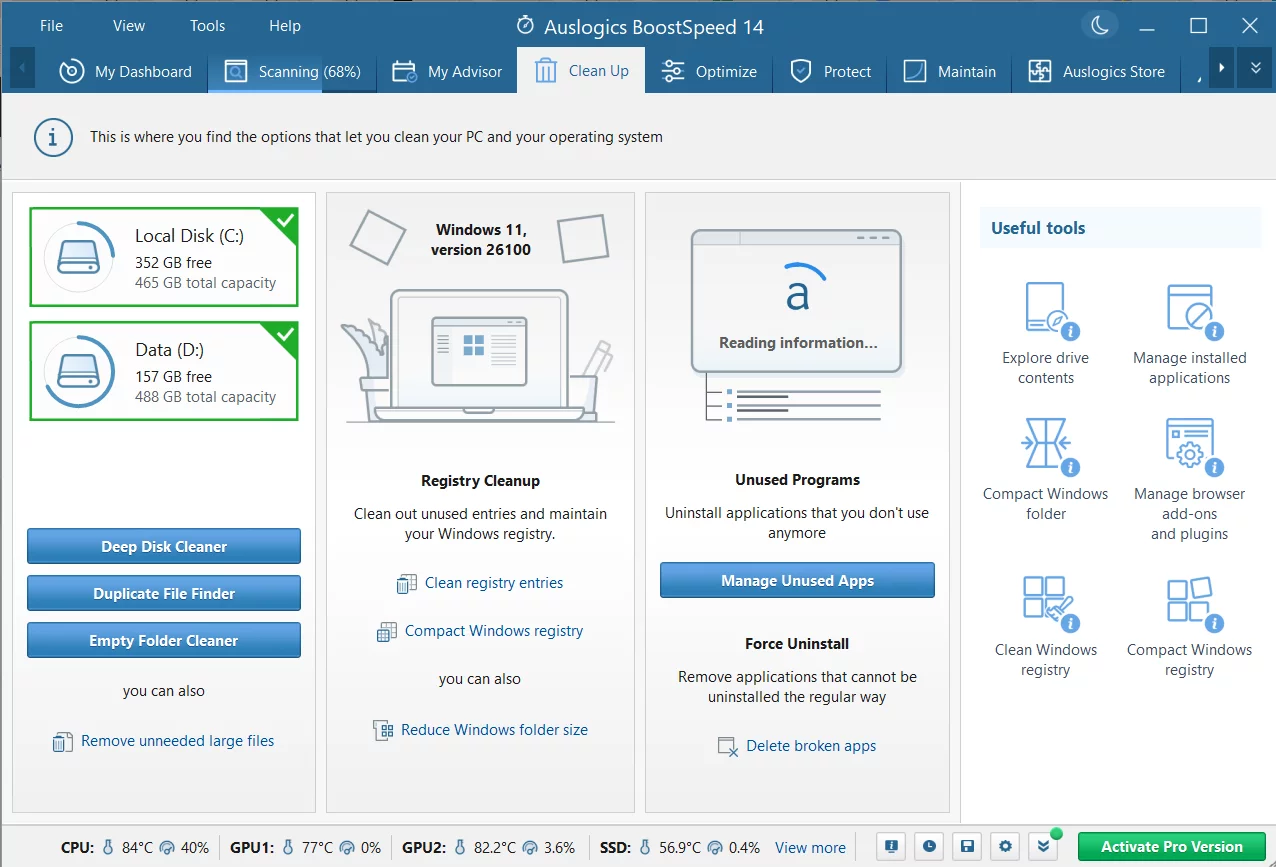
A clean PC is a fast PC. The cleaning module sweeps away temporary files, browser caches, old error logs, and leftover Windows Update files. It can often find gigabytes of wasted space to give back to you.
3. Better Stability
Make crashes a thing of the past. Like a digital surgeon, BoostSpeed carefully removes broken entries in the Windows Registry. It's designed to fix the root causes of glitches and keep your computer stable.
4. Speed Boost
Everything runs faster. BoostSpeed fine-tunes system settings so your apps work more efficiently. It also optimizes your internet for smoother browsing, faster downloads, and better quality for video calls.
5. Privacy Protection
Keep your info away from hackers. When you type passwords or credit card info, traces stay on your drive. BoostSpeed helps erase these digital footprints and keeps your sensitive data safe.
6. Automatic Maintenance
Set it and forget it. You can schedule the software to clean and speed up your PC automatically on a schedule that works for you, so your computer stays fast without you having to think about it.
7. Smooth Performance
Keep your PC steady. To keep the speed gains permanent, the tool manages your memory and processor in real-time, making sure the apps you are actually using get the most power. This ensures a smooth, lag-free experience every day.