
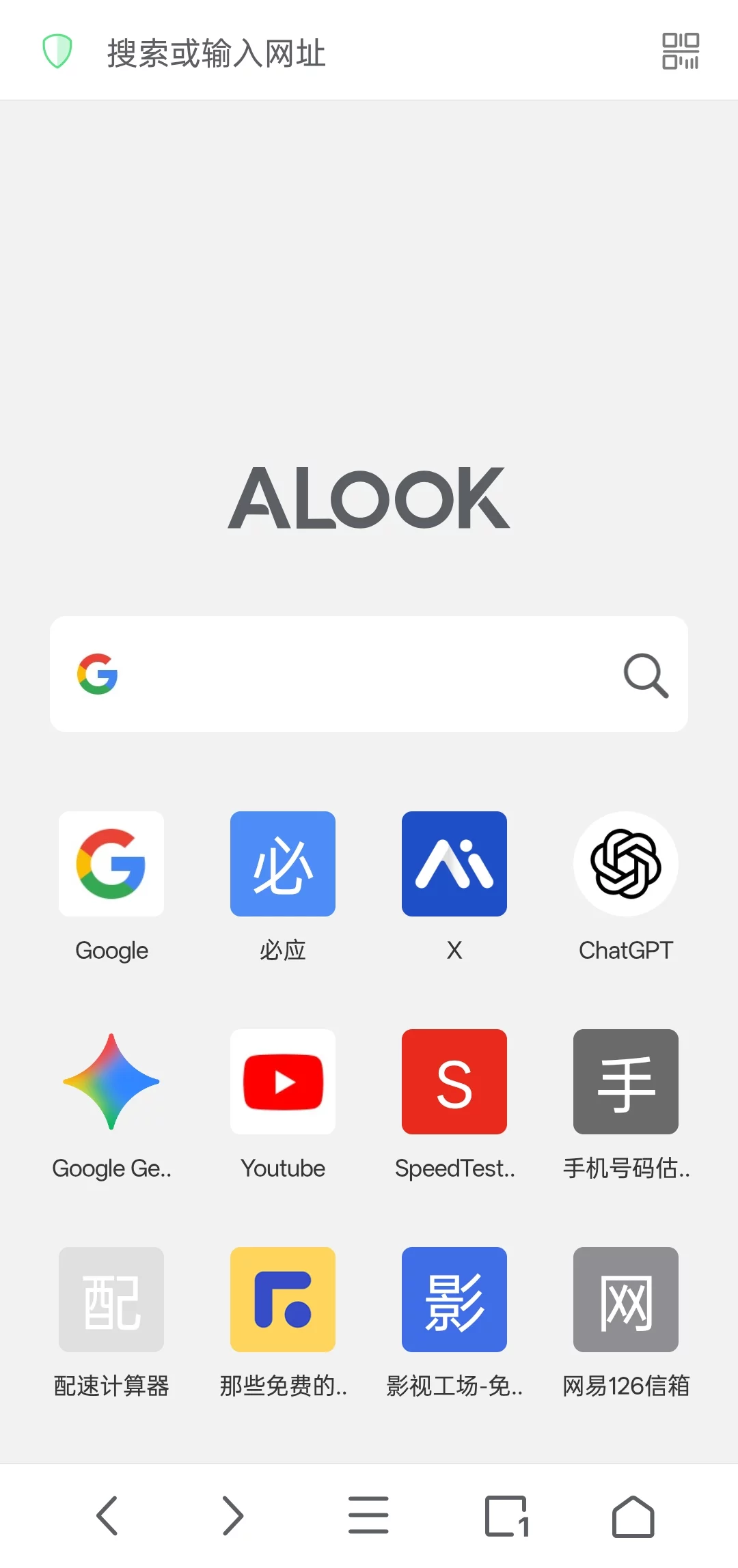
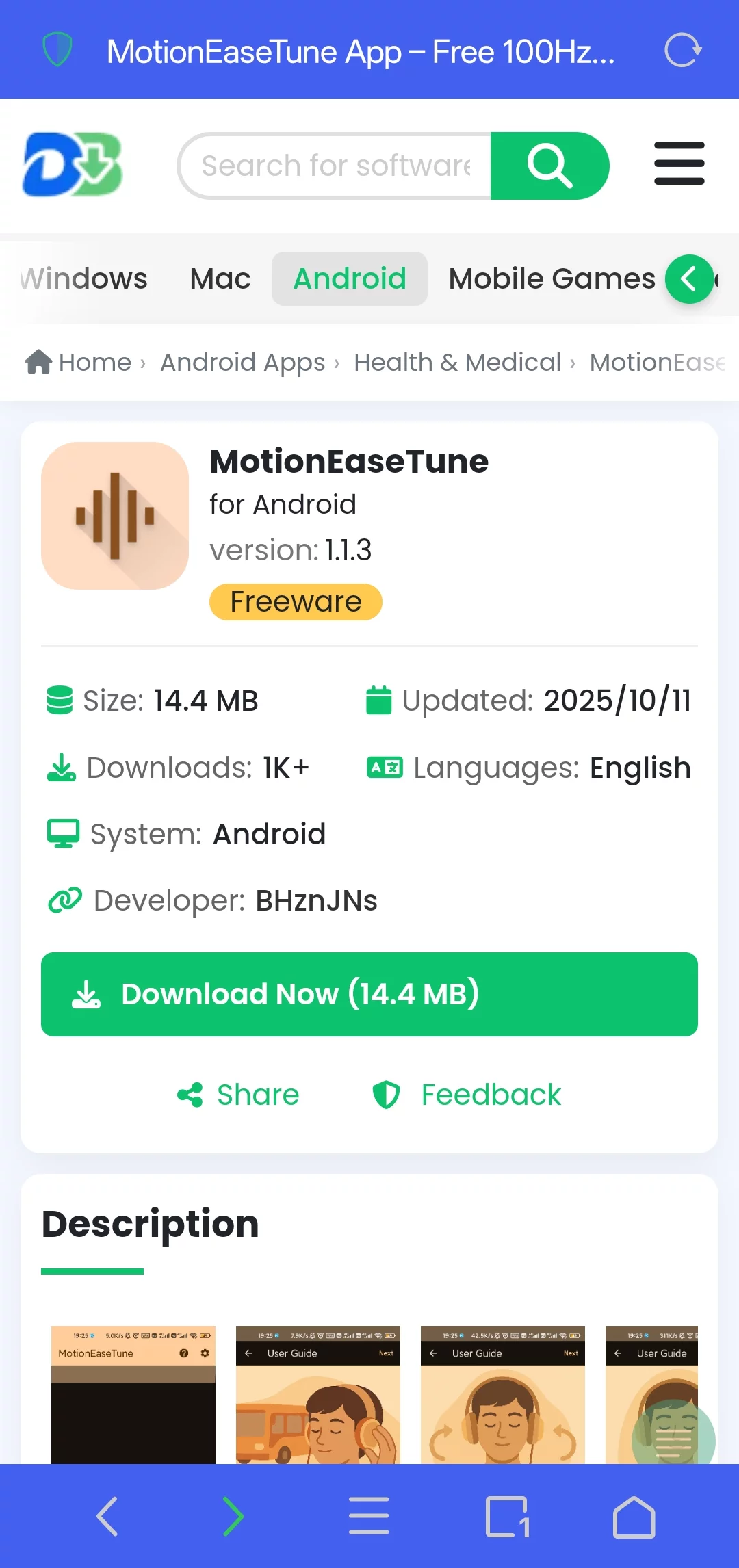
If you’re an iPhone power-user, you’ve probably heard people rave about ALOOK. It’s a web browser made by a little Chinese studio called Baoding Lehuo Network Technology. What made it famous? It was the first mobile browser that let videos pop out into a floating window AND keep playing in the background. Plus it has a crazy speed-control slider—up to 4×—that hit a real pain-point for lots of us. Android folks were green with envy… until the devs finally dropped an Android version. Plot twist: the iOS app costs a few bucks, but on Android it’s completely free—so now iPhone users are the jealous ones.
People call it the “three-no” browser: no push spam, no news feed, no ads. Opens instantly. On the feature list you’ll find 4× video speed, floating window playback, video download, direct downloads from Baidu Netdisk, user JS scripts, custom ad-filter rules, a developer console, and Adblock Plus baked right in. You can pick multi-language filter lists or add your own, and the browser nukes annoying pop-ups automatically. Plenty more goodies—go try them yourself.
Why bother?
Free, clean, zero ads.
How to turn on the floating-video thing:
① Install the app and open it. A quick-start guide pops up; follow it or skip it—your call.
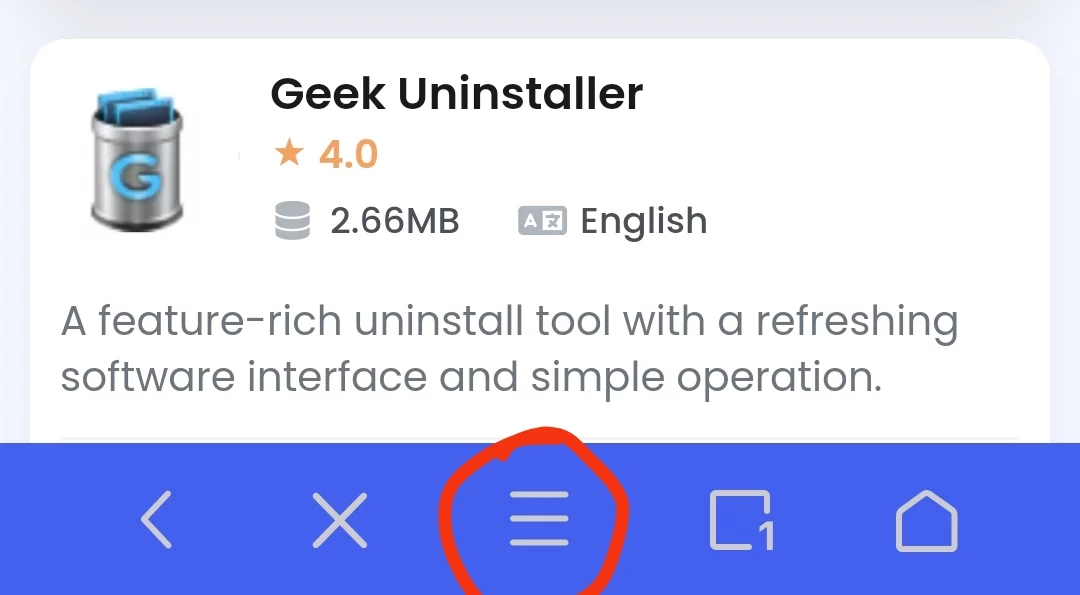
② I skipped the guide. Tap the three-bar menu at the bottom, choose “Floating Video”, and flip the switch. Android will ask for overlay permission—say yes or the feature won’t work.
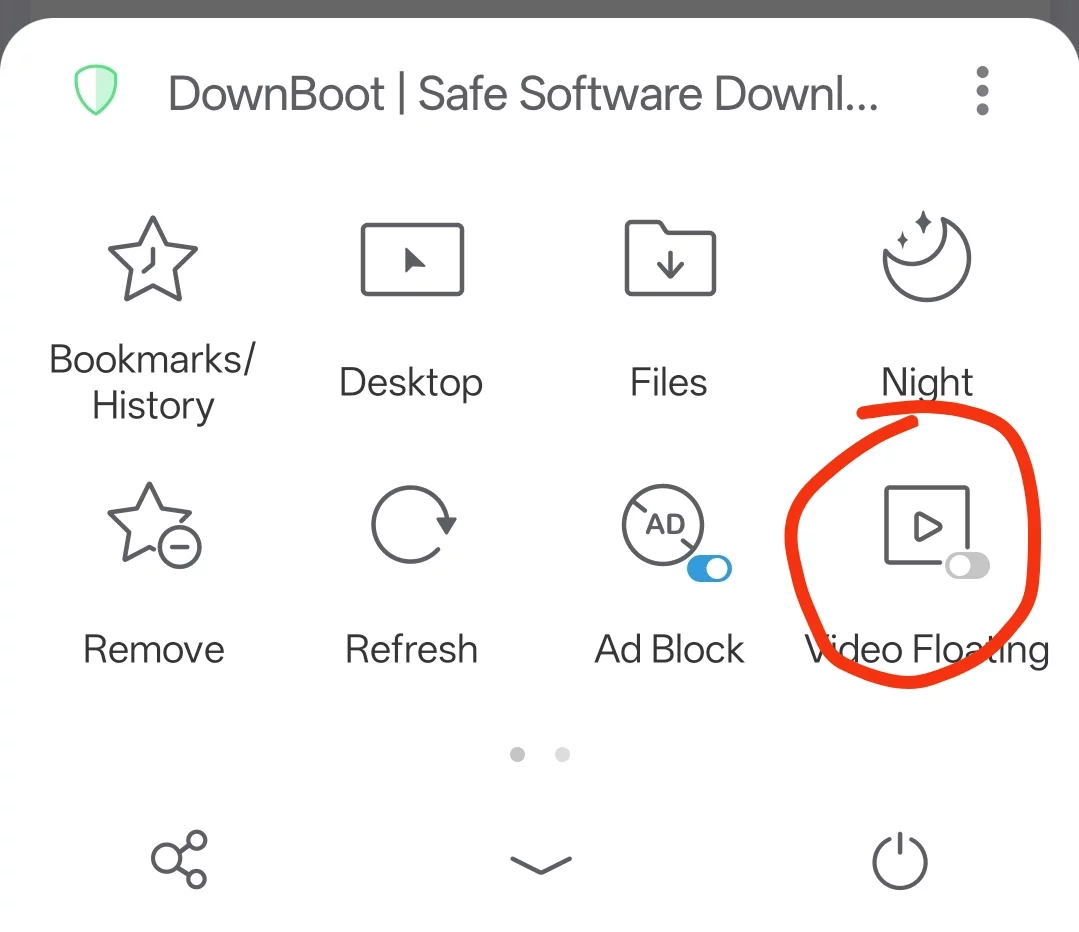
③ With that done, head to any decent streaming site, start a video, and you’ll see a little download icon in the floating window. Tap it to cache the clip. (Pro-tip: there’s also a play/pause button in the corner—long-press it to toggle the floating window. Keep the float on or the download can fail.)
④ To check progress, open the three-bar menu again and pick “Downloads”.
FAQ in plain English:
What platforms?
iOS (iPhone / iPad) and Android. Grab it from the official site or your local app store.
What are the headline features?
Ad-free surfing, built-in ad blocker, floating & background video, 0.5×–16× speed control, file download manager, page translate, e-book reader, custom home page / search engine.
How does the ad blocking work?
Adblock Plus is baked in. Subscribe to any filter list (Chinese, English, third-party) or write your own rules—pop-ups and banners disappear.
Can it translate pages?
Yep. Full-page or single-word translation in loads of languages.
Can I download files?
Sure. It downloads, sorts, zips/unzips (ZIP, RAR, 7z), does Wi-Fi transfer, picks text encoding, and even sucks files in from your photo gallery.
Incognito mode?
Yup. No history, no search logs, no cache left behind.
Custom search engines?
Add any engine you like and set it as the default.
Video playback tricks?
Floating window, background audio, picture-in-picture, AirPlay/Chromecast, and speed from half to 16×—great for binge-watching or lecture cramming.
Desktop site switch?
One tap in the menu flips the user-agent to desktop mode.
How does it feel to use?
Lightning-fast launch, dead-simple UI, and almost no ads—perfect if you hate clutter.
Privacy & security?
The app doesn’t phone home with your history, and the incognito mode actually stays incognito.
Languages?
English and Chinese, auto-matched to your phone’s system language—no manual toggle.
Can iOS users cache videos?
Nope, download-to-phone is Android-only for now.