
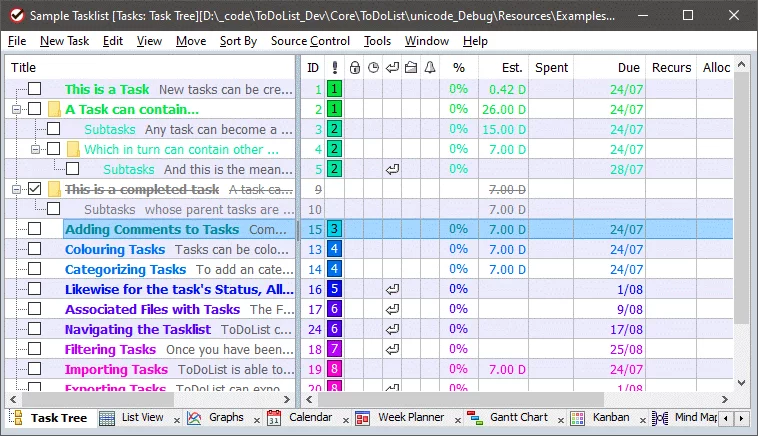
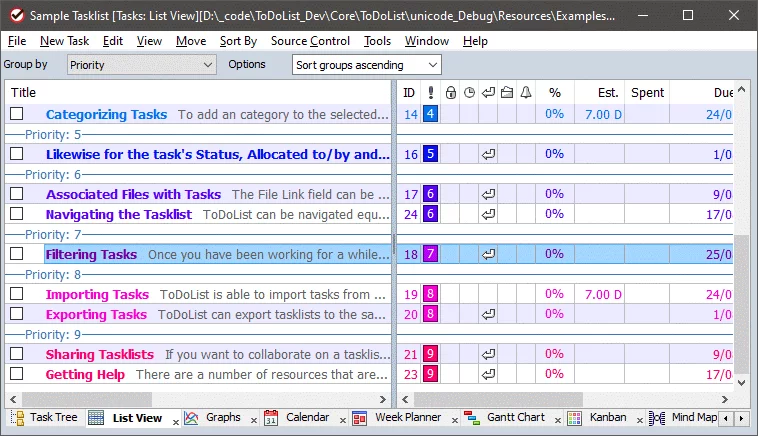
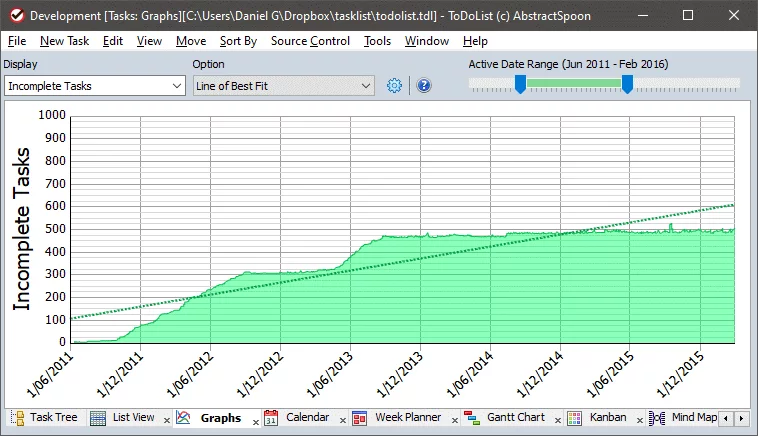
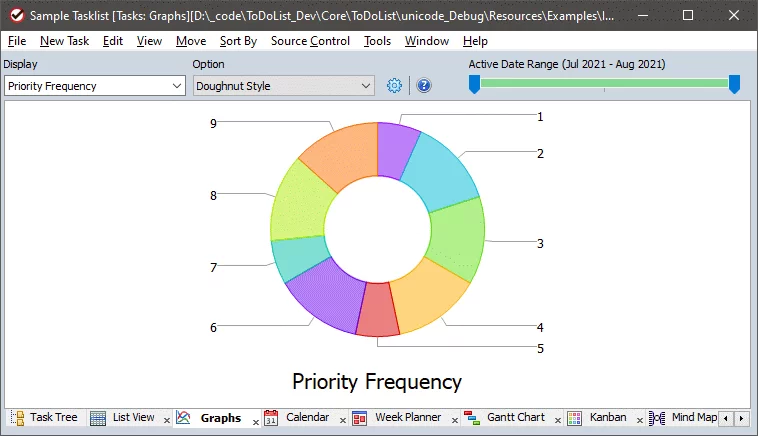
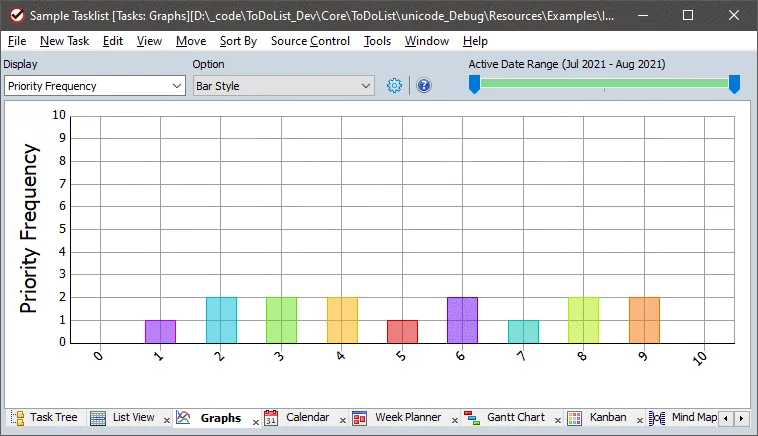
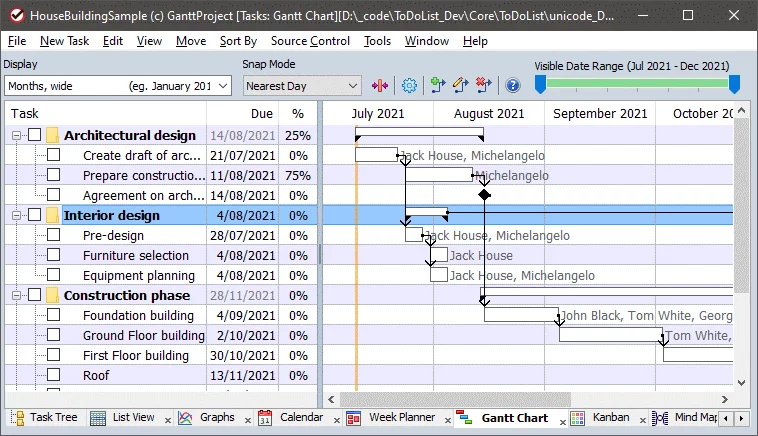
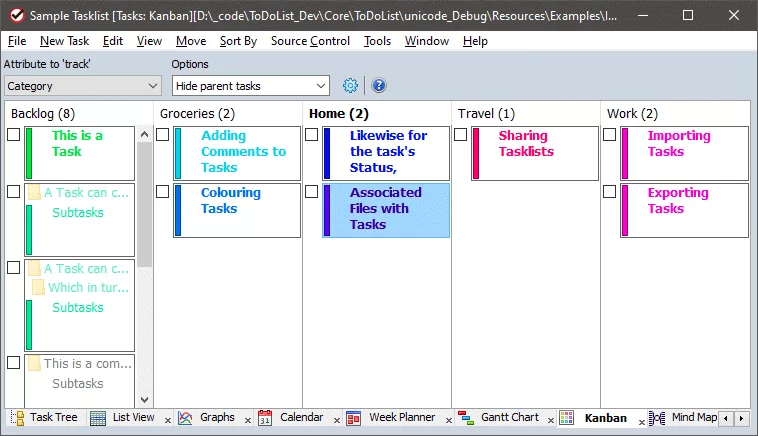
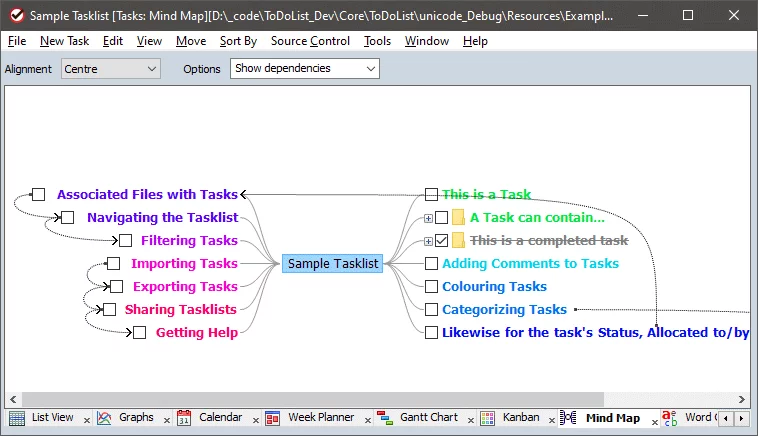
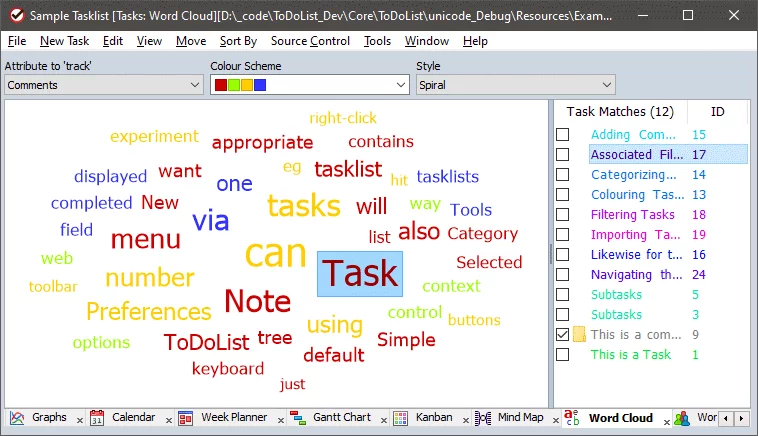
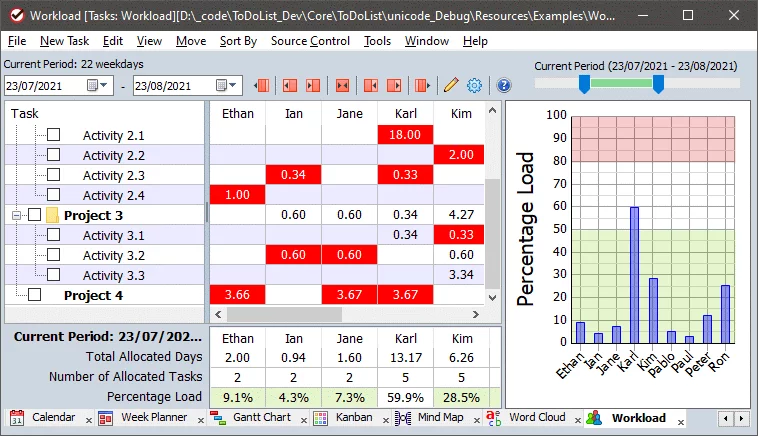
ToDoList is a general-purpose yet sophisticated task management tool. It doesn't focus on a specific industry or field; besides tracking task status, it also includes user-recorded and reported task time. Combined with its powerful reporting mechanism, ToDoList becomes a trusted and effective reporting tool for customers. Users can assign start and due dates to each subtask, and as each subtask is completed, the parent task will be updated in various ways to provide real-time updates on overall work progress.
Software Functions
1. Task Management: ToDoList helps users quickly create tasks, set priorities, due dates, reminder times, etc., and can group and archive tasks for easy viewing and management.
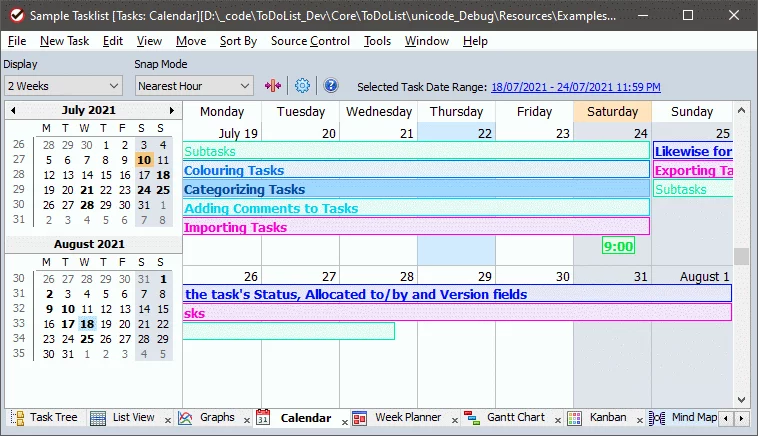
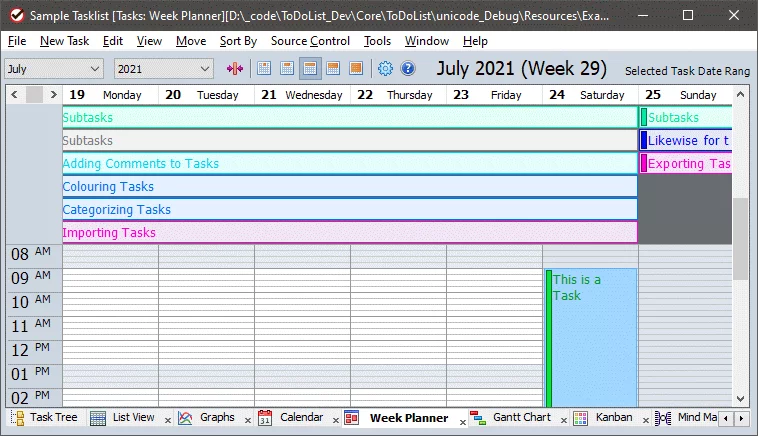
2. Scheduling: ToDoList can arrange tasks along a timeline and display them in a calendar format, allowing users to clearly understand task schedules and urgency.
3. Tag Categorization: ToDoList supports task categorization by tags, allowing users to quickly find relevant tasks. Tasks can also be filtered and sorted based on tags.
4. Task Collaboration: ToDoList supports multi-person collaboration, allowing tasks to be assigned to different team members, with permissions and notification methods set, effectively improving team collaboration efficiency.
5. Data Backup: ToDoList supports data backup and restore functions, allowing users to back up task data locally or to the cloud, ensuring data security and reliability.
Software Features
1. Simple Interface: ToDoList features a simple and clear interface design with well-defined functional areas. Operation is simple and easy to understand, allowing users to quickly get started.
2. Powerful Functions: ToDoList supports various functions such as task management, scheduling, tag categorization, and task collaboration, meeting the needs of different users.
3. Free and Open Source: ToDoList is free and open source software. Users are free to use and modify the software's source code, and can also participate in the software's development and maintenance.
4. Cross-Platform Support: ToDoList supports multiple platforms such as Windows, Mac, and Linux. Users can use and synchronize task data on different devices, making it convenient and flexible.
ToDoList Real-World Testing Experience
Below is my actual experience on an old ThinkPad (i5-8250U / 8GB / Win11 23H2).
The data is based on my manual timing over multiple attempts, not theoretical values:Initial startup speed: 0.31 seconds (basically pops up with a single click)
Memory usage: Approximately 48 MB at startup, approximately 112 MB after loading 5000 tasks
Loading large files: 1.2 MB XML file, approximately 0.4 seconds
Switching views (task tree & Gantt chart): 0.18 seconds
Save speed (5000 tasks): 0.21 seconds
Search response: Approximately 0.05 seconds (almost instantaneous)
Practical experience: It doesn't have network synchronization, so you don't need to worry about lag or synchronization failures. All changes are saved locally in real time, making the editing experience crisp and efficient.
Gantt charts aren't the fancy kind; they're more of a tool, giving you a big picture of "what I did today," which is very practical.ToDoList Pros & Cons Summary
Advantages:
- Fast startup, low resource consumption, portable
- Clear hierarchical structure, ideal for complex project decomposition
- Free and ad-free
- Highly versatile (from memos to project management)
- Richer printing, filtering, and export functions than similar products
Disadvantages:
- Interface has a slightly "old-fashioned" feel, not modern enough
- No official cloud synchronization (requires self-hosted Dropbox/OneDrive synchronization)
- Features are too flexible, beginners need some time to adapt
ToDoList FAQ (ToDoList Frequently Asked) Questions)
- Q: Is there an Android/iOS version?
- A: No, mobile devices can only view it using third-party syncing and other software.
- Q: Can it be synced to the cloud?
- A: It's not officially provided. You can use OneDrive, Dropbox, or Syncthing to sync XML files, which works well.
- Q: Can it support multi-person collaboration?
- A: Essentially not, but you can barely achieve "pseudo-team collaboration" using a Git repository.
- Q: Can it be made like a Kanban board?
- A: It can be simulated using filtered views, but that's not the native design direction.
- Q: Will updates stop?
- A: The author occasionally goes silent for a few months, but the version still receives several small updates per year.
ToDoList Version Update Content (ToDoList Changelog)
Optimized task tree expansion speed under large data volumes
Fixed a bug where the Gantt chart would occasionally misalign when scaling
Added combination logic for several filtering rules
Improved the ability to recover from exceptions in XML files