Prey Official Version is a professional and powerful computer anti-theft and tracking software. The latest version of Prey can work with your related computer devices to quickly locate their real-time position even if they are lost, locking them immediately to protect file security and prevent significant losses. Prey software can also combat malicious programs carrying virus threats, effectively cleaning them up and providing users with the most considerate information management service.
Prey Software Introduction
Adds anti-theft and tracking functionality to your laptop. Runs on Windows / Mac OS / Ubuntu / Linux operating systems.
Alert Warning Function: When enabled, you can set the message to be displayed on the computer after theft. Besides displaying the message, it also has the function of changing the desktop wallpaper.
Prey Software Features
100% Accurate Geolocation
Prey uses either the device's GPS or the nearest Wi-Fi hotspot for triangulation and locates the device in its position. This is extremely accurate.
Any Unauthorized Access
Completely locks your computer; it cannot be used without a specific password. That guy can't do it!
Scan Your Hardware
Gets a complete list of your PC's CPU, motherboard, RAM, and BIOS information. It works very well when using Active Mode.
Lightweight as a feather
Prey has very few dependencies and leaves no memory even before activation. We care as much as you do.
Guaranteed data security
Hide your Outlook or Thunderbird data and optionally remove your storage password, so no one can see your stuff.
Fully automatic updater
Prey can check its current version, automatically fetch and update itself, so you don't need to manually reinstall it every time.
Prey Installation Steps
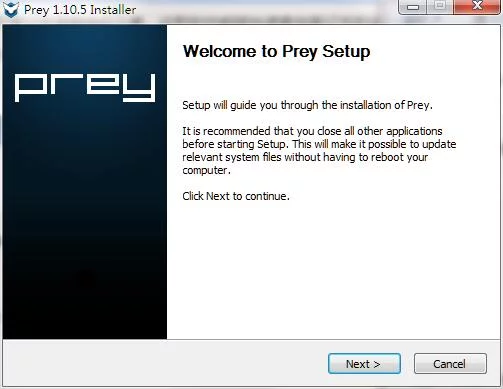
1. Download the official Prey installation package from Huajun Software Park. Double-click the "exe" file to enter the installation wizard, and click Next.
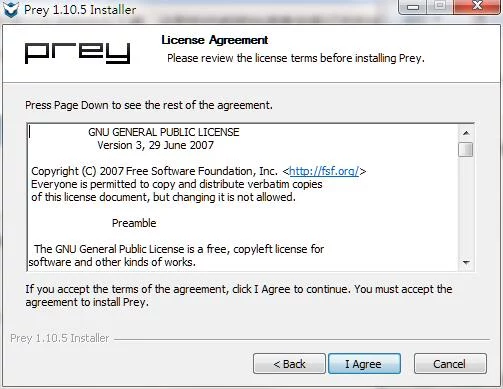
2. Read the license agreement and click I Agree.
3. Click "Browse" to select the installation location. The default is usually the C drive, but D drive is recommended. Click Install.

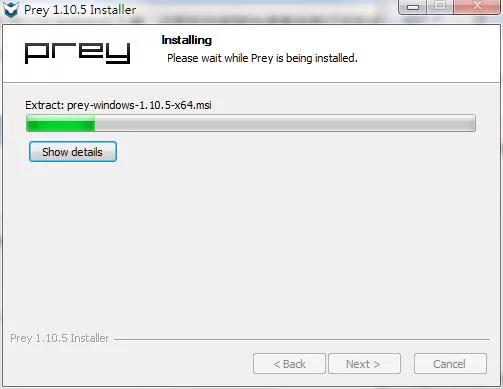
4. The software is installing; please wait patiently.
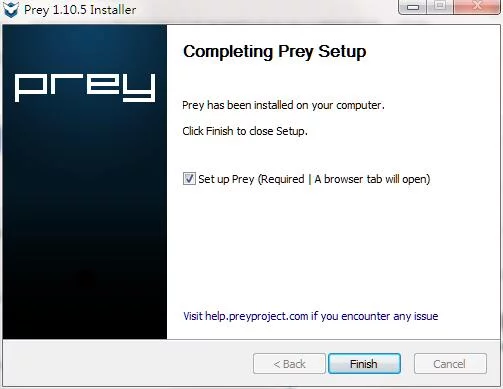
5. Prey installation is complete. Click Finish to exit the installation wizard.