
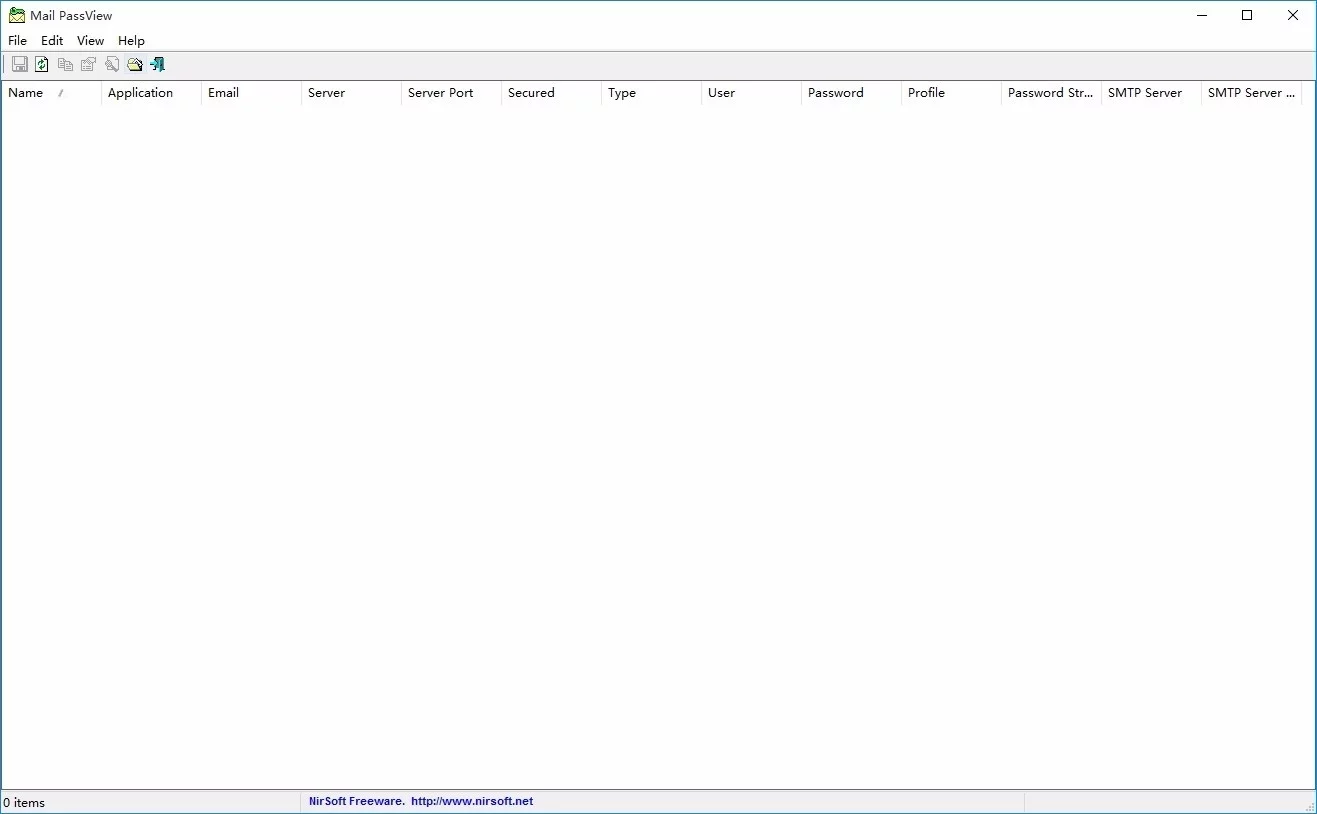
Mail PassView is a small password recovery tool designed to retrieve lost email passwords. It can now directly decrypt Thunderbird passwords without needing external DLL files. The latest version includes an option to export passwords to a KeePass CSV file, making it easy to import your credentials into the KeePass password manager. It also adds a header line to CSV/Tab-delimited files, meaning column names are included as the first row in your exports. Advanced users can now send password lists to "stdout" by specifying an empty filename in the command line. Additionally, a Password Strength column has been added to rate your security from "Very Weak" to "Very Strong," alongside "Security" and "Server Port" columns to show if your connection is encrypted and which ports (SMTP/POP3/IMAP) are being used. Note: Mozilla Thunderbird 3.x and above must be installed on your system to retrieve those specific passwords!
New Version Features
Improved Compatibility: Optimized to work with the latest versions of Thunderbird by processing the logins.json file.
Expanded Support: Now supports Microsoft Outlook 2013 and Outlook 2016.
Command Line Update: The option to export passwords via command line has been removed from the standard official version; a separate version with full command line support is available on a dedicated webpage.
SMTP Details: Added columns for SMTP Server and SMTP Port for Outlook, Windows Live Mail, and Outlook Express accounts.
Improved Readability: Added an option under the "View" menu to mark Odd/Even rows with different colors, making it much easier to read single lines of data.
Quick Copy: Added a "Copy Password" shortcut (Ctrl+P) for faster access.
Bug Fixes: Optimized the tool to handle Thunderbird password file paths that contain non-English characters.
Software Highlights
Displays passwords and account details for the following clients:
- Outlook Express and Microsoft Outlook 2000 (POP3 and SMTP only).
- Microsoft Outlook 2002/2003/2007/2010/2013/2016 (POP3, IMAP, HTTP, and SMTP).
- Windows Mail, Windows Live Mail, IncrediMail, and Eudora.
- Netscape 6.x/7.x and Mozilla Thunderbird (if not encrypted with a Master Password).
- Group Mail Free.
- Yahoo! Mail, Hotmail, and MSN Mail (if saved in their respective Messenger applications).
- Gmail (if saved via Gmail Notifier, Google Desktop, or Google Talk).
For every account, the tool displays the Account Name, Application, Email, Server, Server Type, Username, and Password.
Usage Guide
Simply download the package, unzip it, and double-click the program to open it. The interface is clean and the modules are clearly labeled.
Using the Utility:
This utility is a standalone executable. It does not require installation or any additional DLLs. Just run mailpv.exe to see your email account list instantly. You can then save the info to a text file or copy it to your clipboard.
Recovering from another Windows instance:
Can you extract passwords from a drive where Windows cannot boot? Currently, Mail PassView can retrieve passwords from external drives for Thunderbird, Netscape, and Eudora. To do this, press F6 (Select Folders) and manually navigate to the correct folder on the external drive. Note: Use quotes ("") if the folder name contains spaces.
Translating to other languages:
You can easily translate the menus and dialogs. Run the program with the parameter mailpv.exe /savelangfile. This creates a mailpv_lng.ini file in the folder. Open this file in Notepad, translate the text entries, and restart the app to see it in your language.