In the digital age, screenshots have become an indispensable part of our daily work and life. Whether students are organizing study materials, professionals are creating reports, or designers are showcasing their ideas, a good screenshot tool can greatly improve our efficiency. Today, let's talk about a newly launched product in the app store – HyperSnap 9, hailed as the "all-rounder" of screenshots. What makes it so appealing that screen capture is so easy? Let's delve into the powerful features and unique aspects of this software!
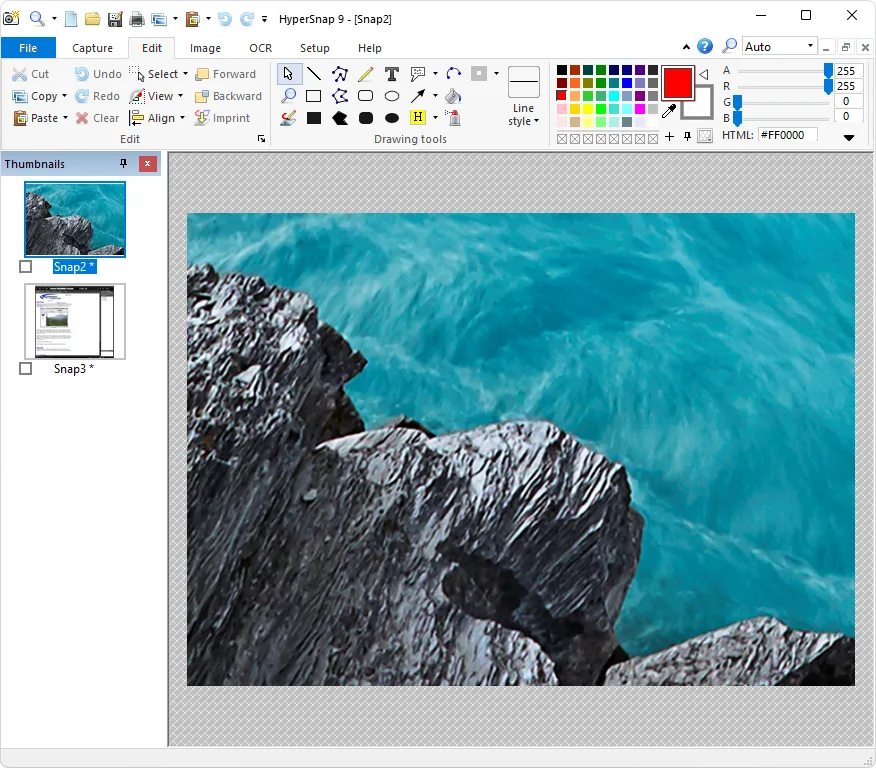
Upon opening HyperSnap 9, its clean and intuitive interface immediately catches your eye. The seamless switching between the modern "ribbon" and traditional menus allows both beginners and experienced users to quickly get started.
Powerful Screenshot Functionality
Multiple Screenshot Modes: HyperSnap 9 offers a variety of screenshot modes, including rectangular screenshots, freeform screenshots, window screenshots, menu screenshots, and scrolling window screenshots. Users can choose the appropriate screenshot method according to their needs, easily capturing any content on the screen.
Multi-monitor Support: Supports multi-monitor environments, allowing users to freely switch between multiple monitors for screenshots, meeting screenshot needs in different scenarios.
Screenshot Shortcuts: Users can customize screenshot shortcuts for quick and easy access to the screenshot function, improving work efficiency.
Convenient Image Editing Functions
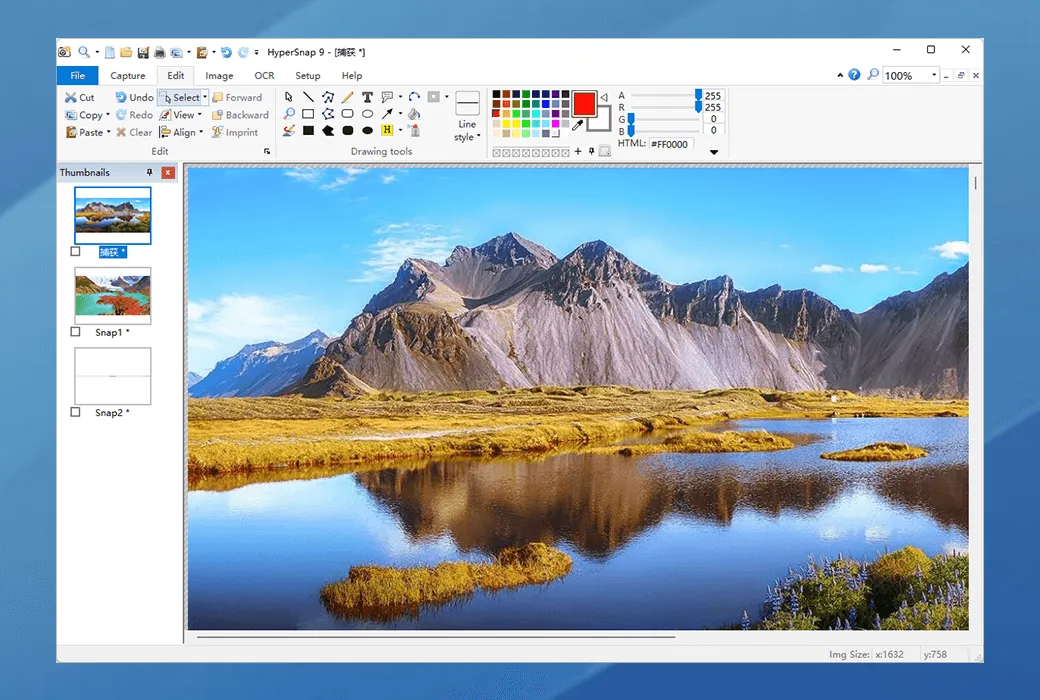
Rich Editing Tools: HyperSnap 9 includes a wealth of image editing tools, such as cropping, rotating, scaling, adjusting brightness/contrast, adding text annotations, and drawing graphics. Users can edit directly after taking a screenshot without switching to other software.
Object Manipulation: Supports selecting, editing, showing/hiding, moving, and deleting drawn objects on an image. A new native file format allows these objects to be saved for later editing.
Unlimited Undo/Redo: During editing, users can undo and redo operations an unlimited number of times, preventing the loss of important information due to accidental operations.
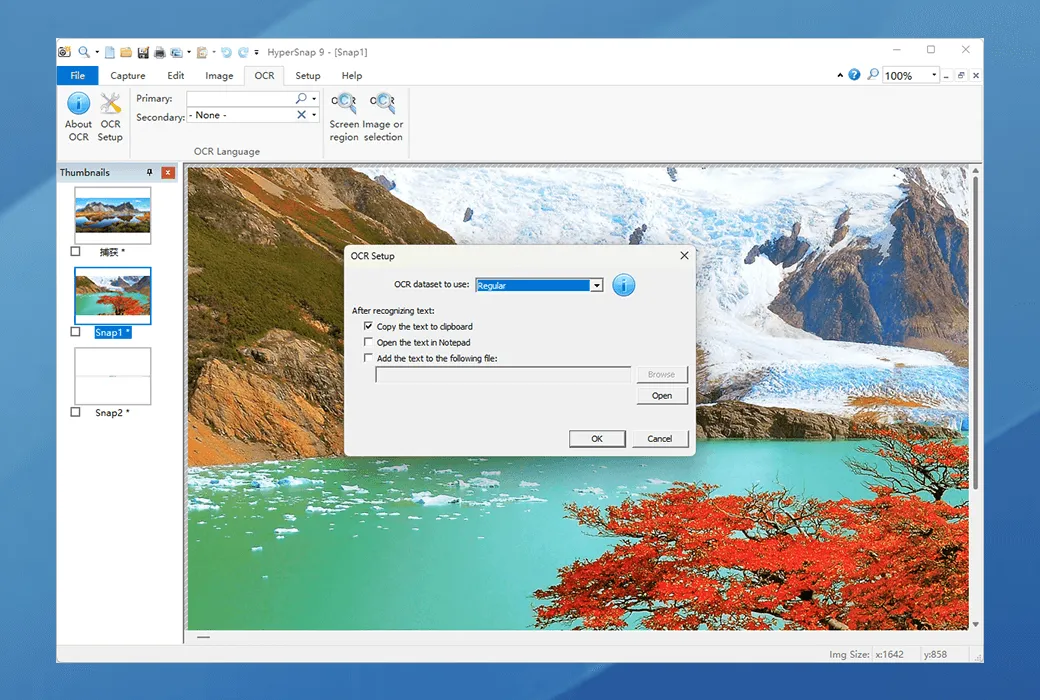
Efficient OCR Text Recognition Function:
Screen OCR: HyperSnap 9 supports screen OCR, which can recognize and copy editable text from the screen or images. Based on the open-source Tesseract OCR project, this feature has no limitations in the free trial version.
High-precision recognition: Accurately recognizes text in multiple languages, suitable for users who need to extract text from screenshots, such as technical document writers and translators.
Highly customizable user interface
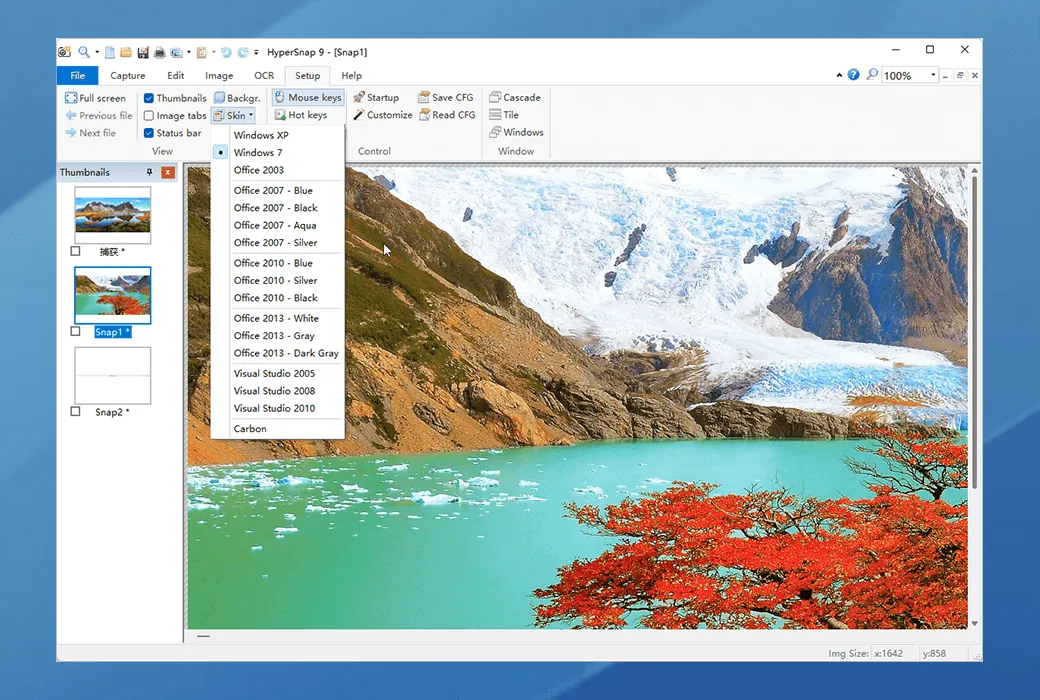
Customizable menus and toolbars: Users can rearrange menus and toolbars according to their needs, assign any keyboard shortcuts they like, and even control HyperSnap via voice commands.
Multiple interface styles: Supports switching between a modern ribbon interface and a traditional menu toolbar to meet the operating habits of different users.
Automatic backup and stability
Automatic backup: All new screenshots and all images edited by the user are automatically backed up to a backup folder and retained there for several days (default 7 days) before being automatically deleted to free up space. This feature effectively prevents the loss of screenshots or image edits due to accidental program exits, system crashes, power outages, etc.
High stability: HyperSnap 9 has undergone rigorous testing and runs stably without frequent crashes or lag, ensuring a smooth user experience.
Integration with Other Tools
Tight Integration with Windows Clipboard: Automates repetitive tasks and even automatically pastes captured images to the desired location, improving work efficiency.
Supports Multiple Image Formats: Combines a powerful image viewer and format converter, supporting over 20 image formats for convenient use in various scenarios.
Professional-Grade Features
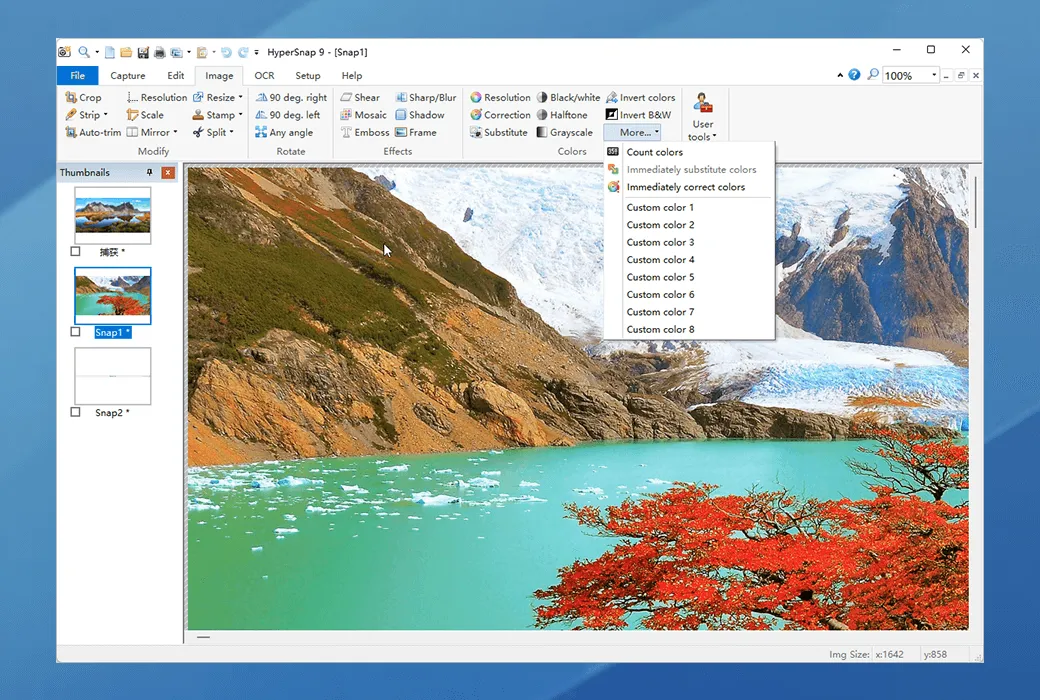
Image Stamps, Borders, Shadows: Supports adding image stamps, borders, shadows, and other effects to enhance the professionalism of screenshots.
Button Capture: Ideal for professional technical document writers who need to capture and record dozens of buttons.
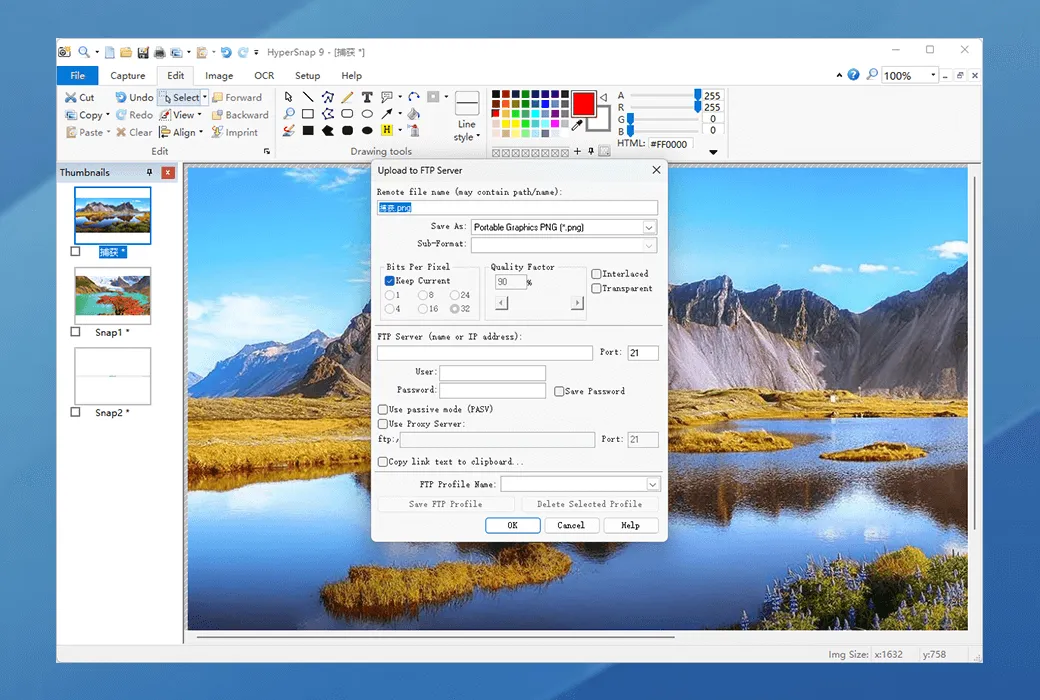
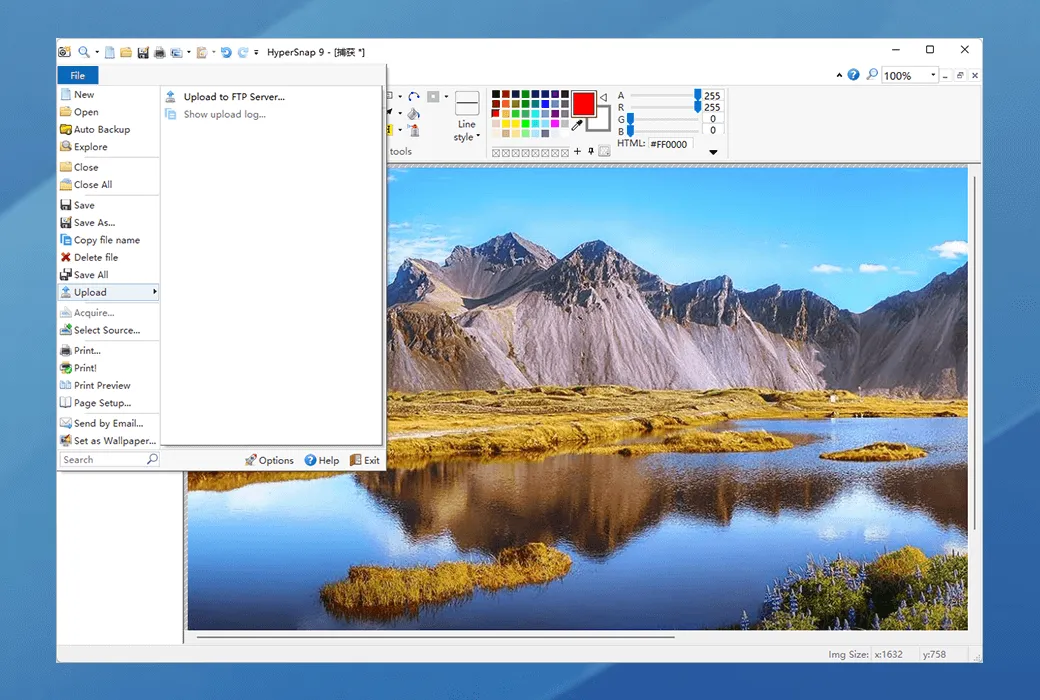
FTP Server Upload: Supports direct upload of screenshots to an FTP server for quick sharing.
Conclusion
HyperSnap 9 is the "all-rounder" of screenshot tools, making screen capture easy and efficient with its powerful features and simple interface. Whether for learning, work, or creative expression, it can meet your needs. Experience this all-in-one screenshot tool now and make screen capture simpler!
Note: Trial period limitation: 20-day trial period.